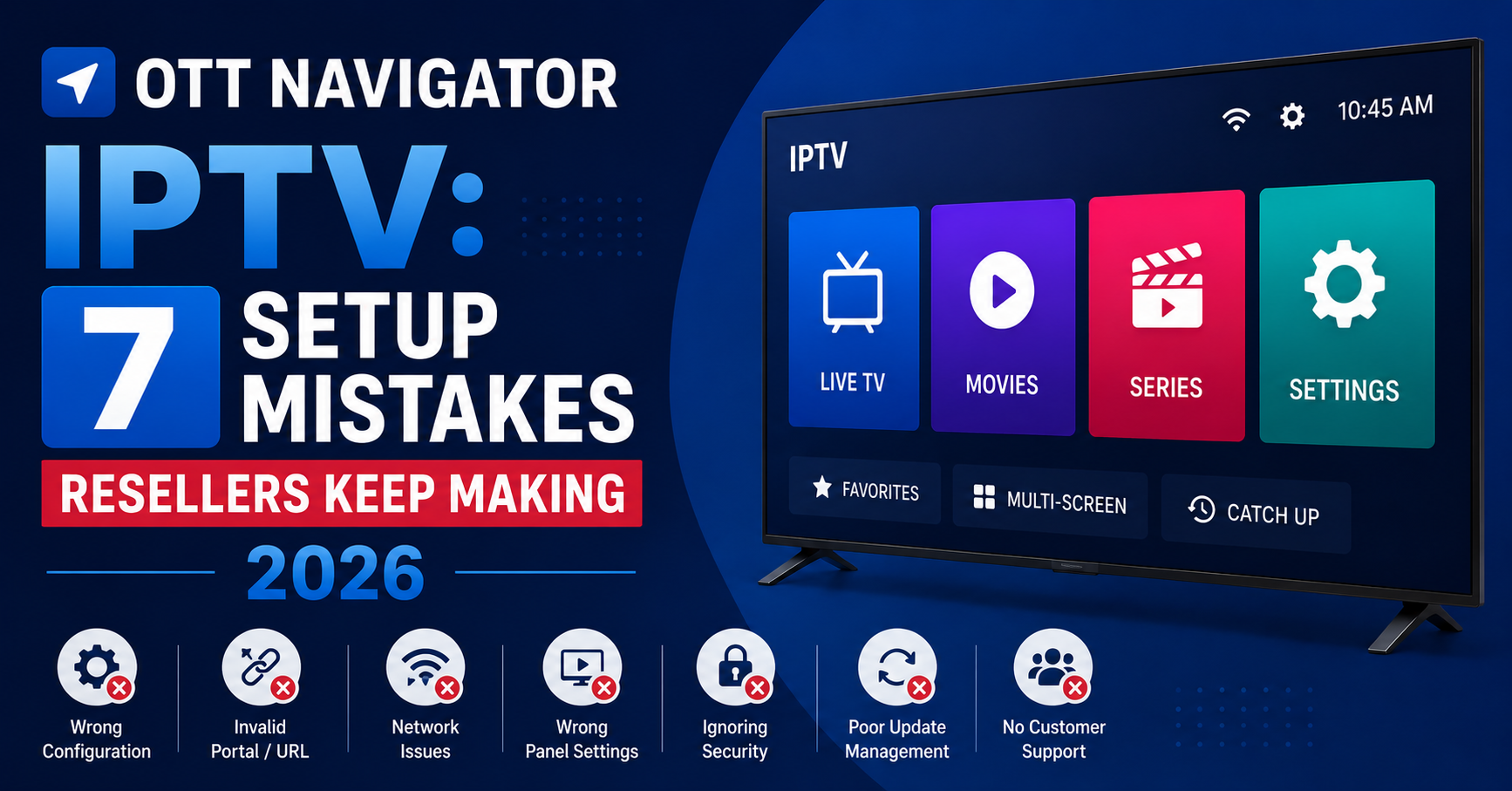

There’s a moment every IPTV reseller remembers. A subscriber messages at 11pm, furious. Channels won’t load. EPG is blank. The app keeps crashing. And nine times out of ten, the player is the problem, not the panel, not the server, not the line. This is exactly where OTT Navigator IPTV enters the conversation, and why it deserves far more attention than most resellers give it.
OTT Navigator IPTV isn’t new. It’s been quietly sitting on the Play Store while flashier apps grabbed headlines. But operators who’ve been through the cycle, the takedowns, the pivot to Xtream Codes API alternatives, the scramble when TiviMate changed its licensing, know that OTT Navigator IPTV is the workhorse that rarely breaks. It doesn’t get the marketing. It gets the job done.
This article isn’t a feature list. It’s what happens when you actually deploy OTT Navigator IPTV across 400+ subscribers and learn where it holds, where it cracks, and where it quietly outperforms everything else on the market.
What Makes OTT Navigator IPTV Different From Every Other Player
Most IPTV players are skinned versions of the same ExoPlayer wrapper. They load an M3U or Xtream API, render a channel list, and call it a day. OTT Navigator IPTV takes a fundamentally different approach to playlist management.
It parses and indexes playlists locally. That means your subscriber’s device isn’t hammering the panel server every time they scroll through categories. For UK IPTV resellers running panels with 300+ connections, this reduces API call load significantly, something most operators never think about until their panel starts throwing 429 errors during peak hours.
Pro Tip: If your panel provider charges per API call or throttles requests, OTT Navigator IPTV’s local indexing can cut your overhead by 30-40%. Point subscribers toward longer refresh intervals, every 12 hours is plenty for most line-ups.
The app also handles multiple playlists natively. One subscriber, three providers, zero conflicts. For resellers offering backup lines or premium sports add-ons through a secondary panel, this is a selling point that justifies a price increase.
Setting Up OTT Navigator IPTV the Right Way (Not the YouTube Way)
Every tutorial on YouTube tells you the same thing: open the app, go to settings, add provider, paste your M3U URL or Xtream credentials. That gets you running. It doesn’t get you running well.
Here’s the operator-level setup sequence for OTT Navigator IPTV that actually minimises support tickets:
- Use Xtream Codes API login instead of raw M3U, it enables catch-up, EPG mapping, and series organisation automatically
- Set stream type to HLS rather than MPEGTS if your server supports it, HLS recovers from packet loss faster and handles adaptive bitrate switching
- Disable hardware decoding initially, then test per device, Firestick 4K handles it fine, but older Mecool boxes will stutter
- Set buffer size to 2-5 seconds, not zero, zero buffer sounds fast but causes constant rebuffering on variable connections
- Enable external player fallback to MX Player or VLC for problematic VOD codecs
That last point is critical. OTT Navigator IPTV handles live streams brilliantly, but certain VOD files encoded in x265 with AC3 audio will choke the internal player on budget hardware. Having an external fallback prevents the “VOD doesn’t work” ticket entirely.
EPG Configuration: Where Most Resellers Get It Wrong
A blank EPG is the fastest way to make your service look amateur. Subscribers compare what they see against cable, and cable has programme information on every channel. If your OTT Navigator IPTV deployment shows “No Information Available” on half the channels, you’ve already lost credibility.
The issue usually isn’t the EPG source. It’s the mapping.
OTT Navigator IPTV uses tvg-id tags from your playlist to match channels against EPG data. If your panel’s playlist exports channels with mismatched or missing tvg-id values, no EPG source in the world will fix it.
| EPG problem | Root cause | Fix |
|---|---|---|
| Blank guide on all channels | EPG URL not added or expired | Re-add EPG source in provider settings |
| Guide shows wrong programmes | tvg-id mismatch between playlist and EPG XML | Edit channel mapping manually inside OTT Navigator IPTV |
| Guide loads but is 24hrs behind | EPG refresh interval too long | Set refresh to every 6-8 hours |
| Partial guide, some channels blank | Panel exports channels without tvg-id | Contact panel provider to fix playlist template |
Most resellers blame the app. The app is doing exactly what the data tells it. Fix the data, and OTT Navigator IPTV renders perfect programme guides across every category.
Why Subscriber Devices Matter More Than Your Server
Here’s an uncomfortable truth that nobody in the UK IPTV reseller space wants to hear: the device your subscriber uses has more impact on their streaming experience than your server’s uplink speed. And OTT Navigator IPTV exposes this reality more than most players because it doesn’t mask performance issues with aggressive pre-buffering.
A subscriber on a 2019 Firestick Lite with 1GB RAM is going to struggle with FHD streams regardless of your server’s capacity. OTT Navigator IPTV will try to decode, the device will thermal throttle, and the stream drops. That subscriber then messages you saying “the service is rubbish.”
Pro Tip: Create a recommended devices list and send it with every new subscription. Specify minimum specs: 2GB RAM, Android 9+, Ethernet adapter for anything without WiFi 5. This single document cuts device-related support tickets by half.
OTT Navigator IPTV runs cleanly on:
- Amazon Firestick 4K / 4K Max
- Nvidia Shield (the gold standard)
- Formuler boxes running Android
- Any Android TV box with S905X3 or better chipset
It struggles on:
- First-gen Firestick (insufficient RAM)
- Cheap RK3228-based boxes
- Phones with aggressive battery optimisation that kills background processes
Handling Multi-Connection Lines the Right Way
Resellers selling family packages, two or four connections per line, face a specific challenge. The subscriber shares credentials across devices, and suddenly two Firesticks and a phone are all pulling from the same line. If one device doesn’t release the connection properly, the others get locked out.
OTT Navigator IPTV handles connection management better than most players because it sends a proper stop command when the app closes or switches channels. Contrast this with players that maintain ghost connections, eating into the subscriber’s allowed limit.
But there’s a catch. If the subscriber force-closes OTT Navigator IPTV instead of exiting normally, that stop command never fires. The panel holds the connection as active until it times out, usually 5-10 minutes depending on panel settings.
Educate subscribers on this. A quick message during onboarding, “always press Back to exit, don’t force close,” eliminates the most common multi-connection complaint.
For resellers managing this at the panel level, reduce connection timeout to 3 minutes. It’s aggressive, but it frees up ghost connections fast enough that subscribers rarely notice.
OTT Navigator IPTV vs. TiviMate vs. XCIPTV: An Honest Comparison
Resellers always ask which player to recommend. The answer depends on what problem you’re solving.
| Feature | OTT Navigator IPTV | TiviMate | XCIPTV |
|---|---|---|---|
| Multi-playlist support | Native, unlimited | Premium only (paid) | Limited |
| EPG reliability | Strong with correct mapping | Excellent | Average |
| Catch-up TV | Full support via Xtream API | Full support | Partial |
| Resource usage (RAM) | Low-medium | Medium-high | Low |
| VOD organisation | Series grouping, search | Basic | Minimal |
| Cost to subscriber | Free + premium option | Free trial, then paid | Free |
| Customisation | Deep settings, player options | UI themes, favourites | Basic |
TiviMate wins on interface polish. Nobody disputes that. But OTT Navigator IPTV wins on flexibility and reseller-friendliness. It doesn’t lock core features behind a paywall that your subscriber has to manage separately from your service.
XCIPTV is lightweight but lacks the depth for subscribers who want catch-up, series tracking, or multi-provider setups. It’s a starter recommendation, not a long-term one.
Pro Tip: Don’t recommend one player exclusively. Provide OTT Navigator IPTV as the primary recommendation, TiviMate as the premium alternative, and keep XCIPTV in reserve for ultra-low-spec devices that can’t handle anything heavier.
ISP Blocking and DNS: How This App Holds Up
By 2026, ISP-level blocking has moved beyond simple URL Restricted. AI-driven deep packet inspection is standard at major UK and EU providers. DNS poisoning targets known IPTV panel domains, and SNI filtering catches connections even when DNS is circumvented.
OTT Navigator IPTV doesn’t solve ISP blocking by itself, no player does. But it plays well with the solutions that do.
The app respects system-level DNS settings, which means if you configure a device to use DNS-over-HTTPS through a provider like Cloudflare or NextDNS, OTT Navigator IPTV routes its requests through that encrypted tunnel. Some players override system DNS with hardcoded resolvers, which breaks custom DNS configurations entirely.
For resellers deploying VPN solutions alongside OTT Navigator IPTV:
- Use split tunnelling, route only streaming traffic through the VPN, leave everything else on the regular connection
- Avoid free VPN apps that inject ads or throttle to unusable speeds
- Test the VPN provider’s compatibility with OTT Navigator IPTV before recommending it to subscribers, some VPNs block UDP traffic needed for certain IPTV protocols
The key insight is that OTT Navigator IPTV is transparent. It doesn’t fight your network configuration. It works within it. That makes it the easiest player to integrate into a broader anti-blocking strategy.
Managing VOD Libraries and Series in OTT Navigator IPTV
Live TV gets all the attention, but VOD is where subscriber retention lives. A reseller whose subscribers only watch live channels is one buffering incident away from a cancellation. A reseller whose subscribers are halfway through a box set isn’t going anywhere.
OTT Navigator IPTV organises VOD content through the Xtream Codes API beautifully when the panel backend is configured correctly. It pulls series metadata, episode ordering, and cover art automatically.
Where it falls apart is when the panel’s VOD catalogue is messy. Duplicate entries, misspelled titles, missing season groupings, OTT Navigator IPTV renders exactly what the panel serves. Garbage in, garbage out.
Resellers who curate their VOD catalogue at the panel level see measurably lower churn. Subscribers feel like they’re using a “real” streaming service rather than a hacky alternative.
- Remove duplicate titles monthly
- Ensure season/episode numbering follows standard naming conventions
- Add cover art URLs to VOD entries where the panel supports it
- Categorise content properly, don’t dump 4,000 movies into a single “VOD” category
OTT Navigator IPTV will reward that effort with a browsing experience that genuinely competes with mainstream apps.
Scaling Your Reseller Operation With OTT Navigator IPTV as Standard
When you standardise on OTT Navigator IPTV across your subscriber base, something interesting happens to your support workflow. Problems become predictable. You learn the app’s quirks. You build a troubleshooting muscle memory that turns 20-minute support calls into 2-minute fixes.
This is the hidden advantage of player standardisation that most resellers miss. They let subscribers use whatever they want, and then they’re troubleshooting five different apps with five different behaviours for the same underlying issue.
Standardising on OTT Navigator IPTV means:
- One setup guide to maintain
- One FAQ document covering known issues
- One set of recommended settings you’ve tested personally
- Faster onboarding for new subscribers
- Easier remote support because you know exactly what every screen looks like
The cost is subscriber choice. Some people want TiviMate. Some insist on a particular APK they found on a Telegram channel. Let them use what they want, but make OTT Navigator IPTV your officially supported player and tell subscribers that troubleshooting for other apps is limited.
Pro Tip: Create a branded setup video showing OTT Navigator IPTV installation and configuration with your service. Screen-record it once, upload to a private YouTube link, and send it to every new subscriber. The upfront investment of 30 minutes saves you hundreds of hours over a year.
Load Balancing and How It Affects the OTT Navigator IPTV Experience
Your panel’s load balancing strategy directly impacts how OTT Navigator IPTV performs for subscribers. If your provider runs a single server with no failover, every subscriber on OTT Navigator IPTV hits the same endpoint. During peak viewing, Premier League weekends, major pay-per-view events, that single point crumbles.
Quality IPTV panels distribute connections across multiple uplink servers using round-robin or geographic load balancing. OTT Navigator IPTV handles server-side redirects cleanly, which means the app follows wherever the panel routes it without breaking the stream.
But here’s what most resellers don’t test: HLS latency under load. When the server is under heavy demand, HLS segment delivery slows. OTT Navigator IPTV’s buffer fills more slowly, and if the buffer drains before the next segment arrives, the stream drops. Increasing buffer size helps, but it’s a plaster on a structural wound.
| Infrastructure type | Peak performance | OTT Navigator IPTV behaviour |
|---|---|---|
| Single server, no CDN | Degrades rapidly above 60% capacity | Frequent buffering, stream drops |
| Multi-server, basic round-robin | Moderate, some hot spots | Occasional stutter during switchover |
| Geo-distributed with CDN | Stable under heavy load | Smooth playback, fast channel switching |
| Premium with redundant uplinks | Rarely degrades | Seamless, even during peak events |
Ask your panel provider what their infrastructure looks like. If they can’t or won’t answer, that’s your answer.
Frequently Asked Questions
How do I add my IPTV subscription to OTT Navigator IPTV?
Open OTT Navigator IPTV, go to Settings, then Add Provider. Choose Xtream Codes API and enter your server URL, username, and password provided by your reseller. Avoid using raw M3U links when possible, the Xtream API method unlocks catch-up, series organisation, and EPG mapping features that M3U connections skip entirely.
Does OTT Navigator IPTV work on Amazon Firestick?
It runs well on Firestick 4K and 4K Max models with 2GB RAM. First-generation Firestick devices lack the processing power and RAM for smooth performance. Sideload the APK from the Play Store listing or use Downloader. Always connect via Ethernet adapter rather than WiFi for stable playback on any Firestick model.
Why is my EPG not showing in OTT Navigator IPTV?
The most common cause is missing or mismatched tvg-id tags in your playlist. OTT Navigator IPTV matches channels to EPG data using these tags, so if your panel exports channels without them, the guide stays blank. Check your provider settings inside the app and ensure the EPG URL is current, then reduce the refresh interval to every 6-8 hours.
Can I use OTT Navigator IPTV with a VPN?
It works with most VPN services without conflicts. The app respects system-level network routing, so configure your VPN at the device level or router level and OTT Navigator IPTV will follow. Use split tunnelling to route only streaming traffic through the VPN, preserving full speed for other applications on the same device.
Is OTT Navigator IPTV better than TiviMate for resellers?
For reseller operations, OTT Navigator IPTV offers advantages in multi-playlist support and lower resource consumption. TiviMate provides a more polished user interface but locks key features behind a paid subscription your subscribers must manage independently. OTT Navigator IPTV keeps core functionality accessible without additional cost barriers for your customer base.
How do I fix buffering issues in OTT Navigator IPTV?
Set buffer size between 2 and 5 seconds in player settings. Switch stream type to HLS if available. Disable hardware decoding on older devices and test playback. If buffering persists, the issue is almost certainly server-side or network-related rather than an app problem. Test the same line on VLC to confirm whether the stream itself is stable.
Can subscribers use multiple connections on OTT Navigator IPTV?
Multi-connection lines work normally, but subscribers must exit the app properly using the Back button instead of force-closing. Force-closing prevents the disconnect command from reaching the server, which holds the connection as active until timeout, blocking other devices from connecting. Reducing panel timeout to 3 minutes helps mitigate ghost connections.
Does OTT Navigator IPTV support catch-up TV?
Full catch-up support is available when connecting through the Xtream Codes API and when the panel provider has catch-up enabled on their server. M3U connections do not support catch-up functionality. Programme availability depends entirely on what the server archives, typically 24 to 72 hours of popular channels.
Success Checklist for Resellers Deploying OTT Navigator IPTV
- Standardise OTT Navigator IPTV as your officially supported player and document every setting you recommend
- Build a branded setup guide with screenshots, send it before the subscriber asks for help
- Configure Xtream Codes API connections by default, never raw M3U
- Set buffer to 3 seconds, stream type to HLS, and disable hardware decoding on untested devices
- Audit your panel’s EPG export monthly, fix missing tvg-id tags before subscribers notice
- Curate your VOD library at the panel level: remove duplicates, fix naming, add cover art
- Publish a recommended devices list and refuse to troubleshoot unsupported hardware
- Test your panel provider’s load balancing by simulating peak connections, don’t wait for a Premier League Saturday to discover the ceiling
- Reduce connection timeout to 3 minutes at the panel to kill ghost sessions fast
- Educate every subscriber on proper app exit behaviour during onboarding
- Configure DNS-over-HTTPS at the device or router level and verify OTT Navigator IPTV routes through it correctly
- Review your operation quarterly against this checklist, what worked in January breaks by June
For complete IPTV reseller panel packages and infrastructure that pairs with OTT Navigator IPTV out of the box, explore what’s available at British Reseller.