
Nobody talks about the moment everything nearly fell apart. A reseller with 400 active lines, panel running smooth, credits topped up, and then half the subscriber base starts flooding the WhatsApp group with the same screenshot: a spinning wheel on IPTV Smarters Pro that just won’t quit. Not a server crash. Not an ISP block. A simple playlist format mismatch that turned an entire weekend into damage control. That kind of chaos rarely makes it into most guides. This one is different.
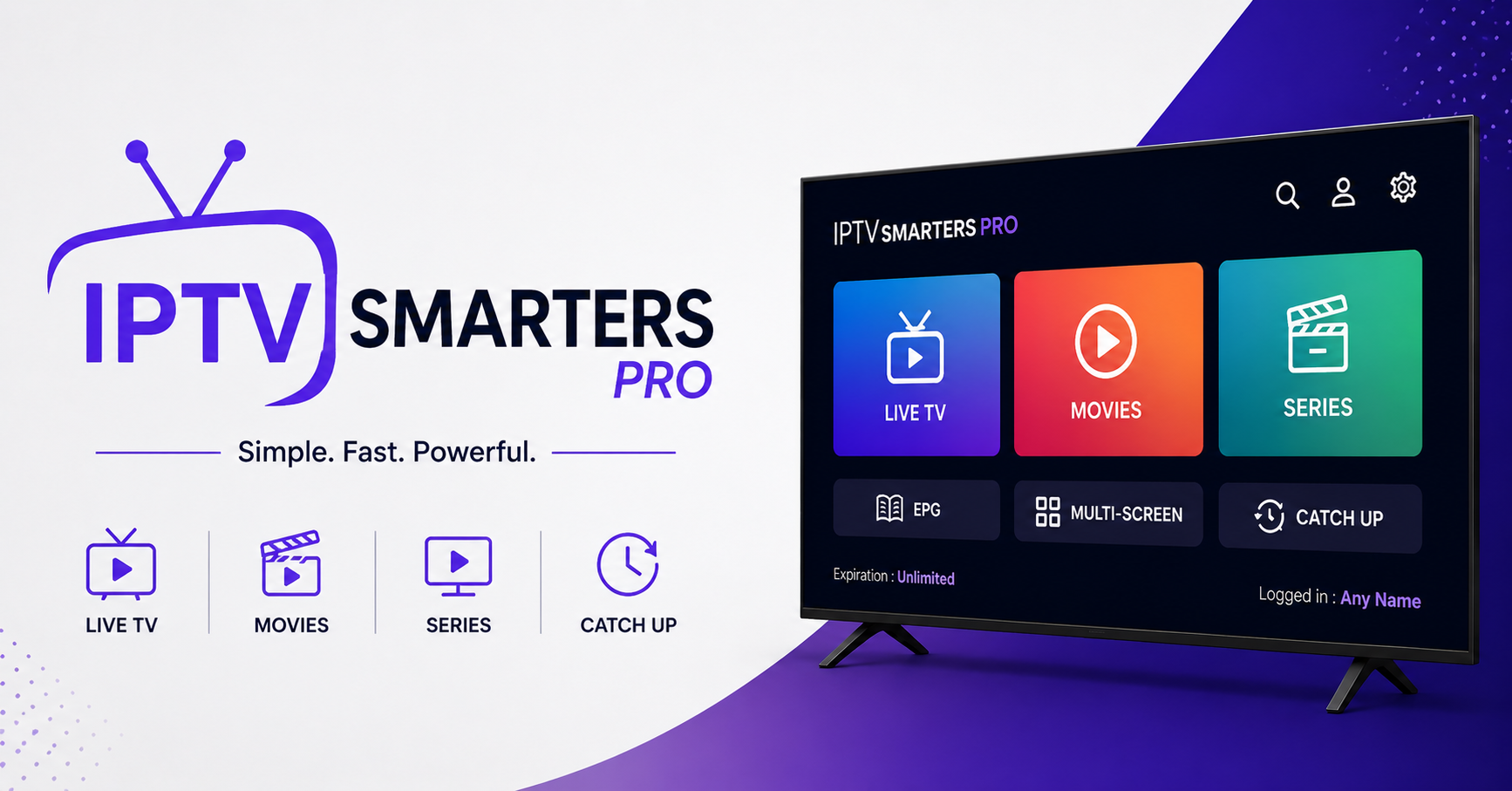
IPTV Smarters Pro remains the most widely deployed player app across reseller ecosystems heading into 2026, and there are very specific reasons it holds that position, alongside very specific traps that catch new and experienced operators alike. This article breaks down what actually matters when you’re running this app at scale, managing subscribers who expect perfection, and building a reseller business that doesn’t collapse the moment something shifts upstream.
Whether you’re setting up IPTV Smarters Pro for your first ten users or migrating hundreds of lines onto it from another player, the details covered here come from operational reality, not documentation summaries.
Why IPTV Smarters Pro Remains the Default Across Reseller Panels
Most player apps come and go. IPTV Smarters Pro has survived multiple enforcement waves, app store purges, and the transition from Xtream Codes to its various successors. That durability isn’t accidental.
The app supports Xtream Codes API login, M3U playlist loading, and EPG integration in a single interface. For IPTV resellers, that flexibility matters because not every panel provider uses the same output format. Some panels export lines as Xtream API credentials. Others generate M3U URLs. IPTV Smarters Pro handles both without forcing the subscriber to understand the technical difference.
It also runs across Android, iOS, Windows, macOS, and most smart TV platforms, which means a reseller doesn’t need to maintain separate setup guides for every device a customer owns.
Pro Tip: When onboarding new subscribers, always default to Xtream Codes API login over raw M3U URLs. API connections allow your panel to track active connections per line, monitor device counts, and push EPG data cleanly. M3U links bypass most of that telemetry, leaving you blind to abuse.
First-Time Setup: Where Most Users Go Wrong
The installation itself is straightforward. The problems start at the login screen.
IPTV Smarters Pro asks for a username, password, and server URL when using Xtream Codes API mode. New subscribers consistently stumble at this exact point:
They paste the full portal URL including the trailing /panel or /get.php string, which the app doesn’t need. They confuse the DNS-based URL with the IP-based URL and enter one that their ISP has already flagged. They leave the port number off entirely because it wasn’t clearly communicated in the welcome message.
Each of those mistakes produces a generic “connection failed” error that gives zero diagnostic information. The subscriber assumes the service is down, messages support, and the reseller wastes twenty minutes troubleshooting a copy-paste error.
A clean onboarding message template eliminates ninety percent of these tickets. Format the credentials with clear labels, include both the DNS URL and IP fallback, and specify the port number separately.
IPTV Smarters Pro on Firestick: The Device Behind Half Your Support Tickets
Amazon Firestick remains the single most common device among IPTV subscribers in the UK and Europe, and it’s also where IPTV Smarters Pro behaves most unpredictably.
The issue isn’t the app itself. It’s the Firestick hardware. The entry-level Firestick Lite and standard 3rd-generation models run on limited RAM. When IPTV Smarters Pro loads a large channel list, anything above 8,000 channels with full EPG, the app slows to a crawl. Scrolling through categories lags. Channel switching takes three to five seconds instead of one. If the subscriber has other apps running in the background, the player can crash mid-stream.
| Factor | Basic setup | Optimised setup |
|---|---|---|
| Tuner slots | 1-2 default | 6-8 configured per household |
| EPG refresh | Manual or daily | Automated every 4-6 hours |
| Stream format | Mixed HLS/MPEG-TS | Forced MPEG-TS passthrough |
If your subscriber base is heavily Firestick-dependent, recommend the 4K Max as the minimum. The cost difference is small relative to the reduction in support volume.
Pro Tip: Advise subscribers on Firestick to disable “Data Monitoring” and uninstall unused apps before running IPTV Smarters Pro. Freeing even 200MB of RAM noticeably improves channel switching speed and reduces HLS latency.
EPG Not Loading in IPTV Smarters Pro: The Fix Nobody Explains Properly
A blank Electronic Programme Guide is probably the second most common complaint after buffering. The subscriber opens the app, taps into a channel category, and sees no programme information at all, just empty time slots or nothing.
Most guides say “update the EPG” and leave it there. That advice is useless without understanding why the EPG broke in the first place.
Three root causes account for almost every EPG failure inside IPTV Smarters Pro. The panel’s EPG source URL has expired or rotated, meaning the app is pulling from a dead endpoint. The EPG XML file is too large for the device to parse in memory, especially on low-end hardware. The timezone offset between the EPG data and the subscriber’s device clock creates a mismatch where programmes appear missing entirely.
The first issue is a panel-side fix. UK IPTV Reseller should verify their EPG source URLs weekly. The second requires your provider to offer a compressed or filtered EPG feed, as full XML dumps exceeding 50MB will choke older devices. The third is a subscriber-side setting: the device clock must be set to automatic, and the timezone inside the app must match the device timezone.
DNS Poisoning, ISP Blocks, and Keeping Connections Alive
This is where the landscape shifted hardest in 2025 and into 2026. Major broadband providers across Europe now use AI-driven DNS filtering that goes well beyond simple domain blocking. These systems learn traffic patterns, sustained high-bandwidth UDP streams, repeated connections to specific IP ranges, even the timing signatures of HLS segment requests.
When IPTV Smarters Pro fails to connect and the credentials are correct, the ISP is usually the culprit.
The standard mitigation stack in 2026 looks like this. The subscriber switches DNS to a privacy-focused resolver at the router level, not just the device. A reputable VPN is configured either on the router or directly on the streaming device. The reseller provides both a DNS-based server URL and a direct IP fallback so if one gets flagged, the other still works.
Load balancing on the provider side also matters here. If your upstream provider runs a single server URL and it gets blocked, every subscriber using IPTV Smarters Pro goes dark simultaneously. Providers who maintain backup uplink servers and rotate DNS entries weekly give their reseller network far more resilience.
Pro Tip: If a subscriber reports that IPTV Smarters Pro works on mobile data but not on home broadband, that’s a near-certain ISP DNS block. Don’t waste time reinstalling the app. Change the DNS at the router and retest.
Panel Credit Economics: How Subscriber Behaviour Affects Your Margins
Resellers often focus on subscriber acquisition and forget to model the cost per active line against their credit consumption. Every IPTV Smarters Pro user consuming a line from your panel eats into a credit purchased upstream at a fixed rate.
The margin trap works like this: you sell a 12-month subscription at a competitive price, buy the credit from your provider, and pocket the difference. But if that subscriber contacts you six times for support, needs a line reset twice, and eventually asks for a partial refund because of a three-day outage you didn’t cause, your effective margin on that line drops to nearly zero.
Scaling through IPTV Smarters Pro means understanding that the app is just the front end. The economics sit behind it. Resellers who build self-service portals, automate line delivery, and create proper FAQ pages reduce per-line support cost by fifty to seventy percent.
Automate welcome messages with setup instructions covering every device type your subscribers use. Build a status page so subscribers check service health before opening a ticket. Set clear refund policies tied to uptime SLAs from your upstream provider.
Handling Multiscreen and Connection Limit Abuse
One of the most common forms of subscriber abuse is connection sharing beyond the allowed device limit. A subscriber buys a single-connection line, installs IPTV Smarters Pro on their TV, phone, and tablet, then shares the login with a family member in another household.
Your panel shows two or three simultaneous connections on a line sold as single-device. Revenue leaks. If your Iptv provider enforces connection limits upstream, the line starts dropping, generating a support ticket that blames your service for constant buffering.
The operational fix involves two layers. First, configure connection limits at the panel level so the line physically rejects the extra device. IPTV Smarters Pro will display a “maximum connections reached” error, which is self-explanatory and cuts the ticket before it’s created. Second, offer a multiscreen package at a higher price point. Subscribers who genuinely need two or three devices will pay for it if the upsell is presented at purchase, not after they’ve been caught sharing.
Pro Tip: Monitor your panel’s “active connections” report weekly. Any line consistently hitting its connection ceiling is either being shared or needs an upgrade. Both situations can generate additional revenue if handled correctly.
Why Buffering on IPTV Smarters Pro Usually Isn’t the App’s Fault
Subscribers blame the app first. It’s visible, it’s on their screen, and when the picture freezes, IPTV Smarters Pro is what they’re staring at. In the vast majority of cases, though, the app is just the messenger.
Buffering traces back to three layers, and the app itself is rarely the bottleneck.
The first layer is the subscriber’s internet connection. Fibre handles IPTV traffic without issue. Older ADSL lines or congested shared connections during peak hours, particularly between 7 PM and 11 PM, simply can’t sustain the bitrate required for HD or 4K streams. No player app can fix an inadequate connection.
The second layer is upstream server infrastructure. Cheap providers overload servers with too many active streams per node. When the server hits capacity, HLS segments arrive late, the buffer empties, and the subscriber sees a freeze. This is an infrastructure problem that sits entirely above the app layer.
The third layer is routing and peering. Even with a strong local connection and a well-provisioned server, the network path between subscriber and server can bottleneck at congested peering points. A VPN sometimes resolves this by rerouting traffic through a less congested path, which explains why some subscribers report that performance improves with a VPN active.
Understanding these three layers lets you diagnose buffering complaints accurately. Ask the subscriber to run a speed test, check whether the issue persists on a different device, and try a VPN before escalating to your provider.
Migrating Subscribers from Other Players to IPTV Smarters Pro
Not every subscriber starts on IPTV Smarters Pro. Some arrive from TiviMate, OTT Navigator, or branded APKs that their previous reseller distributed. The migration creates friction if it isn’t handled carefully.
The main pain point is credential format. Some players store M3U playlists locally, and the subscriber doesn’t have their Xtream Codes API credentials separately. When they switch to IPTV Smarters Pro and can’t log in because they only have an M3U URL, they assume the service is broken.
Build a migration guide that explains how to extract API credentials from an M3U URL, since the server address, port, username, and password are all embedded in the URL structure. Walk through the IPTV Smarters Pro login screen step by step with device-specific screenshots. Address the EPG and favourites loss that happens during any player switch, because subscribers lose their saved channel lists and need to rebuild them.
A smooth migration converts a potentially frustrated subscriber into a loyal one. Handle the transition proactively rather than waiting for the complaint.
IPTV Smarters Pro in 2026: What’s Changed and What’s Coming
The app ecosystem continues to evolve. Cloned versions and forks have appeared on third-party app stores, some bundled with adware or modified to inject tracking code. Resellers need to direct subscribers exclusively to verified sources for the download.
On the panel side, newer management systems now offer deeper integration, including branded splash screens, custom channel ordering, and push notifications for service updates. These features reduce churn by making the subscriber experience feel proprietary rather than generic.
AI-driven content detection is also accelerating. Major broadcasters are deploying watermarking technology that can identify redistribution chains. While this doesn’t directly affect IPTV Smarters Pro as a player, it pressures the upstream infrastructure and makes provider selection more critical than ever for resellers who want operational continuity.
Pro Tip: Never distribute modified or cracked versions of IPTV Smarters Pro to your subscribers. Beyond the security risk, app store policy changes in 2026 mean that sideloaded apps on Android TV devices now trigger more aggressive warnings, which erode subscriber confidence in your service.
- Verify your panel’s EPG source URLs are active and returning valid XML before the start of every week
- Create device-specific setup guides for IPTV Smarters Pro covering Firestick, Android box, iOS, and smart TV, and distribute them automatically at the point of sale
- Set connection limits at the panel level for every subscription tier and offer a clearly priced multiscreen upgrade
- Provide both DNS-based and direct IP server URLs to every subscriber so ISP blocks don’t cause total service loss
- Monitor active connection reports weekly to identify line sharing and upsell opportunities
- Recommend the Firestick 4K Max as the minimum hardware for subscribers reporting sluggish performance
- Build a self-service status page that reduces inbound support tickets during upstream outages
- Automate line delivery and credential formatting so every welcome message includes correctly structured login details
- Never distribute modified APKs of IPTV Smarters Pro and only direct subscribers to verified download sources
- Audit your upstream provider’s server redundancy and backup uplink server availability quarterly
- Visit britishseller.co.uk for IPTV panel pricing, credit packages, and reseller onboarding support