
A Firestick that runs flawlessly on a Tuesday afternoon can collapse completely fifteen minutes before kickoff. I have watched it happen more times than I can count. The device is fine. The internet is fine. The IPTV subscription is fine. And yet the match freezes on a black screen while seventy thousand people in the stadium roar at something the viewer will never see.
The cause is almost never the Firestick itself. It is the app sitting on top of it.
The short answer before anything else
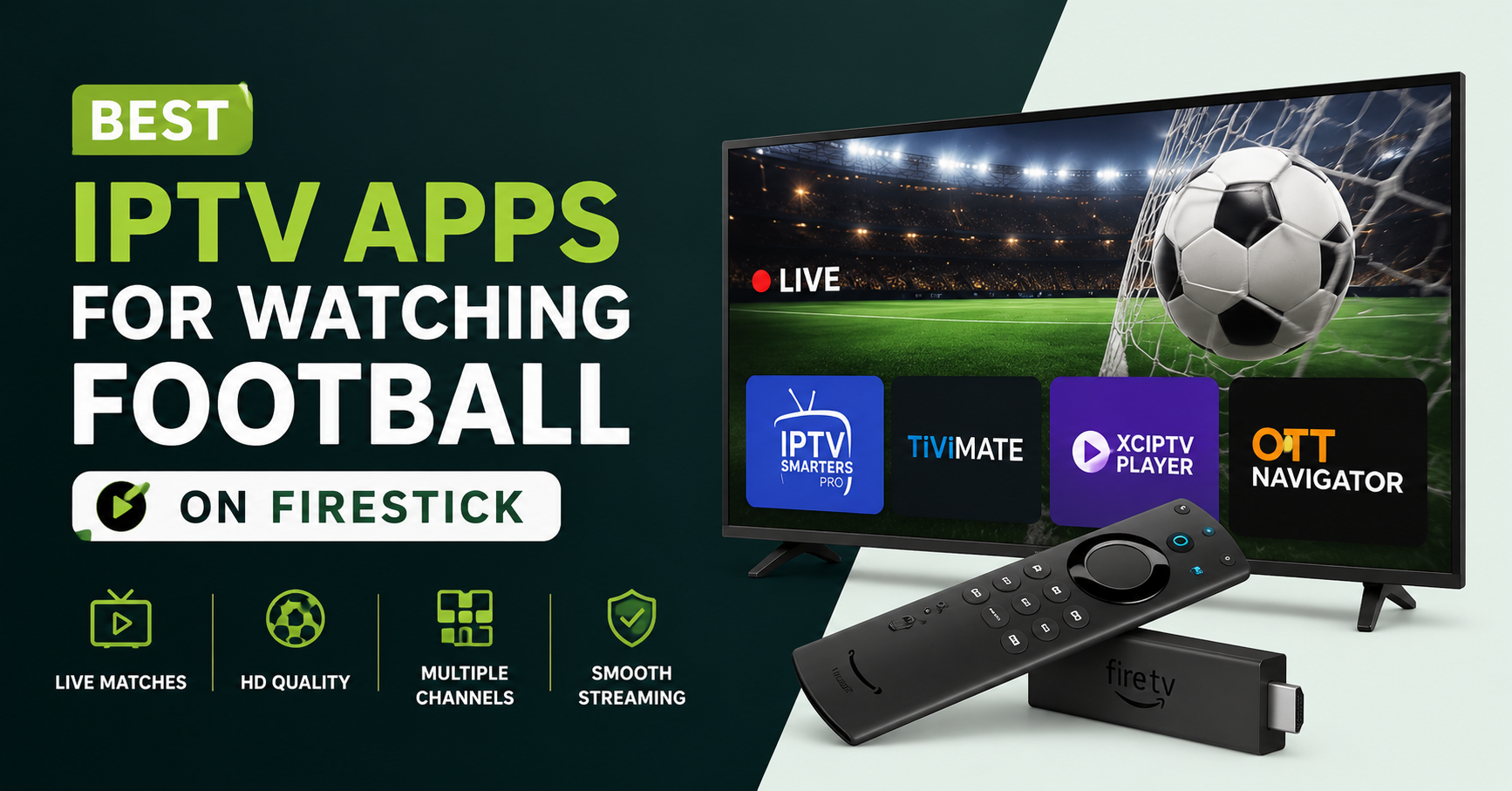
If you only want the takeaway, here it is. The best IPTV apps for watching football on Firestick in 2026 are the ones built around fast channel switching, low buffer tolerance, and clean handling of HD and 4K streams under load. TiviMate sits at the top for most football viewers, followed closely by IPTV Smarters Pro, with OTT Navigator earning its place for anyone who wants deeper control. The app you choose matters more than the Firestick model you own. A cheap Firestick Lite paired with a well built player will outperform a 4K Max running a bloated, poorly coded app during a high traffic match.
That single sentence saves people hundreds of pounds in unnecessary hardware upgrades. The bottleneck is software, not silicon.
Why football breaks streaming apps that handle everything else fine
Football is the hardest thing you can ask an IPTV app to do. A film is a single, predictable stream. A football match is millions of people pulling the same feed at the same second, with sudden traffic spikes at kickoff, half time, and the closing minutes. The app has to hold a stable connection while the entire delivery network strains.
During a major fixture last season we watched buffering complaints jump by a factor of four across the board, and the pattern was consistent. The players that survived were the ones with aggressive reconnection logic and a generous buffer. The ones that died were the apps that tried to be clever, loading thumbnails, EPG art, and recommendation panels while the stream was already fighting for bandwidth.
Pro Tip:
Disable the app’s background EPG auto refresh on match day. Most football freezes during peak minutes are not stream failures. They are the app choking itself by fetching guide data while you are trying to watch a goal.
TiviMate: still the one to beat
TiviMate has earned its reputation for a reason. It does very little, and it does that little extremely well. There is no clutter, no bloat, and the channel switching is fast enough that you can flick between two matches without losing the thread of either.
What makes it strong for football specifically is buffer behaviour. When a stream stutters, TiviMate holds rather than crashing out, giving the connection time to recover. For viewers in the UK, US, Canada, Australia, and Ireland watching feeds that route across continents, that patience is the difference between a watchable match and a ruined evening.
The catch is that the full version requires a paid premium upgrade, and it only plays playlists. It will not handle subscriptions that lock you into a proprietary app. For most football viewers that is a fair trade.
IPTV Smarters Pro: the all rounder families actually use
If TiviMate is the specialist, IPTV Smarters Pro is the generalist that keeps a household happy. It supports both playlist and login based services, which matters when one person wants football and another wants films and a third wants kids content, all from the same subscription.
After reviewing hundreds of support requests, one thing became obvious. Households rarely have one viewer with one need. Smarters Pro absorbs that messiness. Its built in player is forgiving, the layout is simple enough for a parent who has never touched a Firestick, and it recovers reasonably well from a dropped stream.
It is not the fastest at channel switching. During a fixture where you are hopping between three matches, you will feel a slight lag that TiviMate users will not. For a single match, that gap disappears.
A quick honest comparison
| What matters on match day | TiviMate | IPTV Smarters Pro | OTT Navigator |
|---|---|---|---|
| Channel switch speed | Fastest | Moderate | Fast |
| Buffer recovery | Excellent | Good | Excellent |
| Ease for beginners | Moderate | Easiest | Hardest |
| Login based services | No | Yes | Yes |
| Best for | Dedicated football | Mixed household | Power users |
No single app wins every row. The right choice depends on whether you live alone with one match on, or share a Firestick with a family pulling in five directions.
OTT Navigator: for the viewer who wants the dials
OTT Navigator is the app I recommend to people who complain that everything else hides too much from them. It exposes buffer size, decoder selection, and connection settings that the other players bury. For football, the ability to manually raise the buffer before a big fixture is genuinely useful when you already know the match will be congested.
The trade off is a steeper learning curve. The interface assumes you know what you are doing, and the first setup can intimidate a casual viewer. But for someone willing to spend twenty minutes tuning it, OTT Navigator delivers some of the smoothest football playback available on a Firestick.
Pro Tip:
Switch the decoder to hardware on a Firestick 4K, but drop to software decoding on older Firestick Lite models. Counterintuitively, the slower software path sometimes produces fewer freezes on weaker hardware because it sidesteps a decoder that cannot keep pace with a high bitrate football stream.
The settings that fix more than a new app ever will
Most people chasing the best IPTV apps for football are actually chasing a fix for buffering, and they assume switching apps is the cure. Often the real problem lives in the Firestick environment, not the player.
A few adjustments solve the majority of complaints:
- Set the Firestick display to a fixed resolution rather than auto. Constant resolution renegotiation during a match introduces stutter.
- Turn off background app refresh for everything except your player.
- Use a wired Ethernet adapter where possible. Wi Fi is the single most common cause of match day buffering we see, and almost nobody suspects it.
- Restart the Firestick before a major fixture. A device that has been awake for two weeks accumulates memory pressure that surfaces exactly when load peaks.
That Ethernet point deserves emphasis. During one stretch of high profile midweek fixtures, the overwhelming majority of buffering reports we traced back came down to congested home Wi Fi, not the stream and not the app.
Why the cheapest setup costs the most
There is a persistent belief that a budget Firestick plus a free app equals free football. In practice it is the most expensive route, paid in frustration.
A short field story. A viewer ran a free, ad heavy player on an ageing Firestick to watch a major tournament. Every match buffered. He blamed his internet, upgraded his broadband, blamed the broadband, then bought a new router. Three hundred pounds later, the freezing continued. The fix cost a few pounds: a proper player and a fixed resolution setting. The hardware was never the problem.
The lesson repeats endlessly. The app and the configuration carry the match. The box is just the box.
How streaming source quality interacts with your app
No app can rescue a weak source. This is where the conversation quietly touches the supply side. A well coded player smooths over minor hiccups, but it cannot invent stability that the underlying stream does not have.
Reliable football viewing depends on infrastructure with proper failover, multiple uplinks, and load balancing that absorbs the kickoff surge. When the source has redundancy, even an average app looks good. When the source is a single fragile feed, even the best IPTV apps will stutter. If you are choosing a service, the provider’s infrastructure matters as much as your app. Established operators such as the team behind britishseller.co.uk build around that redundancy precisely because football traffic is unforgiving.
For resellers reading this, the point cuts deeper. As an IPTV reseller, the app your customers use shapes the support tickets you receive. A IPTV reseller panel that recommends a stable player up front prevents a flood of match day complaints. Every IPTV operator learns eventually that customer churn spikes around big fixtures, and the panel owner who guides customers toward the right app keeps more subscribers than the one who stays silent.
What resellers should tell their customers
A quick reseller aside, because it changes outcomes. When a sub reseller onboards a new customer, the first match sets the tone. If that match buffers, the customer assumes the whole service is broken and leaves. Credit reseller margins evaporate fast when churn climbs.
The fix is unglamorous. Bundle a one page setup note with every sale: which app to install, which resolution to lock, and the Ethernet recommendation. We have seen IPTV business owners cut first month complaints sharply just by standardising that note across their reseller panel. The best IPTV apps only help if the customer actually configures them correctly, and that guidance is the reseller’s job, not the app developer’s.
Frequently asked questions
What are the best IPTV apps for watching football on Firestick in 2026?
TiviMate leads for dedicated football viewers thanks to fast channel switching and strong buffer recovery. IPTV Smarters Pro suits mixed households, and OTT Navigator fits power users who want manual control. The best IPTV apps for football share the same traits: low buffer tolerance, clean playback, and stability under match day load.
Why does my football stream buffer even on a good Firestick?
Buffering during football is usually Wi Fi congestion, a poorly coded app, or background processes competing for bandwidth at kickoff. A strong Firestick cannot fix a weak source or a cluttered player. Switch to a wired connection, lock your resolution, and use a lightweight app before blaming the hardware.
Do I need a Firestick 4K Max to watch football smoothly?
No. The best IPTV apps for football matter far more than the Firestick model. A well configured app on a basic Firestick outperforms a bloated app on a premium one. Spend on a stable subscription and a good player before upgrading hardware you may not need.
Which IPTV app is easiest for a non technical family member?
IPTV Smarters Pro is the most forgiving for beginners. Its layout is simple, it supports login based services, and it recovers from dropped streams without much fuss. For a household where not everyone is comfortable with technology, it removes most of the friction around starting a match.
As a reseller, which app should I recommend to customers?
Most IPTV reseller operations standardise on IPTV Smarters Pro for ease and TiviMate for enthusiasts. A IPTV reseller panel that recommends a stable app reduces match day support tickets and lowers churn. Guiding customers toward the right player protects panel credits and keeps your IPTV business reputation intact.
Are free IPTV apps good enough for football?
Rarely. Free, ad heavy players load extra content while the stream fights for bandwidth, which causes freezing exactly when matches peak. The small cost of a premium player like TiviMate usually pays for itself in a single uninterrupted match compared to the frustration of constant buffering.
Can the wrong app cause lag even when my internet is fast?
Yes. A fast connection feeds a slow app the same way a wide road feeds a narrow gate. If the player handles buffers poorly or runs background tasks during playback, you will see lag regardless of your broadband speed. The app’s coding, not your line speed, often decides match day smoothness.
Match day checklists
Subscribers
- Install a lightweight player (TiviMate or IPTV Smarters Pro)
- Lock your Firestick to a fixed resolution
- Use a wired Ethernet adapter where possible
- Restart the Firestick before a major fixture
- Disable background app refresh for everything except your player
Resellers
- Bundle a one page app setup note with every sale
- Standardise on one beginner app and one enthusiast app across your UK IPTV reseller panel
- Pre warn customers about Wi Fi being the main buffering cause
- Track which fixtures drive support tickets and prepare ahead
- Recommend a service with proper failover, not just a cheap feed
Sub resellers
- Confirm each new customer’s first match is configured correctly
- Forward the setup note before activation, not after a complaint
- Flag repeat buffering customers to the panel owner early
- Keep a short tested list of apps that work on common Firestick models
Closing the loop
The best IPTV apps for watching football on Firestick in 2026 are not the ones with the longest feature lists. They are the lean, well coded players that stay out of the way when seventy thousand people start screaming and the whole network strains at once. Choose the app for how you watch, configure the Firestick properly, and pick a service with real infrastructure behind it. Do those three things and the freezing that ruins so many evenings simply stops being part of your match day.
The single lesson worth keeping is this: the app and the setup decide your football experience far more than the price of your Firestick. Spend your attention there first, and you will fix problems that no amount of new hardware ever could.