
Nobody tells you this before you pick a player — and that’s the problem.
You’ve got a panel running. Credits loaded. Subscribers waiting. And the first question that drops into your inbox isn’t about channels or catch-up. It’s this: “Which app should I use?”
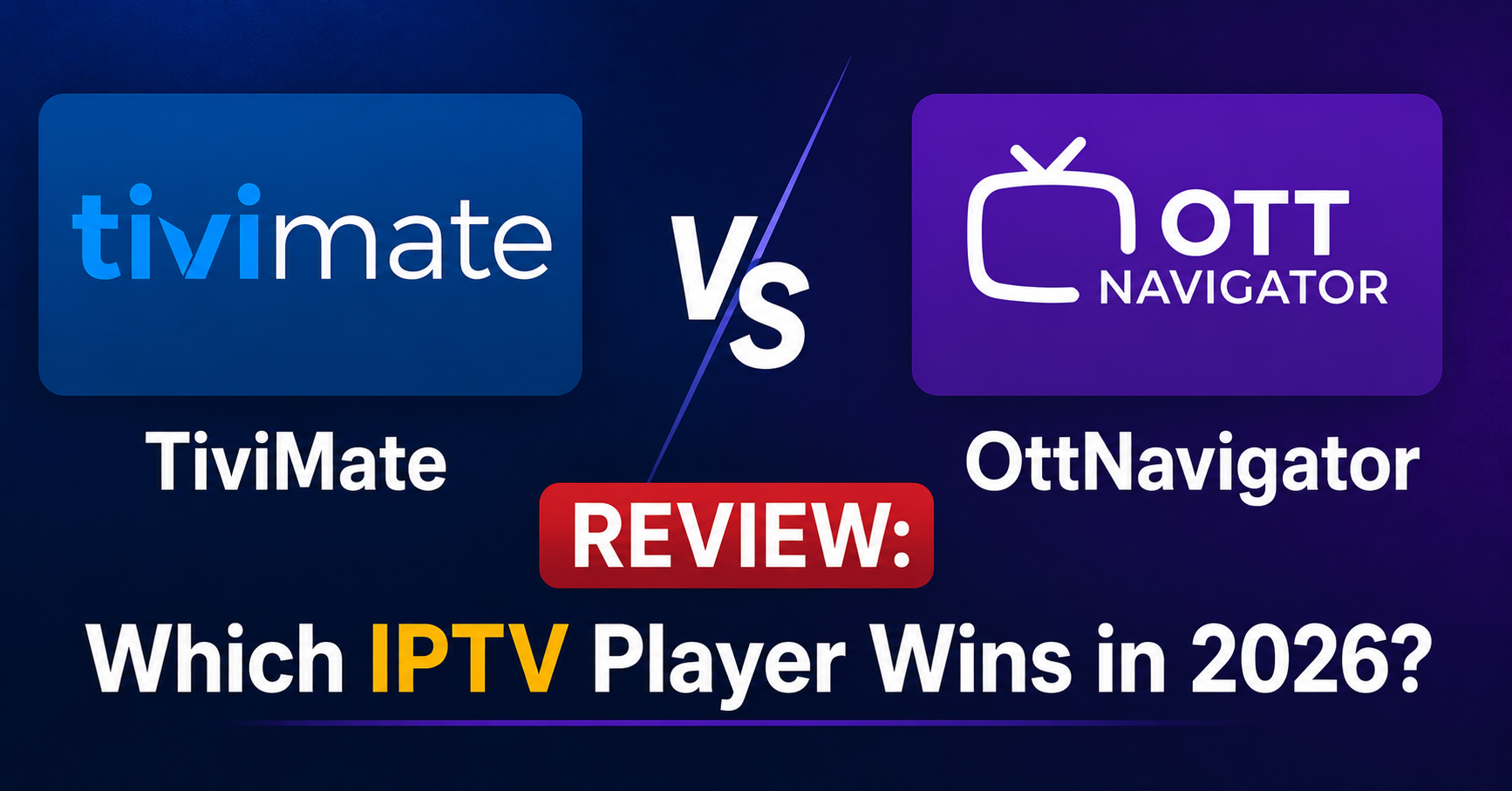
That single question has cost resellers more support tickets than buffering ever did. Because the answer isn’t simple, and most so-called guides online just rehash feature lists without ever touching a remote. This TiviMate vs OttNavigator review exists because someone needed to write one from the operations side — not the screenshot-and-bullet-point side.
Let’s settle this properly.
Where the Two Players Actually Differ in Philosophy
TiviMate was built for the living room. Everything about its design assumes a single household, one big screen, and a viewer who wants the closest thing to a traditional cable experience. The interface is polished, the remote navigation is tight, and the EPG grid loads like it belongs on a smart TV from a premium manufacturer.
OttNavigator came from a different direction entirely. It was engineered for flexibility — multiple playlists, multiple providers, granular control over streams and codecs. Where TiviMate prioritises the viewing experience, OttNavigator prioritises the configuration experience.
This TiviMate vs OttNavigator review keeps circling back to that distinction because it affects everything downstream — from the kind of subscriber you’re serving to how many support messages you field on a Saturday night.
Pro Tip: If 70% of your subscribers are families who just want to sit down and watch, TiviMate reduces your support load dramatically. If your client base includes tech-savvy users running multiple providers, OttNavigator keeps them self-sufficient.
EPG Handling — The Silent Dealbreaker in Any TiviMate vs OttNavigator Review
Electronic Programme Guide performance is where most IPTV player comparisons fall apart, because reviewers test with 200 channels and call it a day. Scale that to 8,000+ channels with seven-day catch-up metadata, and the story changes fast.
TiviMate caches EPG data aggressively. Once loaded, it holds programme information locally and refreshes on a schedule you set. The result is snappy channel browsing even on budget Android boxes with limited RAM. The downside? If your panel pushes a corrupt or oversized XMLTV file, TiviMate can choke during the initial parse and leave subscribers staring at a loading wheel.
OttNavigator handles EPG differently. It streams metadata more dynamically, which means it tolerates imperfect XMLTV sources better — but at the cost of slightly slower guide navigation on lower-end hardware.
- TiviMate EPG refresh: scheduled, cached locally, fast after first load
- OttNavigator EPG refresh: more frequent polling, tolerant of messy sources
- Both support external EPG URLs — critical for IPTV resellers running custom guide data
For this TiviMate vs OttNavigator review, the EPG verdict is situational. Clean panel, consistent XMLTV output? TiviMate wins the user experience. Inconsistent EPG sources or frequent provider switching? OttNavigator handles the chaos better.
Multi-Connection Setups and Why Resellers Should Care
Here’s a scenario that plays out weekly in reseller groups: a subscriber buys a second connection for a different room and wants both running through one app. Or a user wants to test a second provider alongside their current one before committing.
OttNavigator was practically built for this. Adding multiple playlists, toggling between providers, and managing separate favourites per connection is straightforward. The app treats multi-provider setups as a first-class feature, not an afterthought.
TiviMate supports multiple playlists too, but the experience is less fluid. Switching between providers requires more steps, and the UI doesn’t separate provider-specific favourites as cleanly. For a single-provider household, this is irrelevant. For resellers offering trial periods or running backup panels alongside their primary, it matters.
Pro Tip: If you operate backup uplink servers and want subscribers to switch seamlessly during outages, pre-configure OttNavigator with both your primary and failover playlist URLs. It turns a crisis into a two-tap fix instead of a panicked support call.
This TiviMate vs OttNavigator review flags multi-connection handling as one of the sharpest dividing lines between the two apps.
Buffering, Codec Support, and the Hardware Variable
Buffering complaints are the number-one reason subscribers churn. And nine times out of ten, it’s not the player — it’s the infrastructure behind it, the ISP throttling the connection, or the device gasping for resources. But the player still takes the blame.
Both TiviMate and OttNavigator support hardware and software decoding, HLS and MPEG-TS streams, and configurable buffer sizes. The differences are subtle but operationally significant.
| Feature | TiviMate | OttNavigator |
|---|---|---|
| Default buffer size | Medium (adjustable) | Low (highly adjustable) |
| Codec fallback | Automatic | Manual + automatic |
| ExoPlayer integration | Built-in | Built-in with extended options |
| HLS latency handling | Standard | Configurable stream timeout |
| External player support | VLC, MX Player | VLC, MX Player, MPV |
OttNavigator gives you more levers to pull when diagnosing stream issues. You can adjust buffer length, stream timeout, and codec priority per playlist — not just globally. For a reseller troubleshooting a subscriber’s buffering over chat, that granularity is gold.
TiviMate keeps things simpler. Adjustments exist, but they’re tucked away and designed for users who won’t touch them. The trade-off is fewer options but fewer ways to accidentally break playback by tweaking the wrong setting.
This TiviMate vs OttNavigator review rates OttNavigator higher for troubleshooting flexibility, and TiviMate higher for out-of-the-box stability.
The Interface Question — Who Are You Actually Selling To?
Walk into any reseller forum and you’ll find the same split. Half the room swears by TiviMate’s grid layout. The other half says OttNavigator’s customisation makes it superior. They’re both right — for their audience.
TiviMate’s interface mimics traditional television. Channel groups on the left, EPG grid across the screen, quick access to recently watched channels. Someone who just cancelled their satellite subscription can pick up a TiviMate remote and navigate without a tutorial. That frictionless onboarding is worth real money to resellers who sell to households.
OttNavigator’s interface is more utilitarian. It offers multiple layout modes — list view, grid view, tiles — and lets users customise almost every visual element. Powerful, yes. Intuitive for a first-time IPTV user? Not always.
- Household subscribers with low technical confidence → TiviMate
- Power users managing multiple providers → OttNavigator
- Resellers wanting minimum onboarding support → TiviMate
- Resellers serving a tech-literate niche → OttNavigator
Every TiviMate vs OttNavigator review eventually lands on this point: the best player is the one your specific subscribers won’t need help using.
DNS Poisoning, ISP Blocking, and Player-Level Workarounds
By 2026, AI-driven ISP blocking has changed the game. Major broadband providers are using deep packet inspection and DNS poisoning to disrupt IPTV streams at the network level. No player is immune, but how each handles blocked connections differs.
TiviMate relies on the device’s network settings. If a subscriber’s DNS is poisoned, the fix happens at the router or Android network level — TiviMate itself doesn’t offer built-in DNS override. This means resellers need to provide separate setup guides for DNS configuration alongside the player installation.
OttNavigator doesn’t natively override DNS either, but its deeper stream configuration allows you to point playlists at alternative ports and protocols more easily. When a specific delivery method gets blocked, reconfiguring the stream path inside OttNavigator is faster than in TiviMate.
Pro Tip: Pair either player with a DNS-over-HTTPS configuration at device level. This TiviMate vs OttNavigator review isn’t the place to recommend specific DNS providers, but encrypted DNS has become non-negotiable for reliable delivery in 2026.
Neither app solves ISP-level blocking on its own. The difference is how quickly a reseller can pivot the stream delivery path when blocks hit — and OttNavigator’s configuration depth gives a slight operational edge there.
Load Balancing Awareness — Something No Other TiviMate vs OttNavigator Review Mentions
Here’s what separates a reseller who survives from one who collapses during a major sporting event: understanding how player behaviour interacts with server load balancing.
When 500 subscribers connect simultaneously during a premium sports stream, your panel’s load balancer distributes connections across multiple backend servers. TiviMate holds connections aggressively — once it locks onto a stream, it maintains that connection until the user changes channels or the stream drops. Under load-balanced infrastructure, this is actually ideal because it reduces reconnection storms.
OttNavigator’s default timeout behaviour can trigger more frequent reconnections during high-traffic events, especially if buffer settings are configured tightly. Each reconnection hits the load balancer again, which during peak load can cascade into degraded performance across the server cluster.
- During peak events, TiviMate’s sticky connections reduce server-side churn
- OttNavigator’s reconnection behaviour can amplify load spikes if buffer timeout is too low
- Resellers should pre-configure OttNavigator buffer settings before major events
This is the kind of operational nuance that separates a real TiviMate vs OttNavigator review from a surface-level comparison. Player choice doesn’t just affect the viewer — it affects your infrastructure.
Panel Credit Economics and Player Recommendations
Every credit you issue from your panel represents margin. Recommending the wrong player to the wrong subscriber wastes credits through churn — and churn in IPTV is brutally fast. A subscriber who can’t figure out their app within 48 hours is already messaging your competitor.
TiviMate’s premium version requires a one-time purchase from the subscriber. This creates a small psychological barrier that actually works in the reseller’s favour: subscribers who pay for TiviMate Premium tend to stick with the service longer because they’ve invested in the ecosystem. That stickiness directly protects your panel credits.
OttNavigator is free with ads, or ad-free via a modest payment. The lower barrier to entry means subscribers try it more casually — and abandon it more casually. For resellers, this means OttNavigator subscribers may churn faster unless the setup and onboarding experience is tight.
Pro Tip: Bundle a TiviMate setup guide with every new subscription you sell. The five minutes it takes to create that PDF saves you hours of support and protects credits from early cancellations. This single move has saved more reseller margins than any infrastructure upgrade.
This TiviMate vs OttNavigator review connects player choice directly to revenue — because that’s what resellers actually care about.
Catch-Up, Timeshift, and Recording — The Features Families Ask About
Household subscribers don’t ask about codecs. They ask: “Can I rewind?” and “Can I watch last night’s episode?”
TiviMate handles catch-up TV elegantly. If the panel and provider support it, catch-up content integrates directly into the EPG — viewers scroll back through the guide and select past programmes just like they would on a traditional set-top box. Timeshift (pausing and rewinding live TV) works smoothly on supported streams.
OttNavigator supports catch-up and timeshift as well, but the implementation requires more manual configuration. Catch-up modes need to be set per playlist, and the interface for accessing past content is less intuitive than TiviMate’s EPG integration.
Recording is where both apps hit limitations. TiviMate offers built-in recording to local storage — useful for subscribers who want to save content. OttNavigator supports recording too, though the workflow is slightly less polished.
- Catch-up integration: TiviMate wins for simplicity
- Timeshift reliability: comparable on both
- Recording: TiviMate slightly more user-friendly
- Configuration flexibility for catch-up: OttNavigator offers more control
For family-oriented resellers, this section of the TiviMate vs OttNavigator review matters most. Catch-up is the feature that makes subscribers feel like they’re getting a real television service, not a workaround.
Which Player Should You Actually Recommend?
After running through infrastructure impact, EPG handling, buffering diagnostics, ISP countermeasures, and subscriber psychology, this TiviMate vs OttNavigator review lands on a practical recommendation framework — not a single winner.
Recommend TiviMate when your subscriber base is predominantly households wanting a cable-replacement experience. The interface sells itself, the EPG is clean, and the support burden drops significantly. Your panel credits last longer because subscribers stick.
Recommend OttNavigator when you’re serving a technically confident audience, when multi-provider flexibility matters, or when your infrastructure requires subscribers to have granular control over stream settings for troubleshooting. It’s the power tool — exceptional in the right hands, overwhelming in the wrong ones.
Some resellers stock both. They default new household subscribers to TiviMate and offer OttNavigator as an alternative for power users or multi-connection setups. That dual approach, while it adds to documentation effort, covers the widest subscriber base with the least friction.
This TiviMate vs OttNavigator review isn’t about declaring a winner. It’s about matching the right tool to the right operation — and understanding that player choice is a business decision, not just a technical one.
Frequently Asked Questions
Does TiviMate work with every IPTV panel?
TiviMate works with any panel that outputs M3U or Xtream Codes API connections. Compatibility issues are rare but can arise with panels using non-standard authentication methods or heavily modified APIs. Always test a trial connection before recommending TiviMate to subscribers on a new panel setup.
Can OttNavigator handle more than three providers simultaneously?
Yes. OttNavigator supports an essentially unlimited number of playlist connections. Each provider can have its own favourites, EPG source, and stream settings configured independently. This makes it ideal for resellers testing multiple upstream providers or subscribers running backup connections alongside their primary service.
Which app causes fewer support tickets for IPTV resellers?
TiviMate generates significantly fewer support requests from household subscribers due to its intuitive interface and familiar TV-style navigation. Resellers consistently report that TiviMate users need less onboarding assistance. OttNavigator support tickets tend to involve configuration questions rather than usability complaints.
Is there a noticeable difference in stream quality between TiviMate and OttNavigator?
Stream quality depends on your panel infrastructure and the subscriber’s internet connection, not the player itself. Both apps decode the same streams using the same ExoPlayer engine. The perceived difference usually comes from default buffer settings — OttNavigator’s lower default buffer can cause initial stuttering that TiviMate’s medium default avoids.
How do TiviMate and OttNavigator handle EPG data from multiple sources?
TiviMate allows one EPG source per playlist and caches data locally for speed. OttNavigator supports multiple EPG sources per playlist and can merge guide data from different XMLTV URLs, giving resellers running custom EPG feeds more flexibility in how programme information displays for subscribers.
Can I use TiviMate or OttNavigator on Firestick devices?
Both apps run on Amazon Firestick devices. TiviMate performs well even on older Firestick models due to its efficient EPG caching. OttNavigator runs adequately but may feel slower on first-generation Firestick hardware when loading large channel lists with full EPG data. Second-generation and newer Firestick devices handle both apps comfortably.
What happens to my player settings if my IPTV provider changes their server URL?
In TiviMate, you update the playlist URL in settings and the app re-syncs channels and EPG automatically. In OttNavigator, the same process applies per playlist, but you retain all per-provider customisations like codec settings and buffer configurations. Neither app loses favourites or recording schedules during a URL change if the channel structure remains consistent.
Should I recommend one player exclusively or offer both to subscribers?
Offering both with clear guidance works best. Default household subscribers to TiviMate for ease of use and lower support overhead. Provide OttNavigator as an option for technically confident users or those needing multi-provider setups. Document setup steps for each and let subscribers choose based on their comfort level.
Your TiviMate vs OttNavigator Review Action Checklist
- Audit your current subscriber base — categorise them as household viewers or power users before defaulting to either player recommendation.
- Pre-configure TiviMate with your panel’s Xtream Codes API details and test EPG loading with your full channel list, not a partial test playlist.
- Set OttNavigator buffer timeout to at least 15 seconds before any major sporting event to prevent reconnection storms on your load balancer.
- Create separate onboarding PDFs for each player — one visual walkthrough for TiviMate, one configuration guide for OttNavigator.
- Test both players on the lowest-spec device your subscribers commonly use (usually a first-generation Firestick) to identify performance ceilings.
- Configure DNS-over-HTTPS at device level for all subscriber setups regardless of player choice — ISP-level blocking is accelerating in 2026.
- Set up your OttNavigator template with your primary and failover playlist URLs pre-loaded so subscribers can switch during outages without contacting support.
- Track which player your churned subscribers were using — the pattern will tell you whether your recommendation strategy needs adjusting.
- Review your panel’s XMLTV output for bloated or malformed EPG data monthly — both players suffer when guide files exceed reasonable size limits.
- Visit britishreseller.com to explore IPTV reseller panel options built for the kind of infrastructure discussed in this TiviMate vs OttNavigator review.