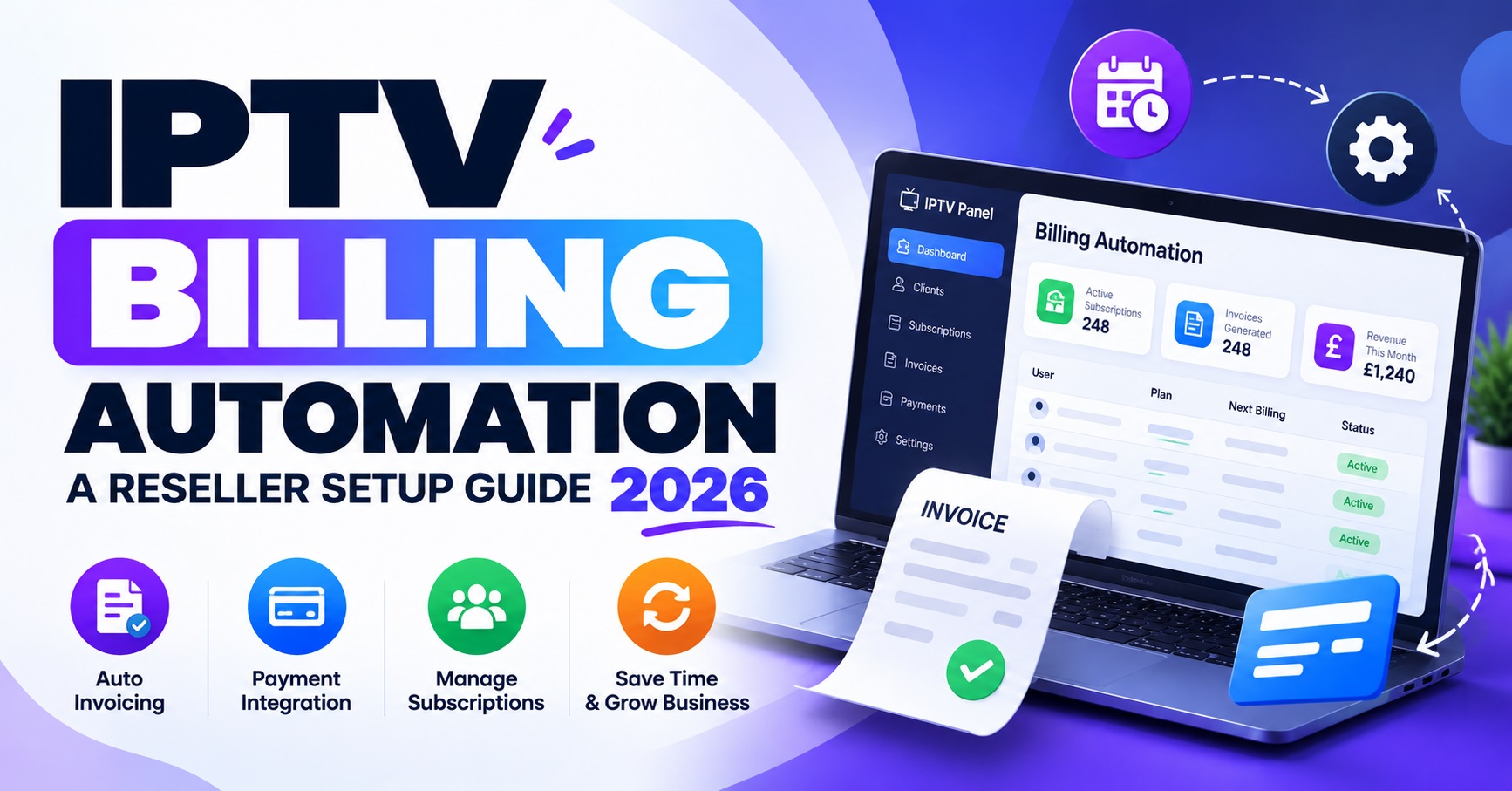

IPTV Billing Automation means letting software collect payments, issue invoices, send renewal reminders and trigger the matching renewal on your panel, so none of those jobs depends on you being online when a subscription lapses. Most reseller panels only sell and track credits. The automation therefore usually sits in front of the panel rather than inside it.
Before you pay for any tool, check whether your panel offers API or webhook access. That decides whether you can automate the whole renewal or only the money side and the reminders. The costliest mistake is a setup that renews an account, and spends a credit, before the payment has actually cleared.
Two ledgers that quietly drift apart
Every IPTV reseller panel business keeps two sets of records, whether or not they are written down. The first is the credit ledger: credits bought, credits spent per line, credits left. The second is the money ledger: what each customer paid, when they paid it, and what is still due.
In a manual setup, memory and chat messages hold these two together. A customer says they have paid, you check the bank, open the panel, renew the line and reply. Each step is small. The trouble is volume and timing. A renewal gets done but the payment is never recorded. A payment arrives but the account sits expired for hours. A credit is spent for a customer who later disputes the charge.
The real job of billing automation is to tie both ledgers to a single trigger, and that trigger should be a confirmed payment. Reminders, invoices and receipts are housekeeping around that one event.
Four levels of automation and where each one stops
Automation is not all or nothing. Most resellers move through these levels in order, and many sensibly stop at the second one.
| Level | What runs by itself | What still needs you |
|---|---|---|
| Reminders only | Expiry notices by email or message | Checking payments, renewing on the panel |
| Payment collection | Payment links, receipts, recorded invoices | Renewing each line by hand |
| Triggered renewal | A confirmed payment sends the renewal request | Exceptions, failed requests, disputes |
| Full cycle | Reminder, payment, renewal, confirmation, retry | Watching logs and handling edge cases |
The third and fourth levels depend on your supplier. If the panel has no supported way to receive renewal requests, they are simply not available to you, however good your billing tool is. Even where they are available, a full cycle is not something you set up and forget. If the supplier changes how the panel behaves, the connection can fail without any obvious error, so someone has to read the logs regularly.
Pro tip: Run reminders and payment links alone for a full billing month before you touch renewals. They remove most of the chasing and they cannot spend a credit by mistake.

IPTV Billing Automation when your panel has no API
Plenty of reseller panels are managed purely through a web dashboard. If that is your situation, you can still automate most of the business side. Let the billing tool handle the invoice, the payment link and the receipt, then have it drop a renewal task into one queue for you or a support colleague. Renewals are then done in batches inside the panel, from a single list, rather than from scattered chat threads.
It is tempting to fill the gap with scripts that log into the panel as you. Avoid that. It usually breaches the supplier’s terms, it puts your panel login into a third-party tool, and it can get the account suspended the first time the panel changes its layout.
Ask your supplier directly, and get the answer in writing, whether an official API exists. If it does, also ask about request limits and how much notice you get before changes. Assuming the answer is the usual way resellers end up with a broken renewal flow.
The renewal order that protects your credits
The order of events matters more than the tool you use. A safe renewal runs like this:
- The payment processor confirms the payment. A screenshot from the customer is not confirmation.
- The system checks that your credit balance can cover the renewal.
- The renewal request goes to the panel.
- The system reads the panel’s response and does not assume success.
- The customer receives a receipt and the new expiry date, and the ledger line is written.
Step 2 is the one most setups skip. If your balance is too low, the automation should hold the renewal, tell the customer it is being processed, and alert you, rather than failing without a word. Where credits do not expire, keeping a buffer costs you only the cash tied up. Where they do expire, size the buffer to your renewal calendar instead. If you are still comparing supplier options, the IPTV reseller panel and credit options on the IPTV Vendors homepage are a sensible starting point.
Failed payments, late payers and the grace period question
Cards fail, bank transfers arrive late and customers forget. Decide the response in advance, because the worst time to invent a policy is while a customer is messaging you.
| Situation | Sensible automated response |
|---|---|
| Card payment fails | Retry once, then send a fresh payment link |
| Payment arrives after expiry | Renew and state clearly which date the new term starts from |
| Duplicate payment | Hold and flag for review instead of adding time automatically |
| Dispute or chargeback | Pause renewals for that customer and review manually |
A grace period is the harder choice. A generous one reduces support messages, but it means you are carrying the cost of unpaid time. A strict one protects your margin but creates more complaints. Neither is wrong. What causes trouble is applying it differently from one customer to the next. Write one rule, put it in your reminder messages, and let the system apply it.
Pro tip: Keep reminder wording factual. State the amount, the expiry date and the payment link. Customers accept a clear rule far more readily than a one-off favour.
If you run sub-resellers
Sub-resellers need a different kind of automation from end customers. What matters here is their balance, not their monthly renewal. Automate top-up invoices and low-balance alerts so they do not run out of credits halfway through a renewal period, and make sure they can see their own usage without asking you.
Decide early who bills the end customer and who owns the relationship. If your billing system sends messages straight to a sub-reseller’s customers, you may be stepping on an arrangement you meant to leave alone.

Records, tax and processor terms worth checking early
Automation produces records whether you want them or not, so make them useful. Keep every invoice and receipt in a form you can export, and give your accountant a clear view of income. Whether you need to register for VAT or how to treat your sales depends on your own situation, so ask an accountant rather than relying on a general guide.
Customer emails, contact numbers and payment references are personal data. Limit who can see them inside your billing system and make sure your privacy policy matches what you actually collect.
Read the acceptable-use terms of any payment processor before you build around it. Accounts connected to streaming services can be reviewed if the rights position is unclear, and moving a billing flow to a new processor is far more work than choosing carefully at the start. It is also worth remembering that IPTV reseller panel is a delivery technology. Whether a service is lawful depends on content rights, permissions and local requirements. A tidy billing system, a card checkout or a professional-looking website does not make a service legitimate.
Questions resellers ask before switching
Can billing software renew an IPTV line by itself?
Only if your panel offers a supported API or webhook for renewals. Without one, the software can still take payment and queue a renewal task for you.
Should I take payment before or after renewing?
Before. Renewing first means you spend a credit on the strength of a promise, and recovering that cost from a late or missing payer is slow and awkward.
How many reminders are enough?
There is no fixed number. A common pattern is one reminder ahead of expiry, one on the day, and one shortly afterwards, each with a payment link.
What happens to my automation if the supplier changes the panel?
Connections built on official access are usually announced or documented, while unofficial ones tend to break without warning. Check your logs after any panel update.
Is it worth it with a small customer list?
Often reminders and payment links are enough. Full renewal automation pays off when admin time is clearly holding back growth.
Conclusion
IPTV Billing Automation works best when it is built in layers. Start with reminders and payment links, add triggered renewals only if your panel officially supports them, and never let a renewal spend a credit before the payment has cleared. Keep the rules for failed payments and grace periods written down, and review the logs after every supplier change. A sensible next step is to ask your supplier whether renewals can be triggered through an official interface, then choose the level of automation that interface allows.
Reseller Pre-Launch Checklist
- Confirm in writing whether your panel has an API or webhook for renewals
- Choose a payment processor and read its acceptable-use terms
- Set a minimum credit balance that pauses renewals and alerts you
- Write one grace period rule and one failed-payment rule
- Test a full renewal with a low-value account before switching on live customers
- Make sure receipts show the amount, date and new expiry date
- Decide who checks the logs and how often
- Confirm with your accountant how sales records should be kept


[…] IPTV panel resellers end up combining the second and third rows, using expiry dates for renewals and a rolling average […]