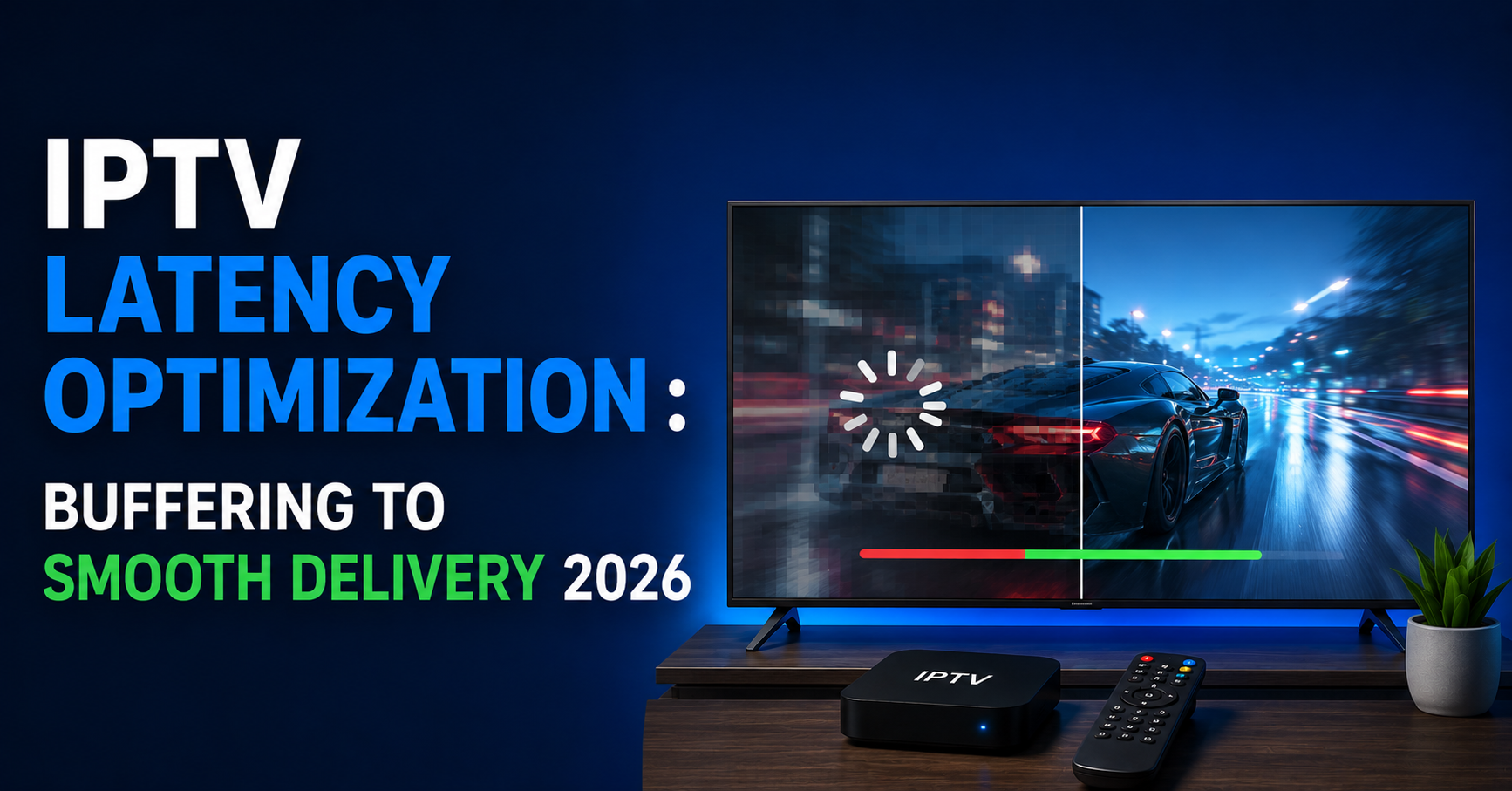

A subscriber hits play. Three seconds pass. Five. The spinner keeps going. By the time the stream loads, if it loads, they’ve already messaged their reseller asking for a refund. That interaction, multiplied across hundreds of lines, is what kills reseller businesses faster than any takedown notice ever could.
IPTV latency optimization isn’t a backend luxury. It’s the single metric that determines whether your panel retains subscribers or hemorrhages them. Every millisecond of delay between a channel request and first-frame delivery is a crack in your credibility. And in 2026, where subscribers compare your service against slick legitimate apps with near-instant zapping times, those cracks turn into canyons fast.
Most UK IPTV resellers never touch latency. They buy credits, load lines, and hope the upstream provider has things handled. That passive approach worked in 2019. It doesn’t anymore. The operators still standing today treat IPTV latency optimization as an ongoing discipline, not a one-time server tweak.
This piece breaks down the mechanics, the mistakes, and the tactical fixes that separate functional panels from failing ones.
Where IPTV Latency Actually Originates: And Why Most Resellers Misdiagnose It
Here’s the uncomfortable truth: when a subscriber complains about buffering, most IPTV resellers blame the user’s internet connection. Sometimes that’s valid. More often, the latency sits somewhere between the origin encoder and the last-mile CDN node, and nobody on the reseller side has bothered to trace it.
IPTV latency optimization starts with understanding the delivery chain. A typical stream passes through at least four stages before it hits a subscriber’s device:
- Origin ingest: where the raw feed enters the headend encoder
- Transcoding and segmenting: where it’s converted into HLS or MPEG-TS chunks
- CDN relay: where those chunks are cached across edge nodes
- Last-mile delivery: the final hop to the subscriber’s player app
Each stage introduces its own delay. Encoding adds 1-3 seconds depending on the codec profile and segment duration. CDN propagation adds another 2-5 seconds depending on node proximity. And the player buffer, which most operators never configure, tacks on yet another layer.
Pro Tip: If your total glass-to-glass latency exceeds 8 seconds on a live sports channel, you’re losing subscribers to social media spoilers before the stream even catches up. Target 4-6 seconds maximum for competitive retention.
The real issue? Resellers have no visibility into most of these stages. They see the output, a laggy stream, and assume it’s a bandwidth problem. IPTV latency optimization demands you stop guessing and start measuring at each relay point.
HLS Segment Duration: The Hidden Lever Nobody Adjusts
Most panel providers ship with default HLS segment lengths of 6-10 seconds. That’s an eternity in live streaming. Every segment the player must download before playback begins is dead time your subscriber sits through.
Reducing segment duration is one of the most effective IPTV latency optimization moves available, yet hardly anyone does it because shorter segments mean more HTTP requests per second, which means more server load.
Here’s the tradeoff matrix:
| Segment duration | Startup latency | Server load | Compatibility |
|---|---|---|---|
| 10 seconds | Very high (~15-20s) | Low | Universal |
| 6 seconds | High (~10-14s) | Moderate | Universal |
| 3 seconds | Medium (~5-8s) | Higher | Most modern players |
| 2 seconds | Low (~3-5s) | Significant | Requires tuned infrastructure |
Dropping from 6-second to 2-second segments can cut perceived latency by more than half. But your origin server and CDN must handle the increased request volume without choking. This is where cheap shared infrastructure collapses. A provider running a single origin server with 2-second segments and 500 concurrent viewers will see CPU saturation within minutes.
IPTV latency optimization through segment tuning only works when paired with proper load distribution. You need horizontal scaling, multiple origin nodes behind a load balancer, not a bigger single box.
Pro Tip: If you’re using Xtream Codes or a forked panel, check your segment settings under the transcoding profile. Most operators never change the defaults. A shift from 6s to 3s segments, combined with a competent CDN, will produce the single biggest latency improvement most resellers ever experience.
DNS Resolution Delays and Why Your Playlist URLs Are Slowing Everything Down
Nobody talks about DNS when discussing IPTV latency optimization, and that’s precisely why it remains one of the most overlooked bottlenecks.
When a subscriber opens your app and loads a playlist, the player resolves your panel’s domain to an IP address. If your DNS provider is slow, if you’re not using anycast DNS, or if TTL values are misconfigured, that resolution alone can add 200-800 milliseconds per channel switch. Multiply that across a zapping session and your subscriber experiences painful delays every single time they change channels.
Worse, some resellers use free DNS services with no geographic distribution. A subscriber in Manchester resolving through a DNS server in Virginia adds transatlantic round-trip time before a single byte of video data moves.
- Switch to a premium anycast DNS provider with global points of presence
- Set TTL values between 60-300 seconds, low enough for flexibility, high enough to allow caching
- Avoid CNAME chains; use direct A records for stream endpoints
- Monitor DNS resolution times weekly using external probes from subscriber-heavy regions
DNS poisoning has also become a tool for major broadcasters enforcing content blocks. In 2026, AI-driven ISP blocking systems actively poison DNS responses for known IPTV domains. If your subscribers suddenly can’t connect, it might not be your server, it might be their ISP intercepting DNS queries and returning false results.
IPTV latency optimization must account for this. Instruct subscribers to use encrypted DNS (DoH or DoT) and hardcode fallback DNS resolvers inside your branded APK if you distribute one. This removes one entire variable from the latency equation.
Load Balancing Failures That Create Artificial Latency Spikes
You’ve invested in three edge servers. Good. But if your load balancer is routing based on round-robin instead of latency-aware algorithms, you’re creating the exact problem you paid to solve.
Round-robin distribution sends subscriber requests to servers in rotation regardless of each server’s current load or geographic proximity. That means a subscriber in London might get routed to a Frankfurt node while the London node sits half-empty. The result: unnecessary latency added for no reason.
IPTV latency optimization at scale requires intelligent load distribution. Least-connections routing is better than round-robin. Geographic routing is better still. But the gold standard is latency-based routing, where the balancer actively measures response times from each node and sends new connections to whichever responds fastest at that moment.
Pro Tip: Run synthetic health checks against your edge nodes every 30 seconds. If a node’s response time exceeds your threshold (e.g., 150ms), pull it from rotation automatically. One sluggish server can drag average latency up across your entire subscriber base if the balancer keeps feeding it traffic.
Most reseller-grade panels don’t include sophisticated load balancing out of the box. You’ll need to layer it on yourself using tools at the infrastructure level, reverse proxy configurations, or managed load balancers from your hosting provider. It’s not glamorous work. It’s the work that keeps your streams starting in under three seconds while your competitors buffer for ten.
Backup Uplink Servers: The Latency Insurance Policy You Can’t Skip
Every reseller who’s been in this business long enough has lived through an upstream provider going dark. No warning. Channels vanish. Subscribers flood your inbox. And if your panel has no failover path, your latency doesn’t just increase, it becomes infinite. The stream never arrives.
IPTV latency optimization isn’t only about making fast streams faster. It’s about ensuring streams arrive at all during disruptions. Backup uplink servers are your insurance against upstream failures, and they need to be warm, not cold.
A cold backup means a secondary source that only activates after the primary fails. The problem with cold failovers is detection and switchover time. By the time your monitoring detects the primary is down, triggers a DNS update or playlist swap, and subscribers reconnect through the new path, you’ve lost 5-15 minutes. That’s an eternity during a premium sports event.
Warm backups run in parallel. Your panel ingests from both uplinks simultaneously and serves whichever feed has lower latency and better stability at any given moment. It costs more, you’re paying for two upstream sources, but the latency benefit during disruption is massive. Subscribers experience a brief hiccup instead of a total blackout.
- Maintain at least two independent uplink providers from different geographic regions
- Configure automatic source failover at the panel level, not the DNS level
- Test failover paths monthly, don’t wait for a real outage to discover your backup doesn’t work
- Monitor uplink packet loss separately from downstream metrics; upstream degradation causes latency before it causes visible buffering
Player-Side Buffer Settings: Where Resellers Lose Control of Latency
You can optimize every server in your chain and still deliver a laggy experience if the subscriber’s player app is misconfigured. Most IPTV players default to aggressive buffering, loading 10-30 seconds of video ahead of playback, because it reduces rebuffering events. But that buffer directly inflates latency.
IPTV latency optimization at the player level is a balancing act. Less buffer means lower latency but higher risk of stuttering on unstable connections. More buffer means smoother playback but the subscriber watches events seconds behind real time.
For resellers who distribute a branded app or recommend specific players, this is a controllable variable. TiviMate, for instance, allows custom buffer sizes. OttNavigator exposes buffer duration settings per playlist. If you’re not guiding your subscribers to optimal settings, you’re leaving latency on the table.
Pro Tip: Publish a recommended settings guide for your top three supported players. Specify buffer size (3-5 seconds for fibre connections, 8-10 seconds for wireless), decoder type (hardware over software), and protocol preference (HLS over MPEG-TS for most devices). A two-minute setup guide reduces your support tickets and improves perceived stream quality simultaneously.
The players themselves also introduce latency through codec negotiation. When a subscriber switches channels, the player must detect the incoming codec, initialize the decoder, and begin rendering. On underpowered devices, older Firesticks, budget Android boxes, this process alone can take 2-4 seconds. That’s device-imposed latency that no amount of server-side IPTV latency optimization can eliminate. Guiding subscribers toward capable hardware is part of the optimization chain whether you like it or not.
Transcoding Profiles and Codec Selection: Getting the Encode Right
Your upstream provider encodes in H.265. Your subscriber’s 2019 Firestick can barely decode it without melting. So the panel transcodes on the fly to H.264, and that transcoding operation adds 2-6 seconds of latency depending on server resources.
Real-time transcoding is the most CPU-intensive operation in any IPTV chain. Every active transcode session consumes processing power that could otherwise serve passthrough streams. When your server hits CPU saturation from too many concurrent transcodes, every stream on that box degrades, not just the transcoded ones.
IPTV latency optimization around transcoding means reducing the need for it in the first place. If 80% of your subscriber base uses devices that handle H.264 natively, ensure your primary uplink delivers H.264. Reserve transcoding for the edge cases, not the default path.
| Approach | Latency impact | CPU cost | Quality |
|---|---|---|---|
| Passthrough (no transcode) | Minimal (+0-1s) | Near zero | Source quality |
| Pre-transcoded profiles | Low (+1-2s) | Batch, off-peak | Consistent |
| Real-time transcode | High (+2-6s) | Very high per stream | Variable under load |
Pre-transcoding, creating multiple quality profiles during off-peak hours and serving them as adaptive bitrate streams, is the middle ground. It front-loads the CPU cost and eliminates real-time transcoding latency during peak viewing.
Audit your subscriber device mix quarterly to align encode profiles with actual decoder capabilities
Disable unnecessary transcode options in your panel to free CPU headroom
Isolate transcoding workloads on dedicated servers separate from your main streaming nodes
ISP Throttling Detection and IPTV Latency Optimization Countermeasures
In 2026, ISP-level interference with IPTV traffic has moved beyond simple port blocking. AI-driven deep packet inspection systems now identify streaming patterns in real time and throttle them dynamically. Your subscriber’s connection might test at 80 Mbps on a speed test but deliver 3 Mbps to your stream server because the ISP has classified that traffic as unauthorized streaming.
This creates a latency pattern that’s difficult to diagnose. The stream technically loads, but with constant rebuffering that mimics server-side issues. UK IPTV Resellers waste hours troubleshooting their infrastructure when the problem sits entirely within the subscriber’s ISP network.
IPTV latency optimization against ISP throttling requires encryption. If your panel supports HTTPS streaming or offers an encrypted tunnel option, enable it by default. Encrypted traffic is significantly harder for DPI systems to classify and throttle.
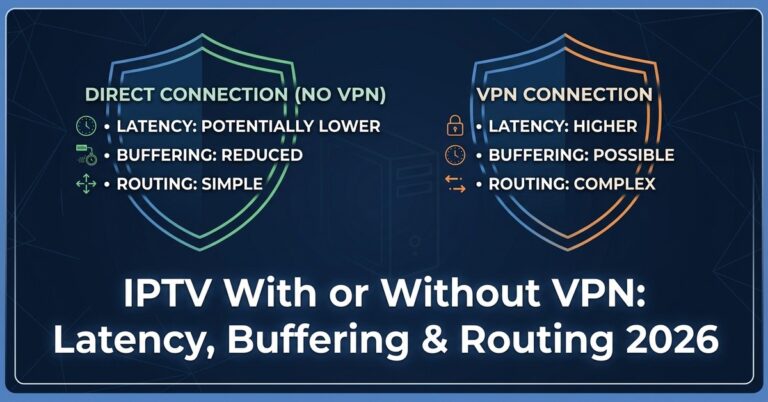
Pro Tip: If a subscriber reports buffering but their speed test is fine, have them run a test through a VPN. If the stream works perfectly over VPN, the issue is ISP throttling, not your servers. Document this diagnostic in your support flow to save hours of misdiagnosed troubleshooting.
Additional countermeasures include rotating stream server IPs periodically so they don’t end up on ISP blocklists, using non-standard ports for stream delivery, and distributing traffic across multiple CDN endpoints so no single IP accumulates enough traffic volume to trigger automated ISP flags.
This is an arms race, and it directly impacts latency. Every throttled packet, every blocked DNS query, every rate-limited connection adds milliseconds that compound into a degraded viewing experience.
Monitoring Latency in Real Time: Metrics That Actually Matter
You can’t optimize what you don’t measure. Yet most resellers have zero latency monitoring in place. They learn about problems when subscribers complain, which means they learn about problems after subscribers have already started looking for alternatives.
IPTV latency optimization requires continuous measurement at multiple points in the delivery chain. The four metrics that matter most:
- Time to First Byte (TTFB): How long between a channel request and the first data packet arriving. Target: under 500ms.
- Segment Download Time: How long each HLS/MPEG-TS chunk takes to transfer. Should be well under the segment duration, if a 3-second segment takes 2.8 seconds to download, you’re one network hiccup away from a stall.
- Channel Zap Time: Total time from channel switch to visible playback. This is the metric subscribers feel most directly. Target: under 3 seconds on fibre, under 5 seconds on wireless.
- Rebuffer Ratio: Percentage of viewing time spent buffering. Anything above 1% is noticeable. Above 3% triggers churn.
Set up automated alerts when any of these metrics cross your thresholds. Don’t rely on subscriber reports. By the time someone messages you about buffering, twenty others have already silently downgraded their opinion of your service.
Panel credits and subscriber counts mean nothing if your latency metrics are deteriorating. A panel with 200 lines and sub-second zap times will outretain a panel with 2,000 lines and 8-second startup delays every single time. IPTV latency optimization is retention strategy wearing a technical mask.
Frequently Asked Questions
What is IPTV latency optimization and why should resellers care about it?
IPTV latency optimization refers to the process of reducing delays at every stage of the stream delivery chain, from origin encoding through CDN relay to the subscriber’s player. Resellers should prioritize it because high latency directly causes buffering, slow channel switches, and subscriber churn. In 2026, subscribers expect near-instant playback, and panels that can’t deliver it lose customers to competitors who can.
How much latency is acceptable for live IPTV channels?
For live content, total glass-to-glass latency should stay between 4-8 seconds. Anything above 10 seconds creates a noticeably poor experience, especially during live sports where social media spoilers outpace the stream. Resellers targeting premium subscribers should aim for the lower end of that range through segment tuning and CDN optimization.
Can changing HLS segment duration really improve IPTV latency optimization results?
Yes, it’s one of the most impactful single changes available. Reducing segment duration from the default 6-10 seconds down to 2-3 seconds can cut startup latency by 50% or more. However, shorter segments increase HTTP request volume, so your infrastructure must be scaled to handle the additional load without creating new bottlenecks.
How do I tell if ISP throttling is causing latency rather than my servers?
Have the affected subscriber connect through a reputable VPN and test the same channel. If playback becomes smooth over VPN but buffers without it, the ISP is throttling IPTV traffic. This diagnostic separates ISP-side interference from genuine server-side latency problems and prevents wasted troubleshooting effort on your infrastructure.
Does the subscriber’s device affect IPTV latency optimization efforts?
Absolutely. Older or underpowered devices add 2-4 seconds of decoder initialization latency that no server-side optimization can fix. Budget Android boxes and first-generation Firesticks are common culprits. Guiding subscribers toward devices with hardware H.264/H.265 decoding support is a legitimate part of any comprehensive IPTV latency optimization strategy.
What role do backup uplink servers play in latency management?
Backup uplinks prevent latency from becoming infinite during upstream outages. Warm backups, running in parallel with the primary source, allow instant failover with minimal disruption. Cold backups require detection and switchover time that can cost 5-15 minutes of downtime during critical viewing periods, making warm redundancy the preferred approach for serious operators.
How often should I monitor latency metrics on my IPTV panel?
Continuous monitoring is ideal. At minimum, check TTFB, segment download times, zap time, and rebuffer ratios daily. Set automated alerts for threshold breaches so you catch degradation before subscribers report it. Weekly trend analysis helps identify gradual performance drift that daily snapshots might miss.
Is real-time transcoding a major contributor to IPTV latency?
It can be significant, adding 2-6 seconds per stream depending on server resources and concurrent transcode sessions. Passthrough delivery adds near-zero latency, while pre-transcoded adaptive profiles add only 1-2 seconds. Minimizing real-time transcoding by aligning your encode profiles with subscriber device capabilities is a core IPTV latency optimization tactic.
IPTV Latency Optimization Success Checklist for Resellers
Audit your current glass-to-glass latency on your five most popular channels and document baseline numbers before making any changes.
Check your HLS segment duration settings in your panel’s transcoding profile, reduce to 3 seconds if your infrastructure supports the increased request load.
Switch to a premium anycast DNS provider and eliminate CNAME chains from your stream endpoint records.
Replace round-robin load balancing with latency-based routing and configure 30-second health checks on all edge nodes.
Set up at least one warm backup uplink provider from a different geographic region and test failover monthly.
Audit your subscriber device mix and remove unnecessary real-time transcode profiles that consume CPU without serving significant user segments.
Enable HTTPS streaming or encrypted tunnels by default to mitigate AI-driven ISP throttling and DNS poisoning interference.
Publish player-specific setup guides with recommended buffer sizes, decoder settings, and protocol preferences for your top three supported apps.
Deploy automated monitoring for TTFB, segment download time, zap time, and rebuffer ratio with alert thresholds that trigger before subscribers notice degradation.
Explore IPTV Reseller panel credit packages from established providers like britishreseller.com to ensure your upstream feed quality matches your infrastructure