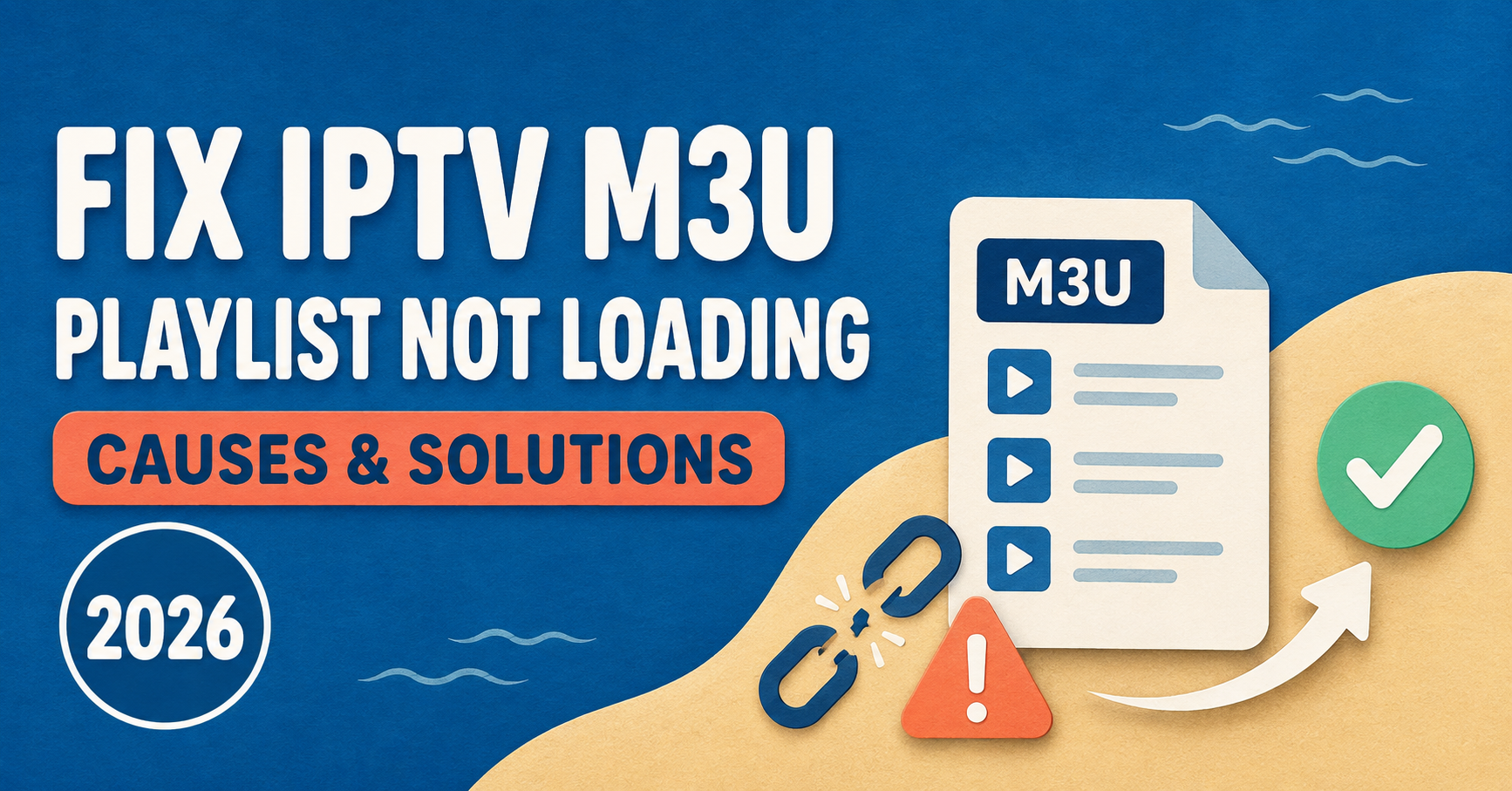

IPTV M3U Playlist Not Loading is usually down to one of three things: a broken or expired playlist URL, a server that isn’t responding, or a player app that’s misreading the file format. Before assuming your subscription has failed, it helps to work through these possibilities in order, because the fix is often much simpler than it first appears.
Most people reach for their IPTV panel provider the moment a playlist stops loading, and sometimes that’s the right call. But a fair share of these failures have nothing to do with the service itself. They come down to a typo in the URL, an app that’s cached an old version of the file, or a router setting quietly blocking the connection. Working through the checks below in order will usually tell you which category you’re dealing with within a few minutes.
Start With the Playlist URL Itself
An M3U playlist is just a text file that points your player to a list of streams. If that link is wrong in any way, even by a single character, the player has nothing to load.
Open the URL manager in your player app and compare the address character by character against what your provider gave you. Pay close attention to:
- Extra spaces at the start or end of the line, which are easy to miss when copying from an email or WhatsApp message
- The wrong protocol, such as http instead of https or the reverse
- A missing or duplicated slash in the path
- Port numbers that have been left out or transcribed incorrectly
If you’re not confident the URL is correct, try pasting it directly into a browser address bar. A working M3U link will usually prompt a file download or show a stream of text starting with #EXTM3U. If the browser returns an error page instead, the problem sits with the URL or the server behind it, not your player app.
Pro tip: Retype the URL manually rather than trusting a copy-paste from a message thread. Some messaging apps quietly insert formatting characters that look invisible but break the link.
Check Whether the Server Is Actually Reachable
A playlist that loaded fine last week can stop working today if the server behind it is down, overloaded, or undergoing maintenance. This is separate from the URL being wrong, since the address can be perfectly correct while the server on the other end simply isn’t answering.
A few signs point specifically to a server-side issue rather than a local one:
| Symptom | Likely Cause | What to Check |
|---|---|---|
| Playlist loads on one device but not another | App-specific caching or parsing issue | Clear app cache, reinstall the player |
| Playlist fails on every device at the same time | Server outage or maintenance | Contact provider, check status updates |
| Playlist loads slowly then times out | Server overload or poor routing | Try again later, check connection speed |
| Playlist worked yesterday, fails today with no changes | Expired credentials or line | Confirm subscription status with provider |
If the issue is affecting every device on your network at once, that’s a strong indicator the server or your subscription is the actual cause, not something local to one app or one gadget.
Look at the Player App Before Blaming the Service
Different apps parse M3U files slightly differently, and some are more forgiving of formatting quirks than others. If one player refuses to load a playlist that works fine elsewhere, the app itself is usually the weak link.
A few things worth trying:
- Clear the app’s cache and stored playlist data, then re-add the URL from scratch rather than refreshing the existing entry
- Update the player to its latest version, since older builds sometimes struggle with newer playlist formats or larger channel lists
- Test the same URL in a second app on the same device, which quickly separates an app problem from a network or server problem
Apps such as TiviMate and OTT Navigator handle large playlists differently under the hood, and switching between them for a quick test is one of the fastest ways to rule out the player as the cause. If you’re deciding which app to settle on long term, our comparison of TiviMate and OTT Navigator covers how each one handles playlist loading and EPG data in more detail.
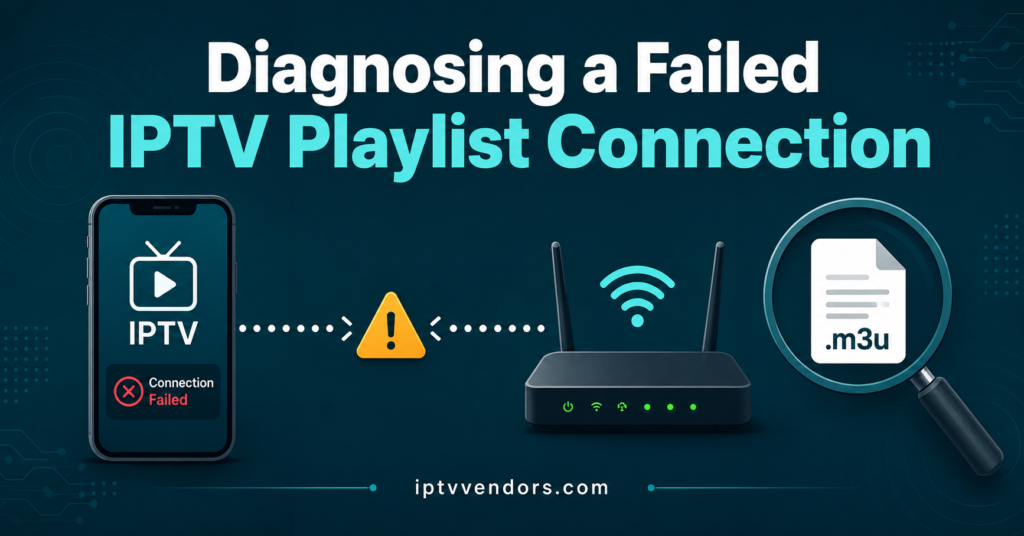
Rule Out Network and Device Restrictions
Even a perfectly healthy playlist and a fully functional server won’t help if something between the two is blocking the connection. This is easy to overlook because the fault sits outside both the app and the IPTV reseller panel provider’s infrastructure.
Common culprits include:
- A VPN or proxy that’s routing traffic through a region the server doesn’t expect, causing requests to be dropped
- Router-level firewall rules or parental controls that block the ports the stream uses
- DNS settings that fail to resolve the provider’s domain correctly, even though the connection itself is fine
Pro tip: Switching your device’s DNS to a public resolver such as 1.1.1.1 or 8.8.8.8 temporarily is a quick way to check whether DNS resolution is the actual blocker, without changing anything on the router itself.
Buffering and slow loading that eventually times out often trace back to routing or bandwidth issues rather than the playlist file. Our guide on reducing IPTV latency goes into more detail on the network side of this if slow loading, rather than a complete failure, is the pattern you’re seeing.
When the Fault Sits With the Provider’s Panel
If you manage your own reseller panel rather than a single end-user subscription, an M3U playlist failing to load can sometimes trace back to authentication problems on the panel side rather than the playlist file itself. Errors that look like a broken playlist are occasionally the same underlying issue as login or authorisation failures elsewhere in the system.
It’s worth ruling this out early if you’re troubleshooting on behalf of customers. Our breakdown of 401 and 403 errors on Xtream Codes panels explains how authentication failures can present as a playlist that simply won’t populate, and what to check on the panel side before assuming the fault lies with the customer’s device.
Preventing the Same Problem Next Time
Once the immediate issue is fixed, a few habits reduce how often it comes back.
Save playlist URLs somewhere reliable rather than only inside the app, since reinstalling a player or switching devices is far easier when you have the exact address on hand. Keep player apps updated on a regular basis instead of only when something breaks, since parsing bugs in older versions are a genuinely common cause of playlist failures. And if you’re supporting customers as part of a reseller operation, having a consistent way to check account and credit status quickly matters as much as the technical fix itself. A clear support workflow makes it much faster to tell a genuine outage apart from a one-off local issue.
Frequently Asked Questions
Why does my M3U playlist load on one device but not another?
This almost always points to the app rather than the playlist itself. Different players parse M3U files with varying degrees of tolerance for formatting quirks, so clearing the cache or testing a second app is the quickest way to confirm this.
Can an expired subscription cause a playlist to fail without any error message?
Yes. Some providers stop serving the playlist entirely once a line expires, rather than returning a specific error, which can look identical to a technical fault at first glance.
Does a VPN affect whether an M3U playlist loads?
It can. Some servers reject or slow down requests coming from VPN or proxy ranges, particularly if the routing puts the request through a region the server doesn’t recognise as valid for that account.
Is it normal for a playlist to take a long time to load with a large channel list?
Larger playlists do take longer to parse, but a genuinely long delay that ends in a timeout usually points to a network or server issue rather than the file size alone.
Should I re-add the playlist URL or just refresh it in the app?
Removing the entry and adding it fresh is more reliable than refreshing, since some apps hold onto cached data that a simple refresh doesn’t clear.
Getting the Playlist Working Again
IPTV M3U Playlist Not Loading almost always comes down to one of four things: an incorrect URL, a server that isn’t responding, a player app struggling to parse the file, or a network restriction sitting between the two. Working through the checks in that order, rather than jumping straight to contacting support, resolves most cases without any waiting around. If everything checks out on your end and the playlist still won’t load, that’s the point where reaching out to your IPTV reseller panel provider with specific details, what you’ve already tried and when the fault started, will get you a faster answer than a generic “it’s not working” message.
Quick Troubleshooting Checklist
- Compare the playlist URL character by character against what the provider supplied
- Test the URL directly in a browser to confirm the server responds
- Check whether the failure affects every device or just one
- Clear the player app’s cache and re-add the playlist from scratch
- Test the same URL in a second app to isolate the player
- Temporarily disable any VPN or proxy and try again
- Switch DNS to a public resolver to rule out resolution issues
- Confirm subscription or credit status if the fault is server-wide