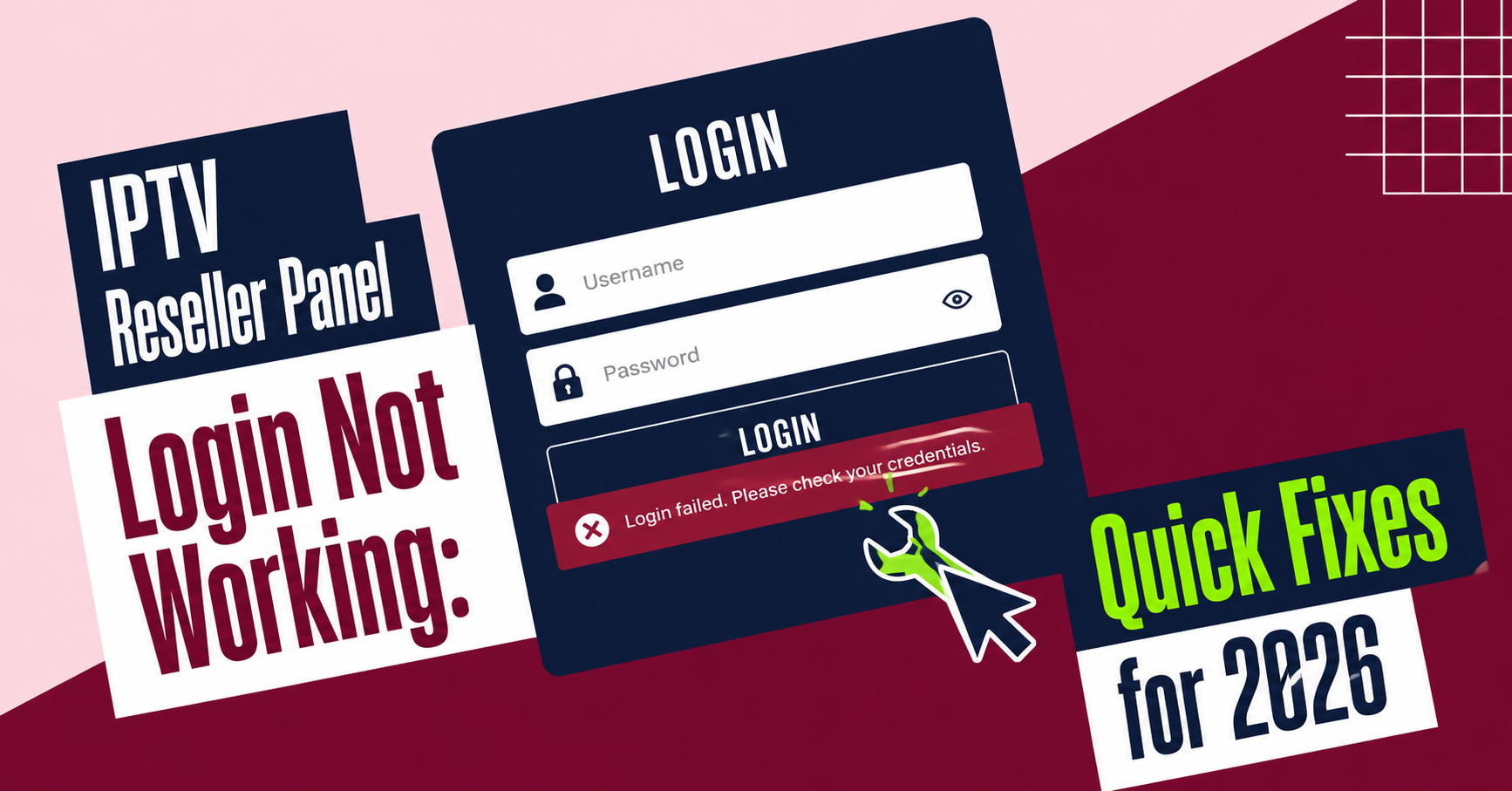

IPTV reseller panel login not working is almost always one of five things: incorrect or expired credentials, a browser or device fault, a blocked IP address, an expired reseller account, or an outage on the provider’s side. The trick is working out which one applies to you before you start changing settings, because fixing the wrong problem wastes time you could be spending on customers who are also locked out.
Working Out What’s Actually Wrong Before You Touch Anything
Most resellers assume a login failure means something has broken on the provider’s end. Sometimes that’s true. More often, the fault sits somewhere much smaller: a saved password that’s slightly out of date, a session that expired mid-task, or a browser extension quietly interfering with the login form.
Before changing anything, try logging in from a different device or a different network connection. If the panel loads fine from your phone on mobile data but not from your laptop on office wifi, the problem isn’t the panel. It’s something local to that one device or connection. If it fails everywhere, the fault is either with your account or with the provider’s infrastructure.
Pro tip: Screenshot the exact error message before you do anything else. If you do need to contact support, that screenshot cuts diagnosis time in half.
Checking Your Credentials Properly
Password managers are useful right up until they save an old password over a new one, or autofill a username into the wrong field on a panel that’s had its layout updated. Clear the login fields completely and type the username and password by hand. If that works, the problem was never the panel, it was the browser holding onto stale data.
Caps lock catches more people than you’d expect, especially on laptops where the indicator light isn’t obvious. So does a trailing space copied in from a notes app or spreadsheet where credentials are stored. These sound trivial, but they account for a genuinely large share of “my panel won’t let me in” reports that turn out to have nothing to do with the panel itself.
If you’ve recently changed your password and the change hasn’t synced, wait a few minutes before trying again. Some reseller dashboards apply account updates on a short delay rather than instantly, particularly during busy periods.
Browser and Device Level Problems
A cluttered cache is one of the most common reasons a UK IPTV reseller panel appears to hang on the login screen without giving any error at all. Clear cookies and cached files for that specific domain, then reload the page fresh. If you use an ad blocker or privacy extension, disable it temporarily and try again, since some of these tools block login scripts without any visible warning.
Try a different browser entirely if the first two steps don’t help. This isolates whether the fault is with your operating system, your network, or something specific to one piece of software. Resellers running the panel through an older browser version sometimes find that a required script simply won’t execute, which produces a login page that looks normal but never actually submits.
Pro tip: Keep one browser profile completely clean, with no extensions installed, purely for accessing your reseller dashboard. It saves you a troubleshooting step every time something goes wrong.
Account Status and IP Restrictions
Reseller panels often apply IP-based security measures to protect against unauthorised access, which is sensible until it catches a legitimate user who’s changed location, switched ISPs, or connected through a VPN. If your login fails consistently from one network but works from another, this is usually the explanation.
An expired or suspended reseller account produces a login failure that looks identical to a technical fault from the outside, but the fix is different. Check your account status, credit balance, and any renewal date attached to your panel access before assuming the issue is technical. Providers structured around a credit-based reseller system will usually restrict panel access automatically once credits or access windows run out, rather than leaving accounts open indefinitely.
What To Do When IPTV Reseller Panel Login Not Working Persists
If you’ve cleared your cache, tried a different device, confirmed your credentials, and checked your account status, and the panel still won’t let you in, the fault is most likely on the provider’s infrastructure. Server outages, scheduled maintenance, and connectivity problems upstream of the panel itself all present the same way from a reseller’s chair: a login page that either won’t load or won’t accept anything.
At this point, contact support directly rather than continuing to try variations of the same login attempt. Include the exact error message, the time it started, and which devices and networks you’ve already tested. A provider that’s genuinely experiencing an outage should be able to confirm that quickly, and a provider that isn’t will be able to spot the actual cause faster with that detail in hand.
Pro tip: If several of your own customers report streaming interruptions around the same time your panel access fails, mention this to support too. It can point to a wider server or connection issue rather than something isolated to your account.
Reducing How Often This Happens
Recurring login failures usually trace back to habits rather than one-off technical faults. Using the same saved credentials across several devices without updating them in sync, ignoring browser update prompts, and switching networks constantly without whitelisting a stable IP all increase how often you’ll run into access problems.
Resellers running a white label panel setup for their own customers should apply the same logic downstream. If your subscribers report login issues on their end, the same diagnostic order applies: check credentials first, then the device, then the account, then the server, before assuming something has broken permanently.
Keeping a record of when login failures happen, what fixed them, and how long they lasted also makes conversations with your provider’s support team faster. Patterns that seem random in isolation, such as failures that always happen on Monday mornings or always follow a specific ISP, often point to something a provider can actually resolve once they see it laid out.
Frequently Asked Questions
Why does my reseller panel say my credentials are wrong when I know they’re correct?
This is usually a browser issue rather than an account issue. Cached login data, autofill errors, or a stray space copied into the password field are the most common causes. Type the credentials manually into a fresh browser window before assuming the account itself has a problem.
Can a VPN cause my reseller panel login to fail?
Yes. Some panels apply IP-based restrictions, and a VPN that routes you through a flagged or frequently changing IP address can trigger this. Try logging in without the VPN active to confirm.
How do I know if it’s a provider outage rather than my own connection?
Test the login from a completely different network and device. If it fails everywhere consistently, and especially if the failure is sudden across multiple accounts, it’s more likely to be on the provider’s side.
Should I reset my password every time login fails?
No. A reset is a reasonable step if credentials genuinely appear to be the problem, but resetting immediately skips the diagnostic steps that would otherwise tell you what actually went wrong, which makes it harder to prevent a repeat.
What information should I give support when reporting a login problem?
The exact error message, the time it started, which devices and networks you’ve tested, and whether the issue is affecting one account or several. This turns a vague report into something a support team can act on immediately.
Quick Troubleshooting Checklist
- Type credentials manually instead of relying on autofill
- Test login from a second device and a second network
- Clear cache and cookies, then reload the login page
- Disable browser extensions temporarily and retry
- Confirm your account status, credits, and renewal date
- Check the provider’s status page or contact support directly
- Note the exact error message and when it first appeared
Sorting out an IPTV panel login not working situation comes down to working through causes in order rather than guessing. Start with credentials and browser data, move on to account status and IP restrictions, and only treat it as a provider-side outage once the more common causes have been ruled out. Keeping a simple record of what happened and what fixed it will make the next login issue, if there is one, considerably quicker to resolve.