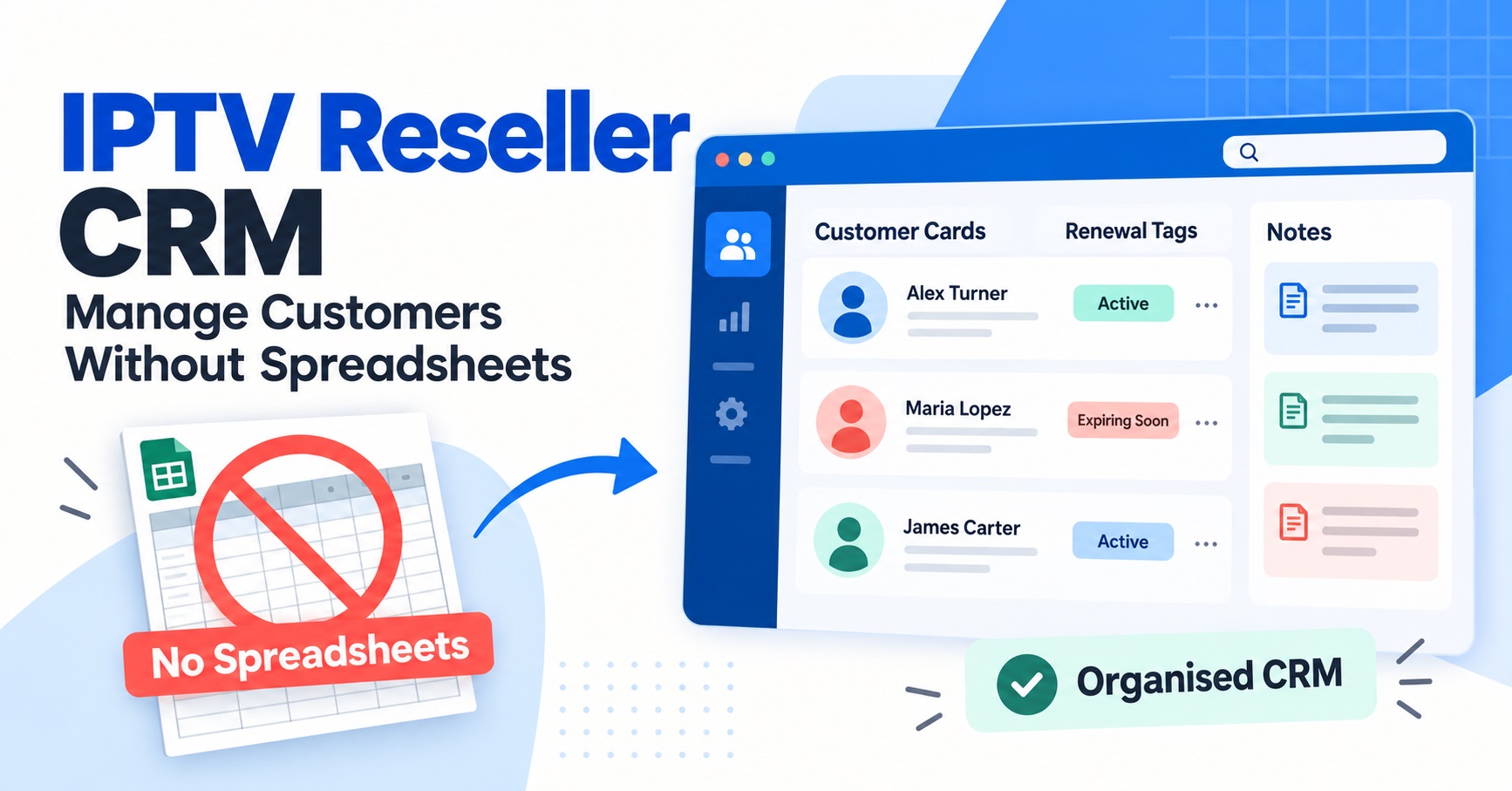

An IPTV reseller CRM is the system that tracks your customers, their subscription dates, and their credit usage in one place instead of a spreadsheet you update by hand every night. For anyone running more than a handful of accounts, that difference stops being a convenience and starts being the thing that decides whether renewals get missed or caught in time.
[ez-toc]
What Counts as an IPTV Reseller CRM
The term gets used loosely. Some IPTV panel resellers mean a dedicated customer relationship tool with tagging, notes and automated reminders. Others mean the customer management screen that’s already built into their reseller dashboard, where every account, expiry date and credit deduction is logged automatically as part of running the panel. Both count, and for most small to mid-sized operations, the second version is the one that actually matters day to day. You don’t necessarily need a separate piece of software bolted on top of your panel. You need the panel itself to hold accurate, searchable records of who’s active, who’s expiring, and who paid for what.
Why Spreadsheets Work Until They Don’t
A spreadsheet is fine at ten customers. You can scroll through it, spot the ones renewing this week, and update a cell when someone pays. The trouble starts once you’re juggling thirty, sixty, a hundred accounts across different plan lengths and payment dates. Nothing in a spreadsheet reminds you that a customer’s twelve-month plan expires on a Tuesday you weren’t watching for. Nothing flags that you’ve assigned the same login to two different people because a row got copied wrong. Nothing separates the customer who paid but hasn’t been activated yet from the one who was activated and never paid.
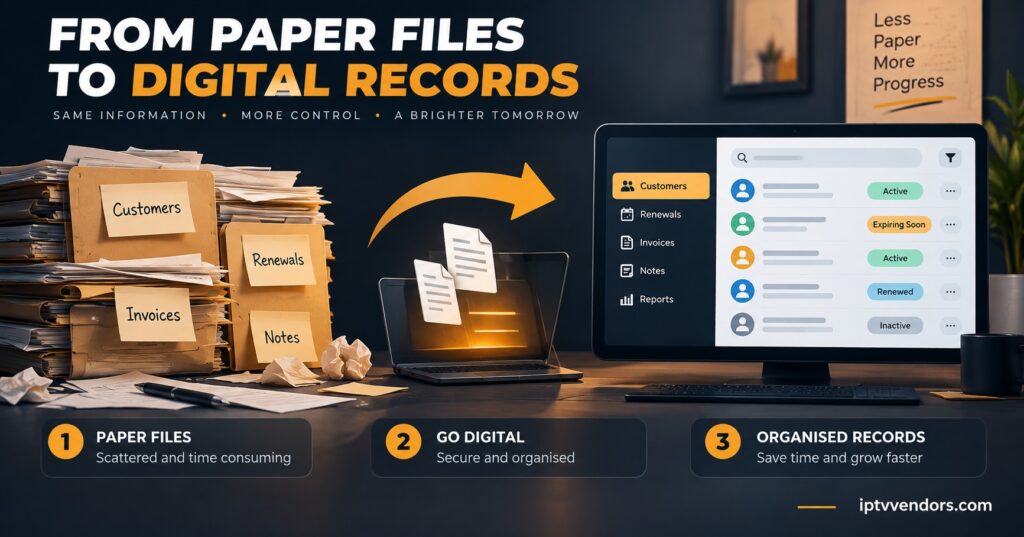
These aren’t hypothetical failures. They’re the ordinary consequence of tracking a growing, time-sensitive business in a tool built for static data. A missed renewal doesn’t just cost you that month’s payment. It costs you the customer, because most people don’t chase a provider to ask why their service stopped. They assume it’s broken and go elsewhere.
What an IPTV Reseller CRM Actually Tracks
At minimum, a working system should hold the customer’s connection details, plan length, activation date, expiry date, credit cost, and any notes about past issues. Better setups also log which device or app the customer uses, since that’s usually the first thing you need when they report a problem. The value isn’t the software itself. It’s that the information sits in one searchable place instead of scattered across a spreadsheet, a notebook, and your memory of a WhatsApp conversation from three weeks ago.
Some panels build this in as standard, giving you a live view of every account’s status without a separate login. If you’re currently evaluating a reseller dashboard’s account controls, customer record depth is one of the things worth checking before you commit, because retrofitting it later means moving every existing customer across.
Pro tip: Before switching systems, export whatever customer data you currently have, even from a messy spreadsheet. A partial record beats starting from nothing.
Signs Your Customer Management Has Outgrown a Spreadsheet
| Warning sign | Why it matters |
|---|---|
| You’ve missed a renewal in the last month | Manual tracking has a built in delay between when something needs doing and when you notice |
| You can’t answer “how many active customers do I have” without counting | Growth becomes hard to plan for if you don’t have a real number |
| Two people share login details you can’t tell apart | Duplicate or unclear records usually mean the source data was never structured properly |
| You’ve refunded a customer because you couldn’t prove what they paid for | No audit trail means disputes default to the customer’s version of events |
If more than one of these applies, the fix isn’t a better spreadsheet template. It’s a system where the record updates itself when you take an action, rather than depending on you remembering to update it separately.
What to Check Before You Switch Systems
Not every CRM or dashboard upgrade solves the same problem. Match the feature to what’s actually going wrong for you.
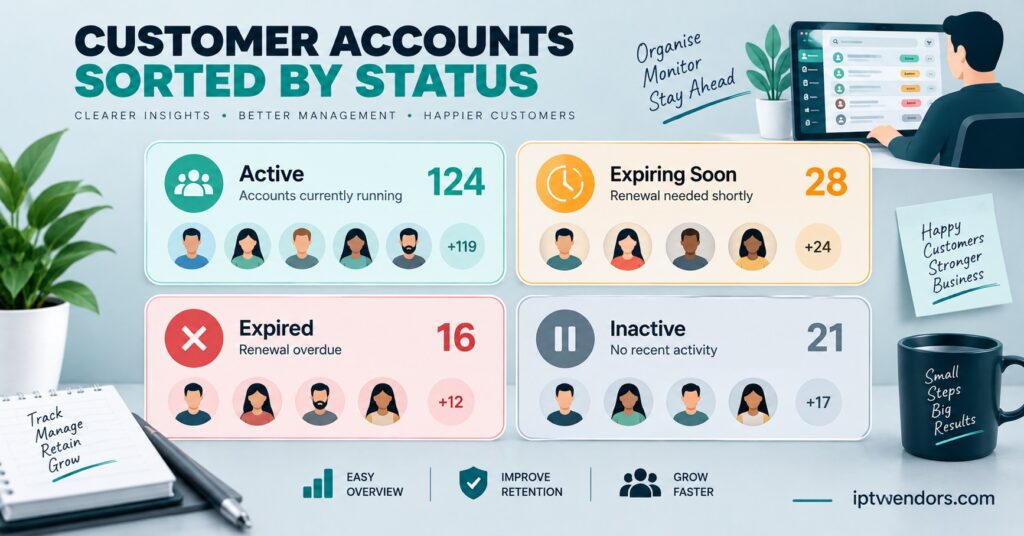
Automatic expiry tracking. If missed renewals are your issue, look for a system that surfaces expiring accounts without you searching for them, rather than one that just stores the date somewhere in a customer’s profile.
Credit and cost visibility per customer. You should be able to see, for any single account, what it’s cost you in credits against what the customer paid. Without this, pricing decisions are guesswork.
Sub-reseller separation. If you sell credits onward to sub-resellers, their customer records need to stay visible to you for support and accountability, without giving them access to your entire customer base or your supplier relationship.
Export capability. You should be able to pull your customer data out in a usable format at any point. A system that locks your records in with no export option is a system you can’t safely leave later if you need to.
Pro tip: Ask a provider directly whether customer data exports as a spreadsheet or plain file, not just as a screenshot or a PDF. The answer tells you a lot about how portable your business actually is.
Migrating Customers Without Disrupting Active Accounts
Moving from a spreadsheet to a proper system doesn’t need to happen overnight, and doing it carelessly is how accounts get lost. Start by matching every active customer to a real connection, not just a row of notes, so nothing gets carried across as a guess. Migrate expiring accounts first, since they’re the ones where a mistake shows up fastest. Keep the old spreadsheet as a backup reference for at least a full billing cycle rather than deleting it the day you switch, in case something doesn’t transfer cleanly. If you’re also changing your reseller website setup at the same time, do the customer migration first and the website changes second, so you’re not troubleshooting two unrelated systems at once.
Where a White Label Setup Changes the Picture
Resellers running under their own brand through a white label IPTV reseller panel have an extra reason to get customer tracking right early. Your customers see your brand, not your supplier’s, which means any confusion about their account, their expiry date, or their payment history lands entirely on you to resolve. A clean record system isn’t optional at that point. It’s what lets you answer a customer query in a minute instead of digging through old messages while they wait.
Sub-Reseller Considerations
If you supply credits to sub-resellers rather than selling directly to end customers, your own CRM needs are slightly different. You’re less concerned with individual subscriber notes and more concerned with tracking credit allocation per sub-reseller, flagging who’s approaching their limit, and keeping a record of who’s responsible for support when something goes wrong further down the chain. A system that only tracks end-customer detail and ignores the reseller layer above them will leave you blind to where your actual margin and risk sit.
Frequently Asked Questions
Is an IPTV reseller CRM the same thing as a reseller panel?
Not always. Some panels include full customer tracking as a built in feature. Others are mainly a credit and activation tool, with customer management left to you to handle separately. Check which one you’re getting before assuming it’s covered.
How many customers before a spreadsheet actually becomes a problem?
There’s no fixed number, but most resellers notice the strain somewhere between twenty and fifty active accounts, especially once plan lengths start to vary. The real trigger is usually the first missed renewal, not a specific customer count.
Can I move my existing customer records into a new system without losing anything?
Yes, provided you export your current data first and match it manually where fields don’t line up automatically. It takes time, but it’s far less disruptive than losing track of active customers mid-migration.
Does switching systems affect my sub-resellers?
It can, particularly if their permissions or customer visibility are structured differently in the new system. Confirm this with your provider before switching if you have an active sub-reseller layer.
What happens to my customer records if I ever change providers?
This depends entirely on whether your current system allows data export. If it doesn’t, your customer history is effectively tied to that one provider, which is worth knowing before you commit long term.
Customer Management Migration Checklist
- Export all existing customer data before making any changes
- List every active account with its current expiry date
- Prioritise expiring accounts for the first migration batch
- Confirm the new system supports data export for the future
- Check sub-reseller visibility and permissions if applicable
- Keep the old spreadsheet as backup for one full billing cycle
- Test the new system’s renewal alerts before relying on them fully
An IPTV reseller CRM matters less as a piece of software and more as a habit: knowing exactly who’s active, who’s expiring, and what each account has cost you, without relying on memory or a spreadsheet you hope you updated correctly. If missed renewals or unclear records are already costing you customers, that’s the signal to move, not a reason to wait until the business is bigger and the mess is harder to untangle. Start with an export of what you have, migrate your expiring accounts first, and check that whatever IPTV panel reseller plan or panel you choose next actually lets you take your customer data with you if you ever need to leave.