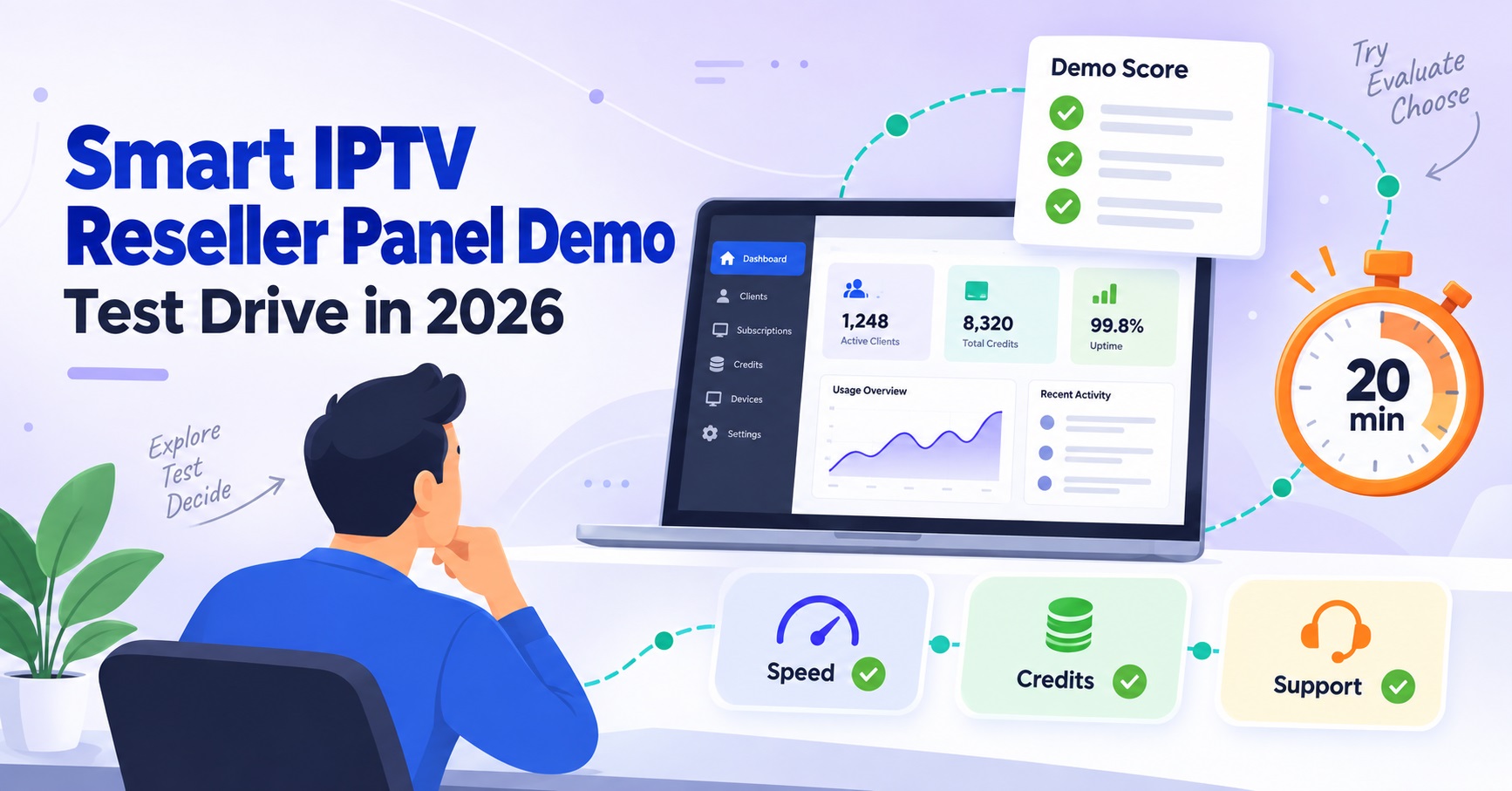

An IPTV Reseller Panel Demo is a walkthrough or trial login that lets you see a wholesale dashboard’s actual features before you commit to buying credits. Most providers offer one of two formats: a live screenshare where staff click through the panel for you, or a limited trial account you log into yourself for a set period. Either way, the point is the same. You get to judge the software before your money is tied up in it.
What an IPTV Reseller Panel Demo Actually Shows You
A demo is not a sales pitch dressed up as a product tour, though some providers treat it that way. A genuine demo gives you access to the parts of the dashboard that matter once you’re running real customers through it: account creation, credit deduction, expiry tracking, and whatever reporting the panel offers. If a provider only shows you a marketing page or a set of screenshots, that’s not a demo. Push for something interactive.
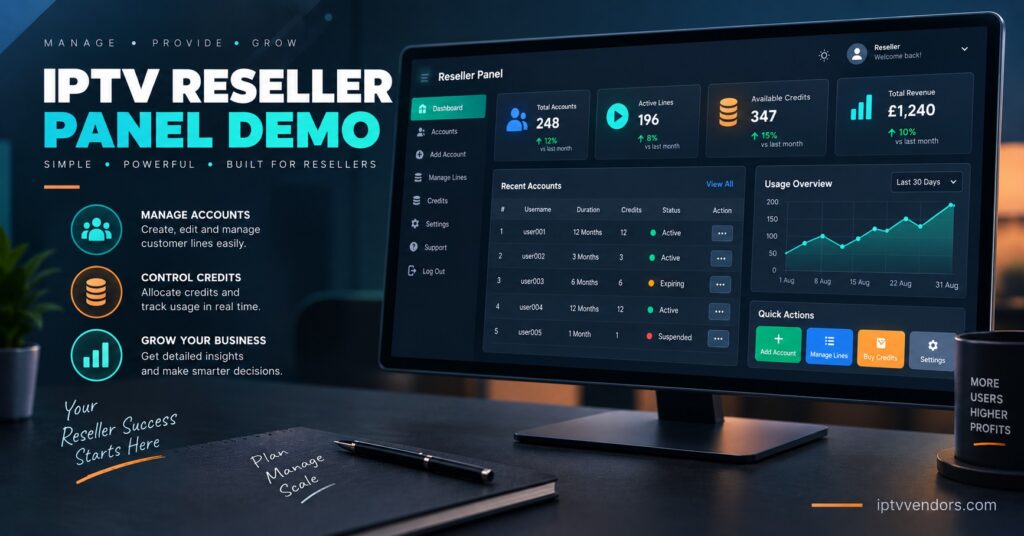
The format varies by provider. A screenshare demo is faster to arrange and works well if you have specific questions you want answered live. A trial login gives you more time to click around at your own pace, test how quickly an account activates, and see whether the interface makes sense without someone narrating it for you. Neither format is inherently better. What matters is whether it shows you the actual working panel rather than a curated slideshow.
Requesting a Demo Without Wasting Anyone’s Time
Most providers will set up a demo once you’ve had an initial conversation about what you’re trying to do, usually over WhatsApp or a contact form. Be specific about your situation before you ask. If you already know roughly how many customers you expect to onboard in the first few months, say so. Providers tailor what they show based on scale, and a demo aimed at someone testing 20 accounts looks different from one aimed at someone planning a sub-reseller network from day one.
It also helps to arrive with a short list of things you actually want to see rather than a general “show me the panel” request. Ask to watch an account get created from scratch, ask how credits are deducted, and ask what happens when a subscription is close to expiring. A provider who can answer these without hesitation has probably run the panel long enough to know its quirks.
Getting an IPTV Reseller Panel Demo: What to Look at Closely
| What to check | Why it matters |
|---|---|
| Account creation speed | Slow activation during a demo usually means slower activation with real customers |
| Credit deduction logic | Confirms whether trials, renewals, and upgrades consume credits the way you were told |
| Expiry and renewal alerts | Determines how much manual tracking falls on you later |
| Device compatibility list | Tells you whether MAG, Xtream Codes, or M3U-based apps are properly supported |
Pro tip: Ask during the demo whether short trial accounts for your own customers consume a full credit or a reduced amount. Providers handle this differently, and it affects your margins from day one.
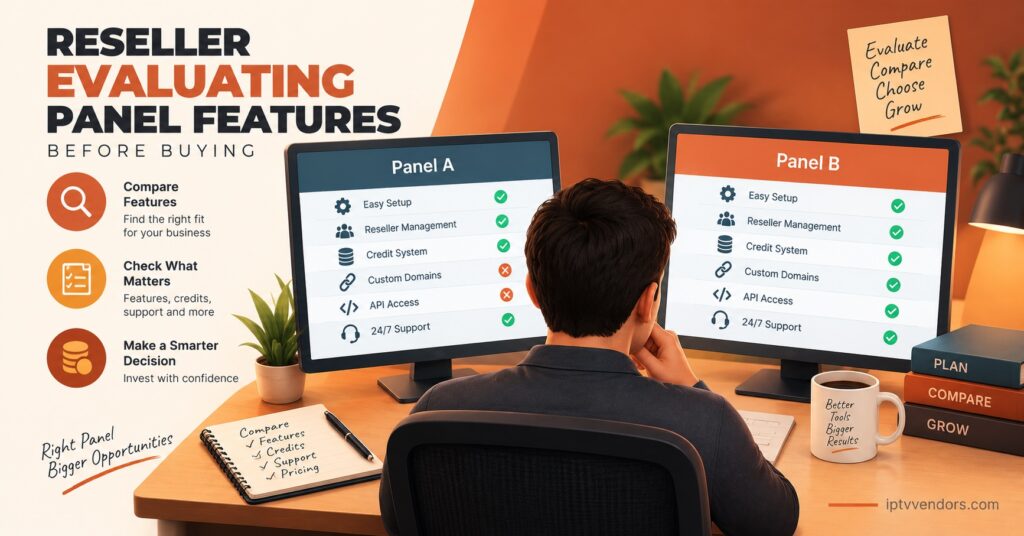
Sub-reseller functionality is worth testing directly if you’re planning to grow beyond direct sales. Watch how credit pools are assigned, whether balances are visible from your own account, and how quickly a sub-reseller’s activity shows up in your dashboard. A panel that hides this information, or shows it with a noticeable delay, will cause friction the moment you actually have sub-resellers depending on it.
Pro tip: If online logs are part of the panel, ask to see one during the demo rather than being told they exist. A log that shows login time and device type is what actually shortens support conversations later.
Signs a Demo Is Worth Trusting
A provider who lets you poke around a trial account unsupervised, rather than insisting on a scripted screenshare, is usually confident in the product. The same goes for one who’s upfront about limitations, such as a feature still being rolled out or a device type with patchy support. Honesty about weak points during a demo is a better signal than a flawless pitch.
Watch how support responds if you ask a slightly awkward question, like what happens if a server has downtime during peak hours. A vague answer or a quick change of subject tells you more than a confident one. You want a provider who treats the demo as a genuine look under the bonnet, not a performance.
Learn more about how IPTV reseller panel credits work before your demo so you know what questions to ask about deduction rates and trial allowances. If you’re also weighing up which IPTV business model suits you, that’s worth deciding before the demo too, since it changes what features you should be testing. Resellers planning to connect a checkout system should also ask whether the panel supports API integration, since that’s difficult to properly evaluate after you’ve already committed.
What a Demo Won’t Tell You
A demo shows you the software. It doesn’t show you server performance during a genuinely busy evening, how support responds three months in when you’ve become a lower priority than a brand new lead, or how billing disputes get handled. These are worth asking about directly rather than assuming a smooth demo means a smooth ongoing relationship.
Reliability over time is something you’ll only really learn from feedback of existing resellers or a short paid trial period, if the provider offers one. A demo is a filter, not a guarantee.
IPTV Reseller Panel Demo FAQ
Is an IPTV Reseller Panel Demo free?
Most providers offer demos at no cost, since it’s part of how they convert enquiries into paying resellers. Be cautious of anyone asking for payment just to view the dashboard.
How long does a typical demo take?
A screenshare usually runs 15 to 30 minutes. A trial login is often available for a day or two, though this varies by provider.
Can I test the panel with my own test customer account?
Many providers allow this during a trial login. Ask specifically, since it isn’t always offered by default.
What should I do if the demo panel looks different from what I was promised?
Ask directly why the interface or feature set differs. A reasonable explanation, such as a version still being rolled out, is different from vague deflection.
Do I need technical knowledge to follow a demo?
No. A demo should be understandable to someone with no prior panel experience. If it isn’t, ask the provider to slow down and explain terms as they come up.
An IPTV Reseller Panel Demo is your one real chance to see the dashboard working before you’re financially committed to it, so use it properly. Go in with specific questions about account creation, credit deduction, and device support rather than accepting a generic overview. If the demo leaves questions unanswered or the provider seems reluctant to show you the parts that matter, treat that as useful information in itself.
Reseller Panel Demo Checklist
- Confirm whether the demo is a live screenshare or a trial login you control
- Watch an account get created from start to finish
- Ask exactly how credits are deducted for trials, renewals, and upgrades
- Check the device compatibility list against what your customers actually use
- Test or ask about sub-reseller visibility if you plan to scale that way
- Ask one deliberately awkward question about downtime or support response times
- Note anything the provider was vague or evasive about