
Casting Looks Simple Until 40,000 Households Press Play at Kickoff
Here’s something nobody tells you when you buy your first dongle: Chromecast doesn’t actually “play” your IPTV stream the way your phone does. It receives a handoff, and that handoff is where almost everything breaks.
I learned this the hard way during a Saturday afternoon fixture wave a couple of seasons back. Our panel was healthy. Bandwidth was fine. Yet support tickets piled up with the same complaint: “Works on my phone, freezes on the TV.” The streams were perfect. The casting layer wasn’t. That gap, between a stream that exists and a stream that arrives intact on a living-room television, is the whole subject of this guide.
If you run, resell, or simply use IPTV for Chromecast, the difference between a smooth evening and a refund request usually has nothing to do with the channel quality. It has to do with how the cast is initiated, what codec is riding underneath, and whether the network between dongle and router is fighting you.
Two Completely Different Ways Your Stream Reaches the TV
People lump all casting together, but there are two mechanisms, and they fail for different reasons.
Native casting happens when an app like IPTV Smarters or TiviMate sends the stream URL directly to the Chromecast, which then pulls the feed itself. Your phone becomes a remote, not a relay. This is efficient and battery-friendly.
Tab or screen mirroring is the brute-force method, your phone decodes the video and re-broadcasts a copy of its screen to the dongle. It works with almost anything, but it’s lossy, laggy, and drains your handset. Here’s how the three methods actually compare:
| Method | Phone load | Latency | Reliability | Best for |
|---|---|---|---|---|
| Native cast | Low | Low | High | Daily viewing, sports |
| Screen mirror | High | High | Medium | Apps that refuse to cast |
| Browser tab cast | Medium | Medium | Low | Quick testing only |
A recurring mistake we see: subscribers mirror their screen, complain about a two-second delay during live football, and blame the provider. The provider was never the bottleneck, the method was.
Which Chromecast You Own Changes Everything
The hardware generation quietly dictates what’s possible. Not all dongles are equal, and assuming they are causes support headaches.
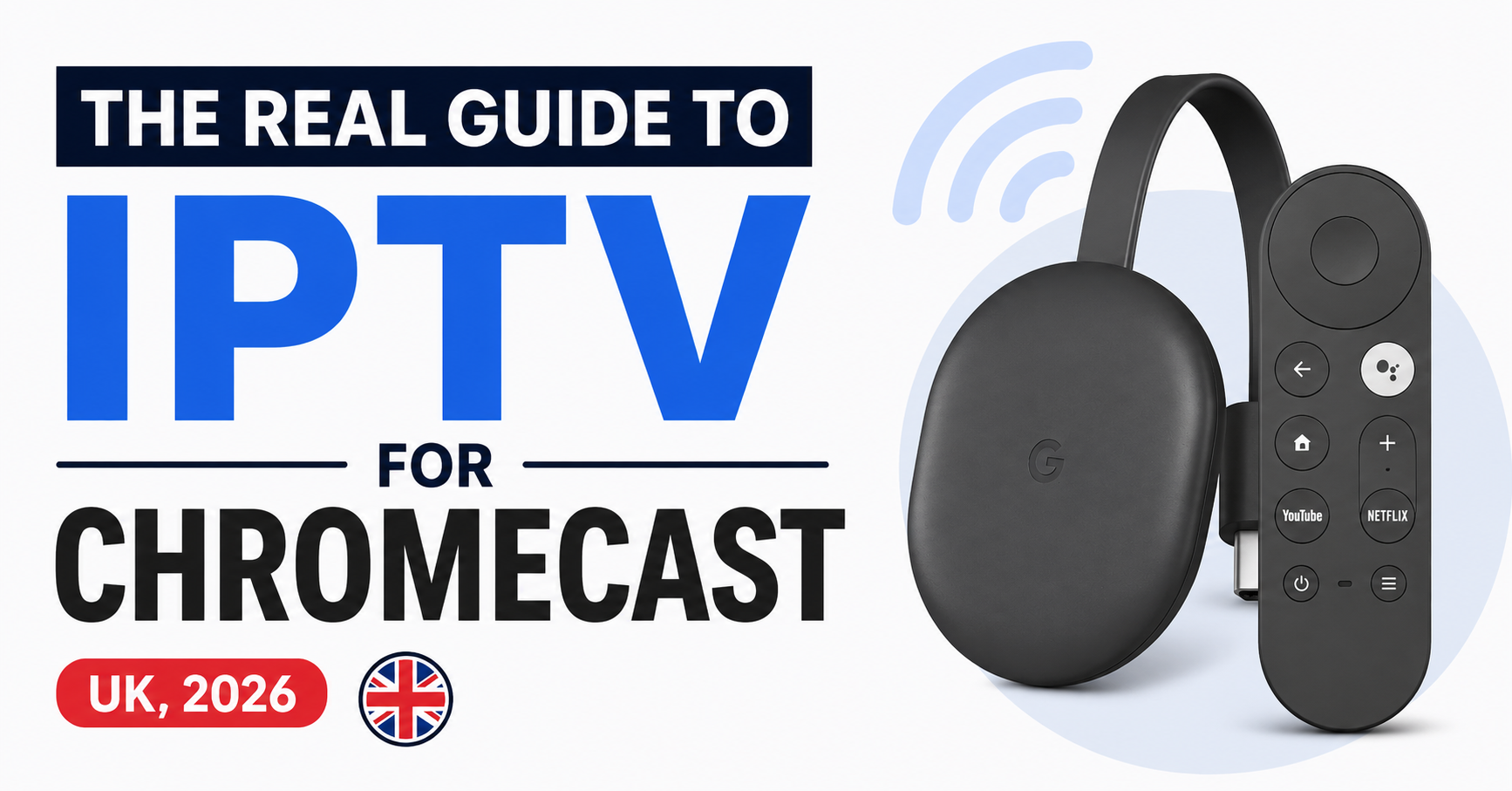
- Chromecast (1st–3rd gen): Casting only. No apps install on the device itself. Everything routes through a phone or tablet.
- Chromecast with Google TV (HD and 4K): A full Android TV-class device. You install IPTV apps directly on it, no phone needed.
- Chromecast 4K vs HD: The 4K model handles HEVC/H.265 hardware decoding far better; the HD unit chokes on heavy 4K bitrates.
The single biggest configuration error I encounter is someone trying to “cast” to a Google TV model when they should simply be sideloading an IPTV player onto it, so if your dongle runs Google TV, treat IPTV for Chromecast as an on-device setup, not a casting setup. The experience is dramatically more stable.
Pro Tip: On a Google TV Chromecast, install TiviMate or IPTV Smarters directly, then disable autostart for every other streaming app. Background apps silently eat the 2GB of RAM these dongles ship with, and a starved player is the number one cause of mid-stream freezes that look like “provider problems.”
The Codec Issue Most People Mistake for Buffering
Buffering and codec failure look identical to a customer. They are not the same problem, and conflating them wastes hours.
When a stream genuinely buffers, the picture pauses and the spinner appears, your connection can’t keep pace with the bitrate. When a codec mismatch occurs, the audio may play while the video stutters or goes black, because the Chromecast can’t hardware-decode what it’s being fed.
Older Chromecast units lack proper HEVC support. If your provider delivers a 4K HEVC feed and the dongle only decodes H.264 in hardware, it falls back to software decoding, which these tiny devices cannot sustain. The result is a slideshow.
Step-by-step diagnosis when a stream stutters on Chromecast:
- Play the same channel on a phone over the same Wi-Fi. Smooth? The stream and bandwidth are fine.
- Cast it natively. Still smooth? Casting layer is fine.
- Stutters only on the TV? You’re looking at a codec or decode-capacity issue, not your IPTV service.
- Switch the channel’s stream type (many panels offer an H.264 alternative to the HEVC feed).
- If H.264 plays clean, the dongle was the limit, not the line.
This sequence has saved more IPTV UK reseller relationships than any bandwidth upgrade ever did.
What Support Tickets Actually Reveal About Chromecast Users
After reviewing hundreds of casting-related tickets, a pattern emerged that reshaped how we onboard customers. Roughly two-thirds of “Chromecast not working” reports had nothing to do with the IPTV service at all.
The real culprits, in order of frequency:
- Phone and Chromecast on different networks (one on 5GHz guest, the other on 2.4GHz main). They simply can’t see each other.
- Router AP isolation enabled, which deliberately blocks device-to-device traffic, common on ISP-supplied UK routers.
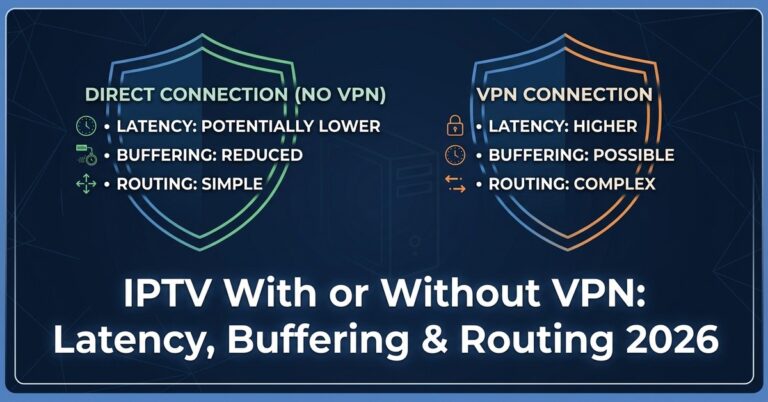
- VPN active on the phone, breaking local casting discovery.
- App permissions denying local network access on newer Android and iOS builds.
Pro Tip: Before you ever blame the playlist, ask the customer to toggle off any VPN and confirm both devices sit on the same Wi-Fi band. We turned this into the first two lines of our support script and cut Chromecast ticket resolution time roughly in half.
Why Chromecast Setups Feel Peak Traffic Before Anything Else
Casting devices are unusually sensitive to network congestion because they hold no large buffer. A phone or set-top box can cache several seconds ahead; a casting Chromecast lives much closer to real-time, so the moment your local Wi-Fi or your provider’s uplink wobbles, the dongle is the first thing to visibly stumble.
During a major sports event, when an entire estate of households streams the same kickoff simultaneously, two pressure points collide. Locally, everyone’s Wi-Fi is saturated by multiple devices. Upstream, the provider’s edge nodes face their heaviest concurrent load of the week.
This is where infrastructure quality stops being marketing and starts being the actual product. Providers running proper load balancing distribute that concurrent surge across multiple edge servers instead of letting one node melt. Those using geo-routing push UK viewers to UK-proximate servers, shaving the latency that casting devices feel most acutely. Failover systems quietly swap a struggling uplink for a backup before the customer notices.
A reseller once lost a cluster of customers in a single weekend because his upstream provider had no redundancy, one node saturated, and every casting user on it went dark at 3pm Saturday. The phone users limped along on their buffers. The Chromecast users churned. Casting amplifies whatever weakness sits behind it.
The Network Layer Between Dongle and Router
Most casting failures are local, and a handful of fixes resolve the bulk of them.
| Symptom | Likely cause | Fix |
|---|---|---|
| Cast button missing | VPN or different Wi-Fi band | Disable VPN, match bands |
| Connects then drops | Weak 5GHz signal at dongle | Move to 2.4GHz or relocate router |
| Audio fine, video stutters | Codec/decode limit | Switch to H.264 feed |
| Constant rebuffering | Local congestion / bitrate too high | Lower stream quality, wired backhaul |
| Can’t discover device | AP isolation on | Disable in router settings |
A practical observation from countless home setups: the 5GHz band gives more bandwidth but far less range and penetrates walls poorly. A Chromecast tucked behind a TV, two rooms from the router, often clings to a faint 5GHz signal when 2.4GHz would actually deliver a steadier cast. Counterintuitive, but the “slower” band frequently wins for stability.
Pro Tip: Ethernet adapters exist for most Chromecast models and are the single best upgrade for anyone serious about IPTV for Chromecast. A wired backhaul removes Wi-Fi from the equation entirely, and Wi-Fi is responsible for the overwhelming majority of casting complaints we ever field.
How ISPs Quietly Squeeze Streams During Peak Hours
UK ISPs don’t always block IPTV outright; more often they shape it. We’ve noticed unusual throttling patterns during evening peak windows where streaming traffic to certain endpoints slows without any official blocking notice. The connection tests clean, speed tests pass, yet the stream degrades specifically during the 7 to 11pm window.
For a casting device with no buffer to hide behind, this throttling shows up immediately as stutter. The same line that streamed flawlessly at noon struggles at nine. This isn’t your dongle failing, it’s traffic management upstream, and it disproportionately affects real-time delivery.
Providers that route through varied paths and maintain backup uplinks weather this better, because the ISP’s shaping rules don’t catch every route equally. It’s one more reason the underlying infrastructure matters more than any app setting. If you want a deeper breakdown of choosing infrastructure that holds up under UK conditions, the team at britishseller.co.uk covers this from an operator’s angle rather than a sales one.
A Reseller’s Checklist Before Recommending Chromecast
Mini case study: A sub-reseller in our network kept absorbing refunds from customers using cheap first-gen dongles for 4K packages. The fix wasn’t technical support, it was qualification. He started asking two questions before every sale: which Chromecast model, and is the router within one wall of the TV. Refunds on casting setups dropped to almost nothing within a month. The lesson: matching the customer to the right setup beats fixing the wrong one afterward.
Resellers who treat IPTV for Chromecast as a “just works” feature inherit a support burden. Those who set expectations up front, model, network, codec, keep their margins.
Frequently Asked Questions
Is IPTV for Chromecast legal in the UK?
Using IPTV technology and Chromecast hardware is entirely legal. Legality depends on whether the content you stream is properly licensed. Reputable services hold the rights to what they distribute. As a viewer, choose providers transparent about their licensing, and treat suspiciously cheap “everything included” offers with caution.
Why does IPTV for Chromecast freeze only on my TV and not my phone?
This almost always points to the casting layer or the dongle’s decode limit, not the stream itself. If the channel plays smoothly on your phone over the same Wi-Fi but stutters when cast, the Chromecast likely can’t hardware-decode the codec. Switch to an H.264 version of the feed if your service offers one.
Do I need a phone to use a Chromecast for IPTV?
It depends on the model. Older Chromecasts are casting-only and require a phone or tablet to send the stream. Chromecast with Google TV is a full streaming device, you install IPTV apps directly onto it and control it with the included remote, no phone required.
Which Chromecast is best for 4K IPTV streaming?
The Chromecast with Google TV (4K) is the strongest choice. It supports HEVC/H.265 hardware decoding, runs IPTV apps natively, and handles high-bitrate 4K feeds far better than the HD model or any older casting-only generation. Pair it with a wired Ethernet adapter for the steadiest results.
Can I improve buffering without upgrading my internet?
Often, yes. Most buffering on casting devices is local. Move the router closer, switch the dongle to the 2.4GHz band for better penetration, add an Ethernet adapter, or lower the stream resolution. Disabling a VPN and turning off router AP isolation resolve a surprising share of complaints.
As a UK IPTV reseller, how do I reduce Chromecast support tickets?
Qualify the setup before the sale. Confirm the customer’s Chromecast model, their router proximity, and whether they need 4K. Build a two-line opening script: check for an active VPN, and confirm both devices share the same Wi-Fi band. These two steps alone resolve a large fraction of casting tickets.
Does a VPN affect IPTV for Chromecast?
Yes, significantly. A VPN running on your phone often breaks local device discovery, so the cast button disappears or casting fails. It can also reroute traffic in ways that add latency. For casting to work reliably, the controlling device usually needs the VPN disabled on the local network.
Why does my stream degrade only in the evenings?
That pattern usually indicates ISP traffic shaping during peak hours rather than a fault with your service or dongle. Streaming traffic gets quietly slowed between roughly 7pm and 11pm. Providers with multiple routing paths and backup uplinks tend to resist this better than single-path operators.
Execution Checklist
subscribers
- Confirm your Chromecast model before buying any 4K package
- Keep phone and dongle on the same Wi-Fi band
- Disable VPN on the controlling device while casting
- Add an Ethernet adapter if you stream sport regularly
- Switch to an H.264 feed if video stutters but audio plays
- Move the router within one wall of the TV where possible
resellers
- Qualify Chromecast model and network before every sale
- Build a two-line VPN and Wi-Fi band check into support scripts
- Never sell 4K HEVC packages to first-gen casting dongles
- Track which device types generate the most tickets
- Choose upstream providers with proven load balancing and failover
sub-resellers
- Mirror your provider’s qualification questions with your own buyers
- Document recurring complaints by device to spot patterns early
- Set casting expectations in writing before activation
- Escalate evening-only degradation as a possible ISP shaping issue, not a fault
- Keep a backup provider option for peak-event redundancy
That wraps up this field guide to IPTV for Chromecast. The recurring theme across every section is the same: the stream is rarely the problem, the casting layer, the dongle’s hardware, and the local network usually are. Get those three right, and IPTV for Chromecast stops being a support headache and starts being the effortless living-room experience it was always meant to be.