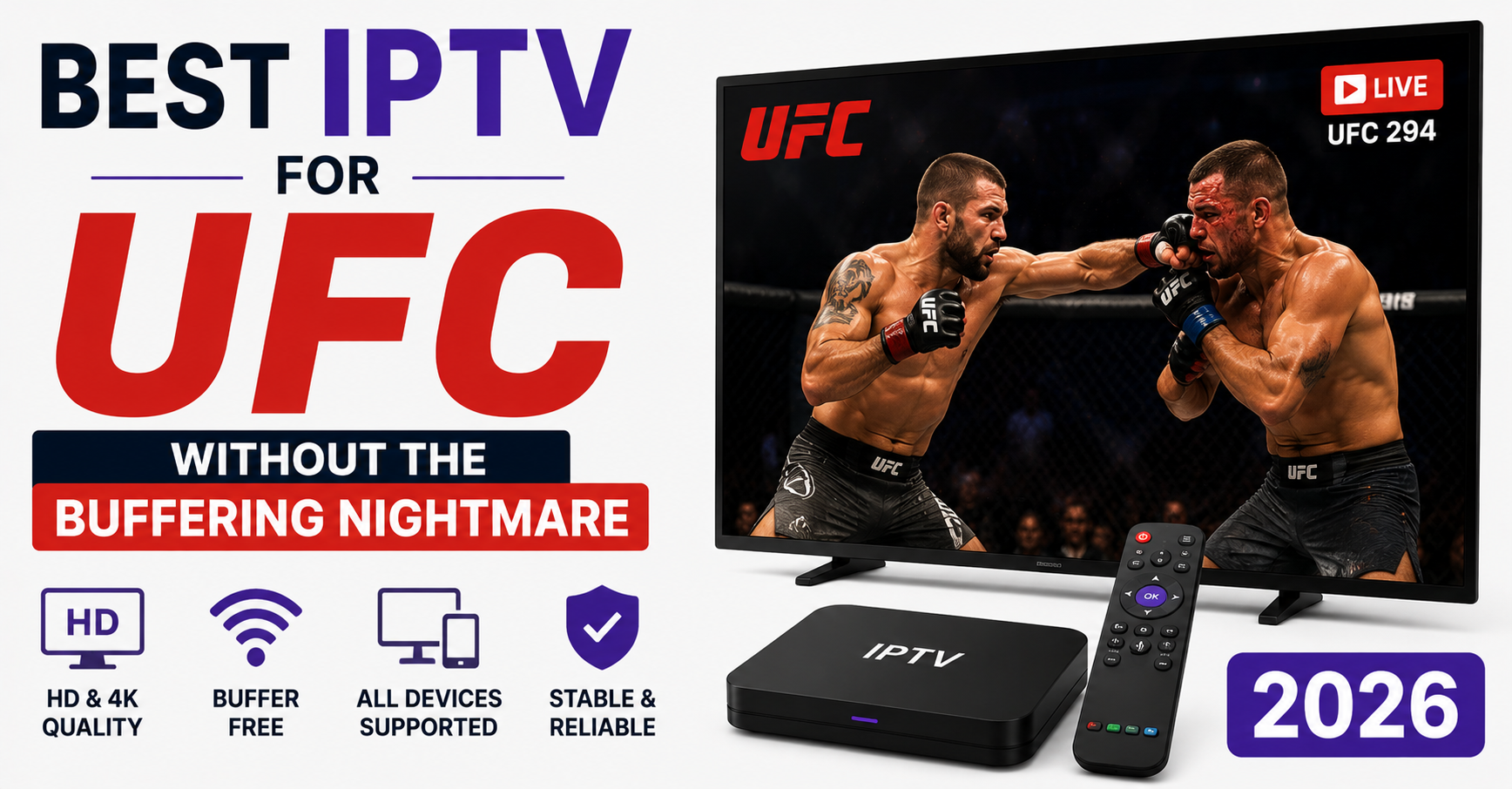

The first time I watched a UFC main event collapse in real time, it wasn’t the fighters who let everyone down. It was a single overloaded edge server in Frankfurt that decided, around the time the champ walked out, that it had absorbed enough punishment for one evening. Within ninety seconds my support queue went from quiet to forty-three tickets, all variations of the same furious message: frozen, buffering, black screen, refund.
That night reshaped how I think about what the best IPTV for UFC even means. Because here’s the uncomfortable truth most reseller marketing won’t tell you: almost any service looks flawless on a random Tuesday afternoon. The difference between a good provider and a disaster only reveals itself in the forty-minute window when a title fight is live and half the planet is hammering the same streams at once.
This is a field guide, not a sales pitch. I’ve run UK IPTV reseller ecosystems through enforcement waves, DNS attacks, ISP throttling, and more catastrophic fight nights than I’d like to remember. What follows is what genuinely separates a UFC-ready service from one that crumbles when it matters.
Why Fight Nights Break Things That Football Never Does
People assume that if a service streams the Premier League cleanly, it’ll handle UFC. It won’t necessarily, and the reason is concentration.
A football weekend spreads load across dozens of matches and several time slots. A UFC pay-per-view does the opposite, it funnels enormous simultaneous demand into one event, often one stream, during a sharp two-to-three-hour spike. Everyone tunes in for the same walkout. Everyone refreshes during the same dodgy connection. The traffic curve isn’t a gentle hill; it’s a wall.
I learned this the hard way during a Conor McGregor card years back. Our infrastructure had comfortably handled a full football Saturday the day before. The next night, that same setup buckled because the shape of the demand was completely different. Sustained concurrency on a single high-bitrate feed is a separate engineering problem entirely.
Pro Tip: Before any major card, test your provider on the previous week’s PPV prelims if they offer a trial. A service that stutters on the undercard will detonate on the main event. The prelims are your free stress test.
So when you evaluate the best IPTV for UFC, you’re not really asking “can it stream fights.” You’re asking “can it survive a coordinated traffic spike without falling over.” Different question entirely.
The Bitrate Trick That Fools Most Subscribers
Here’s where a lot of subscribers get fooled. A provider advertises “4K UFC streams,” you tune in, and the picture looks gorgeous for the walkouts, then turns to soup the moment two athletes start throwing leather.
That’s not a coincidence. UFC footage is brutal on encoders. Rapid movement, fast camera cuts, scrambling on the canvas, and crowd motion all generate enormous amounts of visual change per frame. A static football midfield compresses beautifully. A frantic ground exchange does not.
What actually matters for the best IPTV for UFC isn’t the headline resolution. It’s whether the provider can hold a stable bitrate during high-motion sequences without the encoder choking. Here’s the gap between the marketing pitch and the real metric:
| What marketing says | What actually matters |
|---|---|
| “4K Ultra HD” | Stable bitrate during high-motion exchanges |
| “Thousands of channels” | Dedicated PPV/event infrastructure |
| “99.9% uptime” | Uptime during concurrent spikes, not idle hours |
| “Premium servers” | Geographic edge nodes near you specifically |
| “Instant activation” | Failover behaviour when a node drops |
I’ve reviewed hundreds of support tickets where the complaint was “it goes blurry during the fight.” Nine times out of ten the resolution was fine, the encoder was starved during the action and dynamically dropped quality to keep the stream alive. That’s a backend decision, and it tells you everything about whether a service was built for combat sports.
How ISP Throttling Quietly Ruins UFC Nights
This one surprises subscribers constantly, because they blame the provider when the real culprit is their own internet company.
Several ISPs apply traffic shaping to streaming-heavy connections during peak evening hours, and UFC events fall squarely inside that window. Your stream looks fine all day, then degrades precisely when the main card starts, not because the IPTV service failed but because your ISP throttled the connection type.
We noticed unusual ISP behaviour during one specific Saturday card where customers from a single regional provider all reported problems simultaneously while everyone else streamed fine. That’s not a server issue. That’s targeted shaping.
How to tell the difference:
- If only your household struggles while the service status is green, suspect your ISP.
- If buffering appears at exactly the same evening hour every event, that’s a throttling pattern.
- Routing through a quality VPN sometimes resolves it instantly, which itself is the diagnosis.
- If the whole provider goes dark, then it’s infrastructure, not you.
The fix often isn’t switching providers at all. It’s understanding that the path between you and the stream has multiple points of failure, and your ISP is one of the sneakiest.
Pro Tip: Run a quick speed test during the buffering, not before. If your throughput cratered specifically while streaming the event, you’ve caught throttling red-handed.
The Pre-Fight-Night Mistakes That Wreck Reseller Reputations
If you’re on the selling side, fight nights are where reputations are made or destroyed in a single evening. I’ve watched IPTV Panel resellers lose a third of their customer base over one badly managed PPV.
The pattern is depressingly consistent. A reseller buys cheap capacity, sells aggressively, then discovers on the night that their upstream provider oversold the same infrastructure to a dozen other resellers. Everyone’s customers hit the same overloaded nodes at once, and the whole thing implodes together.
A mistake we repeatedly see: resellers treating a UFC weekend like any other Saturday. It is not. It’s the single highest-stakes night on your calendar, and it deserves preparation.
Here’s a pre-event checklist I’d hand any reseller:
- Confirm with your upstream whether PPV events run on dedicated or shared capacity
- Pre-warn customers about restart steps before the event, not during the meltdown
- Have a backup line or alternate server ready to redirect users to
- Stagger any new activations away from event day
- Keep a canned support response ready so you’re not typing forty replies live
- Test your own setup on the prelims, same as subscribers should
One reseller I worked with cut his fight-night churn dramatically just by sending a single proactive message the morning of each card: “Here’s how to fix buffering in ten seconds if it happens tonight.” That message did more for retention than any infrastructure upgrade.
The Failover Question That Separates Serious Providers
When a streaming node fails, and they all fail eventually, what happens in the next ten seconds defines the entire experience.
A poorly built service leaves the user staring at a frozen frame, refreshing manually, missing the finish, while a properly engineered one reroutes the connection to a healthy node so fast that the viewer barely notices a hiccup. This is failover, and it’s the most underrated factor in the best IPTV for UFC conversation.
Failover relies on a few things working together:
- Health monitoring: the system constantly checks whether each node is actually delivering, not just whether it’s switched on.
- Redundant uplinks: if one network path drops, traffic shifts to a backup route automatically.
- Load balancing: incoming viewers get distributed across nodes so no single server takes the full hit.
- Geo-routing: you get sent to the edge server physically closest to you, cutting latency.
Most subscribers will never see any of this machinery, and that’s the point. The best infrastructure is invisible. You only notice it by its absence, usually at the worst possible moment, say, fifteen seconds before a knockout.
Pro Tip: Ask a prospective Iptv provider directly what happens when a server fails mid-stream. If the honest answer is “you reconnect manually,” that’s not a service built for live combat sports.
Latency, HLS, and Why You Hear Your Neighbour Cheer First
There’s a special kind of pain in UFC streaming: hearing the building next door erupt three seconds before your stream shows the finish. That gap is latency, and it’s largely a function of how the stream is delivered.
Most IPTV uses HLS-style delivery, which chops the broadcast into small segments and buffers a few ahead to keep playback smooth. That buffering is exactly what introduces delay. Shorter segments mean lower latency but a higher risk of stutter; longer segments mean smoother playback but you’re further behind real time.
The best IPTV for UFC strikes a deliberate balance, low enough latency that spoilers don’t reach you first, stable enough that the stream holds during chaos. Providers that obsess only over picture quality often ignore this, and their customers find out the hard way during a quick finish.
Practically, you can shave latency by hardwiring your device via Ethernet, closing background downloads, and keeping your player app updated. None of it eliminates the delay, but it tightens the gap.
What Cheap Infrastructure Actually Costs You
The hidden cost of bargain-basement IPTV reveals itself on exactly four or five nights a year, and they’re the nights you cared about most.
A cheap service survives ordinary viewing because ordinary viewing is easy. It’s the PPV spike that exposes the shortcuts: oversold capacity, no real failover, a single fragile uplink, encoders that buckle under motion. You saved a few pounds across the year and lost the one event you’d been waiting months for.
For anyone serious about combat sports, infrastructure built for event-grade concurrency is worth seeking out. IPTV Reseller Panel Providers like British Reseller that focus on stability during peak load tend to understand that fight nights are a different animal from everyday streaming, and that’s the mindset you want behind your screen when the cage door closes.
This isn’t about spending the most. It’s about matching what you pay for to what you actually need on the nights that count.
Device Choices That Make or Break the Night
Hardware matters more than people expect. I’ve seen identical streams run flawlessly on one device and stutter on another in the same room.
Underpowered streaming sticks struggle with high-bitrate, high-motion content because they simply can’t decode fast enough. A few patterns from years of support tickets:
- Older Fire Stick models choke on sustained high-bitrate UFC feeds, the newer 4K Max handles it far better.
- Android boxes vary wildly; a cheap no-name box is a gamble on fight night.
- Smart TV native apps are often sluggish; an external dedicated device usually outperforms them.
- Phones and tablets work but are sensitive to Wi-Fi drift around the house.
Pro Tip: Reboot your streaming device a few hours before the event. Memory leaks and background processes accumulate over days of use and surface as stutter at the worst time. A fresh boot clears them.
FAQ
What makes a service the best IPTV for UFC specifically?
The best IPTV for UFC is defined by performance during concurrent traffic spikes, not everyday streaming. Look for dedicated event capacity, stable bitrate during high-motion exchanges, fast automatic failover, and edge servers near your location. A service can stream daily channels perfectly and still collapse on a PPV night, concurrency handling is the real test.
Why does my UFC stream buffer only during the main event?
This usually points to one of two things: server overload from everyone tuning in simultaneously, or ISP throttling during peak evening hours. If the provider’s status is healthy but only your connection struggles, suspect your ISP. Run a speed test mid-buffer to confirm whether your throughput dropped specifically while streaming.
Do I need 4K for the best IPTV for UFC experience?
Not necessarily. A stable 1080p stream that holds steady during fast exchanges beats a 4K stream that dissolves into pixels whenever the action speeds up. Resolution is marketing; sustained bitrate during high-motion sequences is what actually determines whether the fight looks good when it matters.
As a reseller, how do I prepare for a big UFC card?
Confirm whether your upstream provider runs PPV on dedicated or shared capacity, pre-warn customers about buffering fixes the morning of the event, prepare a backup server to redirect users, and avoid scheduling new activations on event day. Proactive communication reduces fight-night churn more than almost anything else.
Can a VPN improve my UFC streaming?
Sometimes, yes, particularly if your ISP throttles streaming traffic during peak hours. Routing through a quality VPN can bypass that shaping and restore stability. However, a VPN adds a network hop, so a poorly chosen one can also add latency. Test it on prelims before relying on it for the main card.
Why is my stream behind the live broadcast?
That delay comes from how streams are segmented and buffered for smooth playback. A few seconds of buffer ahead keeps the picture stable but pushes you behind real time. Hardwiring via Ethernet, closing background apps, and updating your player can tighten the gap, though some latency is unavoidable.
How do I tell if buffering is my fault or the provider’s?
If the whole service goes dark, it’s infrastructure. If only your household struggles while status is green, it’s your connection, likely ISP throttling or a weak device. Buffering that appears at the exact same evening hour every event points to throttling patterns rather than server failure.
What internet speed do I need for UFC streaming?
For a single high-bitrate feed, a stable 25 Mbps is comfortable, though stability matters more than raw speed. A consistent 25 Mbps beats an erratic 100 Mbps that fluctuates during peak hours. Wired connections hold steadier than Wi-Fi, especially in households with multiple devices competing during the event.
Your Fight-Night Checklist
Subscribers:
- Test the service on prelims before committing to the main card
- Reboot your streaming device a few hours before the event
- Hardwire via Ethernet where possible
- Run a speed test during any buffering to catch ISP throttling
- Keep your player app updated to the latest version
- Have a VPN ready as a throttling workaround
Resellers:
- Confirm dedicated vs shared PPV capacity with your upstream
- Send proactive buffering-fix instructions the morning of the event
- Prepare a backup server to redirect users mid-event
- Avoid new activations on event day
- Keep a canned support reply ready for the rush
Sub-resellers:
- Verify your supplier’s event-night track record before promoting a card
- Set realistic expectations with your buyers in writing
- Monitor your customer reports in real time during the main card
- Escalate to your upstream immediately rather than absorbing complaints silently
The best IPTV for UFC isn’t found in a feature list, it’s found in how a service behaves at 4 a.m. when a title fight is live and the whole network is straining at once. Everything in this guide comes down to one idea: ordinary nights prove nothing, and fight nights prove everything. Choose, prepare, and test accordingly, and you’ll be watching the finish while everyone else is staring at a frozen frame.