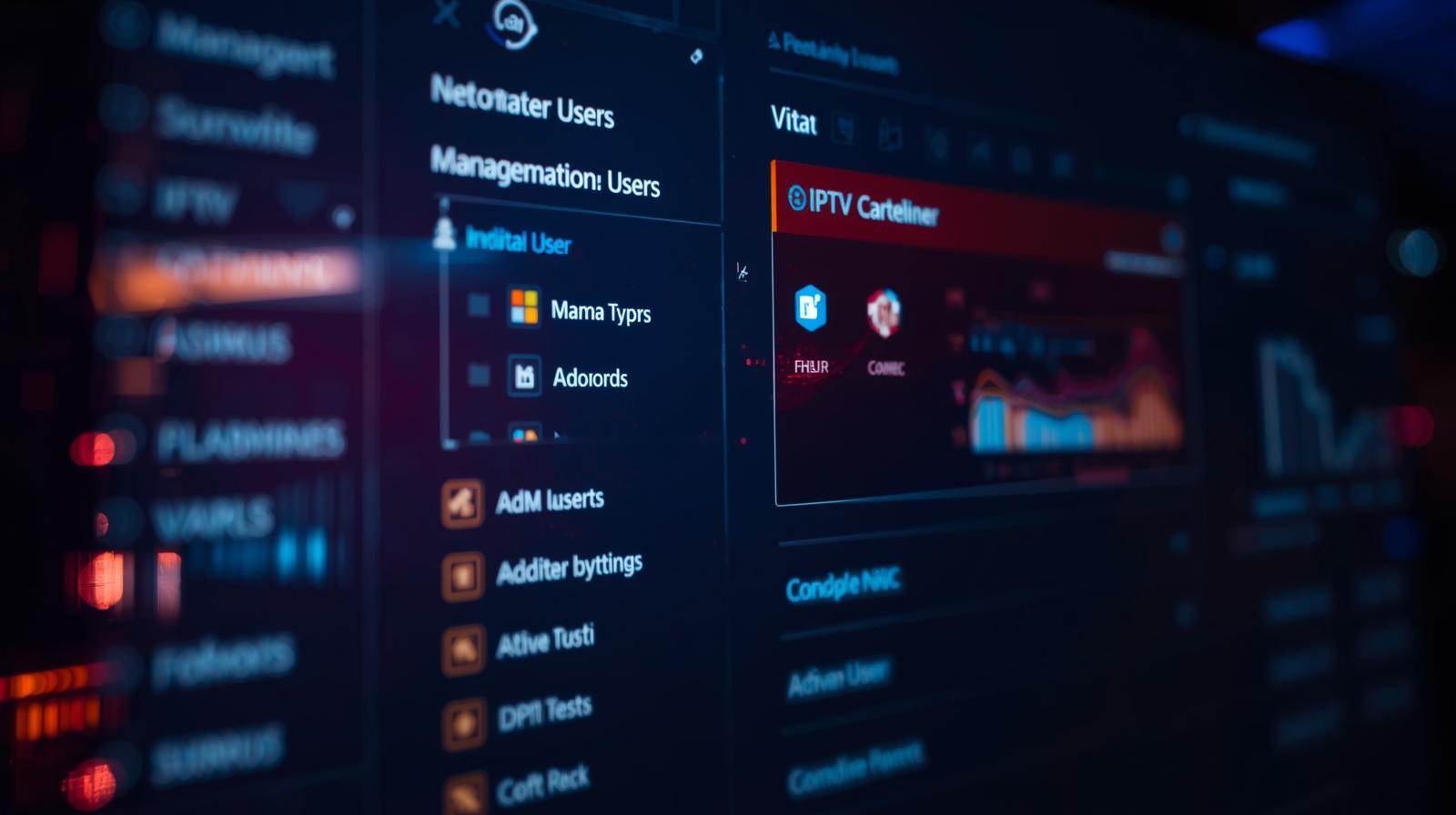

The IPTV reseller dashboard is the first thing you see when you log in, and within thirty seconds it tells you everything that matters: your credit balance, active connections, and any accounts expiring in the next 48 hours. If that screen looks cluttered or confusing to you, your operation will reflect that. Getting comfortable with your dashboard is not optional, it is where your business lives.
Why Your Dashboard Is More Than Just an Admin Screen
Most new UK IPTV reseller think the dashboard is just an admin screen. It is actually a live view of your business health. Every active subscription, every pending renewal, and every credit you have left is visible from one place.
When I first started managing panels, I underestimated how much time I would spend in that interface. Within a few weeks, I was checking it three times a day without thinking. That habit alone prevented dozens of lapsed renewals.
The panel does not host content or distribute media. It manages access credentials and subscription data. That is an important distinction, your job as a reseller is operational management, not content delivery.
The Mechanics Behind Every Login and Renewal
The dashboard connects to a live database that tracks every account you manage. When you create a new user, the system records their credentials, links them to a package, and deducts the appropriate credits from your balance immediately.
Authentication runs automatically in the background. When your customer opens their streaming app, the app checks the control system, the system queries the database, and access is granted or denied in under a second. You never see this process unless something fails.
Any change you make in the panel, a password reset, a plan extension, a device swap, takes effect in real time. That speed is what allows you to resolve customer complaints in minutes rather than hours.
Managing Credits Through Your Dashboard
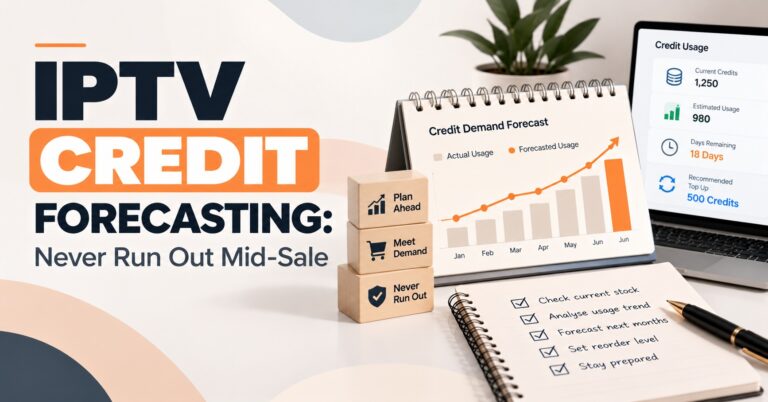
The IPTV credit system works as the internal currency of your operation. You buy credits in bulk, then spend them each time you activate or renew a subscription. One credit typically covers one month of service for one user.
The most common issue I see with new operators is ignoring the credit balance until it hits zero. I made that mistake once during a busy Sunday renewal period, six customers lost access simultaneously, and I spent two hours managing the fallout. Now I treat the credit balance like cash in a till. I set a mental minimum and replenish before I cross it.
Most dashboards show you a balance summary on the main screen. If yours does not surface that number prominently, create a daily habit of checking it manually before you start any other work.
User Management and Account Control
Inside the dashboard, every customer account shows connection status, device information, and recent login activity. When a customer says their service has stopped working, you can open their account and see exactly what happened before you ask them a single question.
The device setup guide matters here too. If you have tested setup across smart TVs, Android boxes, and phones, you can cross-reference what the logs show with what the customer is likely doing wrong. That combination, panel data plus device knowledge, resolves most tickets in under five minutes.
Device locking ties each subscription to a specific MAC address or device ID. I enable this by default on every account. It stops one login being shared across multiple households and keeps your network authentication system stable when connection volumes are high.
Dashboard Features That Actually Affect Revenue
Here’s how a basic panel compares to a more advanced dashboard:
| Feature | Basic panel | Advanced dashboard |
|---|---|---|
| User account creation | Manual | Automated options |
| Credit balance tracking | Yes | Yes |
| Real-time connection logs | No | Yes |
| Sub-reseller management | No | Yes |
| Expiry alerts | Basic | Real-time |
| Device locking | No | Yes |
Real-time logs are the feature that makes the biggest difference day to day. Without them, you are responding to customer complaints reactively. With them, you can spot failed connections before the customer even notices.
Sub-reseller management becomes relevant once you start growing. You can allocate credits to sub-resellers at a wholesale rate, monitor their activity from your main account, and build volume without handling every individual sale yourself. The IPTV reseller panel plans you choose will determine whether this option is available from the start.
Common Mistakes to Avoid with Your Dashboard
Weak passwords are still the most common security failure I see. Your dashboard holds your entire customer list and credit balance. A compromised account can undo months of work overnight. Use a strong unique password and enable two-factor authentication if your platform supports it.
Neglecting support messages is the second fastest way to lose customers. The dashboard handles the technical side, but customers are messaging you expecting a fast reply. Resellers who respond the next day consistently lose accounts to competitors who respond within the hour.
Skipping the logs is the third mistake. Many resellers only open the logs section when there is already a problem. Check them daily. Patterns in connection failures often point to a wider issue you can fix before it becomes a wave of complaints.
Choosing a Dashboard: The Features Worth Prioritising
Prioritise platforms that surface expiry alerts on the main screen. If you have to navigate to a separate section to find out which accounts are about to lapse, you will miss renewals. The best dashboards make that information impossible to ignore.
Look for platforms with detailed connection logs going back at least seven days. Short log histories make it difficult to diagnose intermittent issues. A customer whose service drops once a week will not always contact you on the day it happens.
API access is worth checking even if you do not need it immediately. If you eventually want to automate your IPTV reseller operations or connect your panel to a website checkout, you need a platform that supports it. Switching platforms later is far more disruptive than choosing the right one upfront.
Author Note: Written from direct experience running IPTV panel operations across UK and European markets.
Frequently Asked Questions
What should I check on my dashboard every day?
Start with your credit balance and your expiry list. Any accounts expiring within 48 hours need action that day, either a renewal payment from the customer or a manual extension if you have agreed to one. After that, scan the connection logs for any repeated failures on active accounts. That two-minute check every morning prevents the majority of avoidable support issues. Once it becomes habit, it takes almost no time at all.
How do I resolve a customer complaint using the dashboard?
Open the customer’s account and check three things in order: whether the subscription is still active, whether the device ID matches what is on file, and whether the connection logs show any recent errors. Most complaints trace back to an expired account, a device change the customer forgot to mention, or an app that needs reinstalling. You can diagnose and fix the majority of issues in under five minutes using only the panel. Only contact provider on WhatsApp if the account shows as active but connections are still failing at the network level.
How does device locking work and should I use it?
Device locking ties a subscription to a specific MAC address or device ID registered at the time of activation. When the customer’s app connects, the system checks whether the device matches the one on file. If it does not match, the connection is blocked. This prevents one account being shared across multiple users and protects your monthly revenue. I recommend enabling it on every account by default, the only time I disable it is when a customer legitimately changes their device and needs the lock updated.
When should I upgrade to an advanced dashboard?
If you are managing more than 50 active accounts, the absence of real-time logs and automated expiry alerts will start costing you time and customers. Basic panels work at low volume, but they require more manual monitoring as you scale. Sub-reseller management becomes relevant once you want to grow volume without handling every sale personally. Review your platform’s feature set against the comparison table above and move to an advanced option before limitations become a daily problem rather than an occasional inconvenience.
Can I run the business entirely from a mobile phone?
Most modern dashboards are browser-based and work on mobile, but the experience varies significantly between platforms. For day-to-day monitoring and simple account changes, a phone works well. For bulk account creation or detailed log analysis, a laptop is faster and less prone to input errors. The direction of the industry is toward mobile-first dashboards, and several platforms already offer dedicated apps. If mobile management matters to you, test the mobile experience specifically before committing to a platform.
Log into your dashboard now and locate three things: your current credit balance, your accounts expiring in the next seven days, and your connection log for the past 24 hours. If any of those three things are hard to find, that is your first problem to solve.