
IPTV Reseller Panel Migration is the process of moving an entire reseller operation, customer accounts, credit balance, sub-reseller structure, and device configurations, from one panel provider to another, ideally without a single subscriber noticing. It sounds simple until you’re the one doing it at 11pm hoping nobody’s stream drops.
Why resellers actually go through this
Nobody migrates a working panel for fun. Usually one of three things has happened: the current provider’s infrastructure has become unreliable, pricing has shifted in a way that no longer makes sense at your volume, or you’ve outgrown what the panel can technically support. Sometimes it’s a mix of all three, and the decision gets delayed for months because the disruption feels worse than the problem.
That hesitation is understandable. A reseller panel isn’t just software. It’s the record of every customer you have, every credit you’ve paid for, and every renewal date your business depends on. Moving that to a new environment carries real risk if it’s rushed, but it also carries a cost if you never move at all and keep absorbing a provider’s downtime or poor support.
What gets migrated and what doesn’t
This is the part most resellers underestimate. Not everything transfers cleanly, and some things don’t transfer at all.
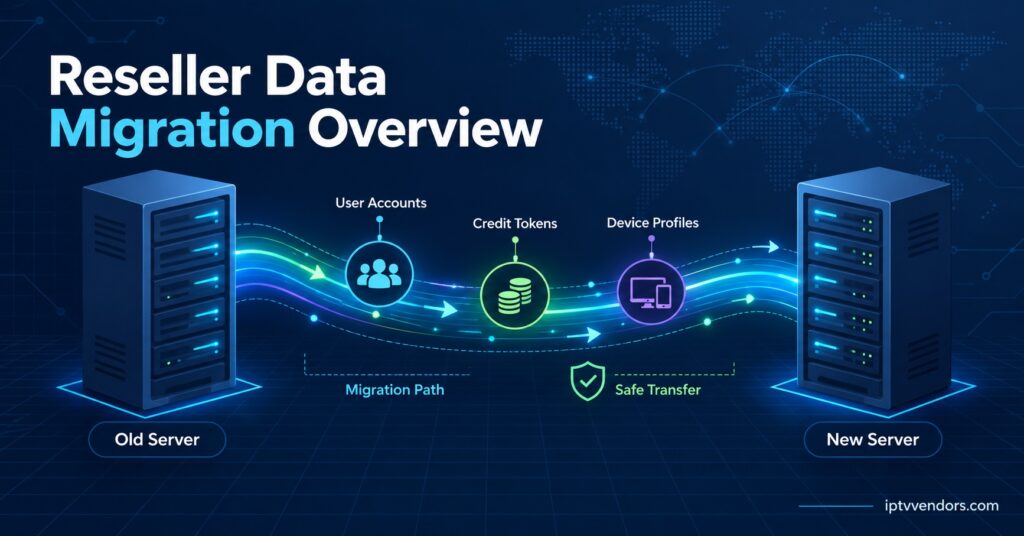
Customer usernames, passwords, and expiry dates are usually the easiest to move, since most panels can export this data in a standard format. Credit balances are trickier. Your unused credits sit with your old provider, not in some portable account, so you’ll need to either use them down before switching or negotiate a partial refund, which many providers won’t offer.
Device connections are the part that actually causes subscriber complaints. If a customer’s app is configured with the old panel’s server address baked in, that connection breaks the moment you cut over, regardless of how well you migrated the account data behind it. Sub-reseller hierarchies add another layer of complexity, because you’re not just moving your own accounts, you’re moving permissions, margins, and sometimes separate branding for each sub-reseller underneath you.
EPG data and channel groupings almost never transfer directly. Every panel builds its own guide data and stream categorisation, so this typically needs rebuilding from scratch on the new side.
Planning an IPTV Reseller Panel Migration
A migration that goes badly usually fails at the planning stage, not the technical one. Before touching anything, map out three things: your full customer list with expiry dates, your current credit balance, and every sub-reseller relationship with its associated permissions and pricing.
Once that’s documented, contact your prospective new provider and ask specifically how they handle bulk imports. Some panels accept a CSV export directly. Others require manual re-entry, which is fine for fifty customers and genuinely painful for five hundred. Get this answer in writing before committing, because it changes how long the whole process takes.
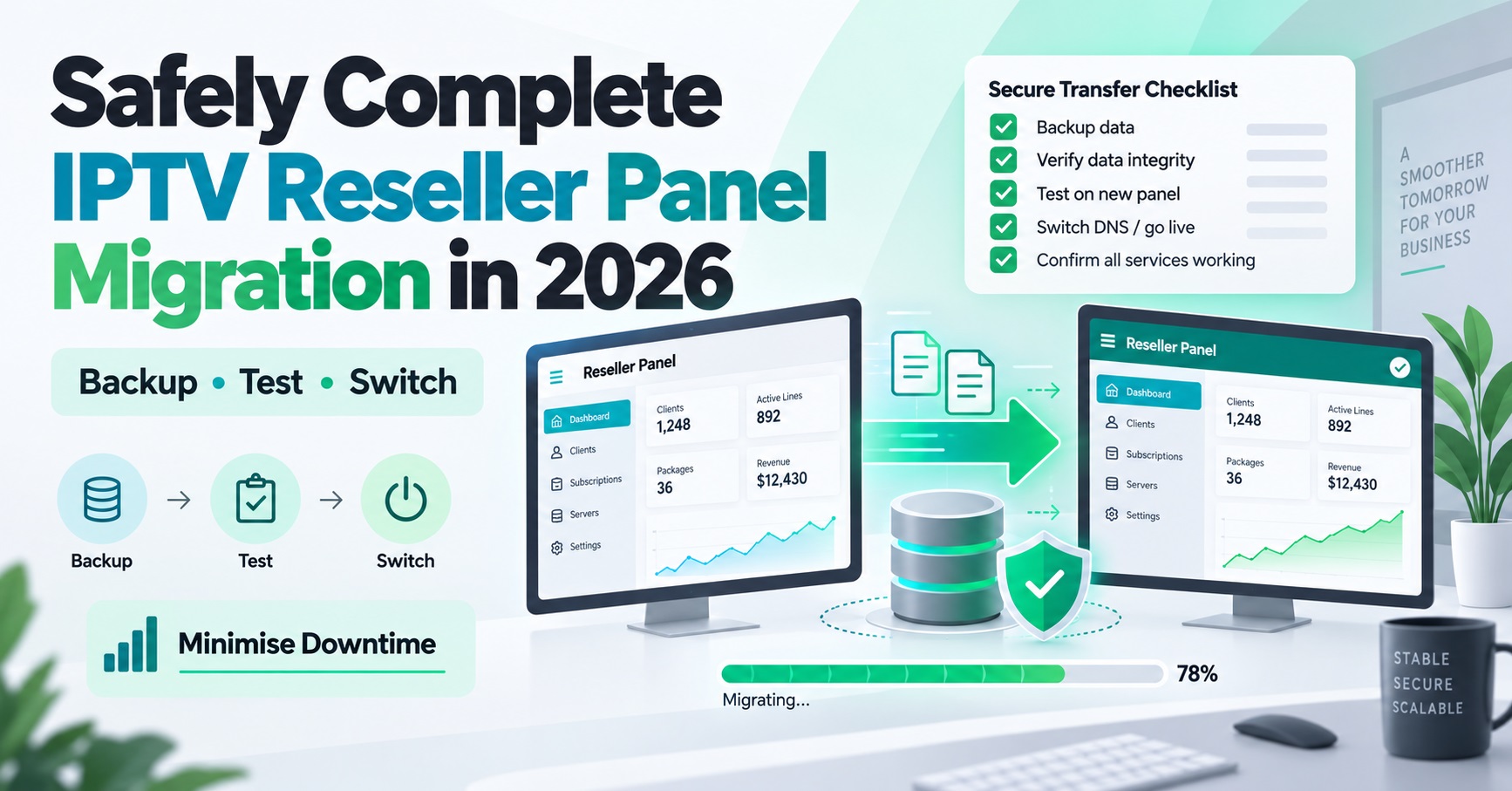
Run the migration in a staging window rather than a single cutover moment. Import your customer data into the new panel first, verify it against your original records, and only then start moving live connections across in batches. Migrating everyone simultaneously multiplies the blast radius if something goes wrong.
Pro tip: Keep your old panel active and paid for at least two weeks after cutover. Most migration problems surface within the first ten days, and having a working fallback removes the panic of a failed switch.
Mistakes that cause subscriber churn during a switch
The single biggest mistake is silence. Resellers who say nothing to their customers until something breaks lose trust fast, even if the underlying migration is technically sound. A short message a few days before cutover, explaining that there might be a brief reconnection step, prevents most complaints before they happen.
The second common mistake is migrating credits and customer data without first confirming device compatibility. If your subscribers use apps that pull data through Xtream Codes API login, a change in server URL or authentication method can lock them out even though their account exists correctly on the new panel. Test this with a handful of real devices, not just the admin dashboard, before rolling out to everyone. Understanding how an IPTV reseller panel API works helps clarify exactly what breaks and why when the underlying connection method changes.
The third mistake is underestimating sub-reseller communication. If you have sub-resellers, they need earlier notice than end subscribers, because they’re managing their own customers on top of your infrastructure and need time to prepare their own messaging.
| Risk | Why it happens | How to prevent it |
|---|---|---|
| Device lockouts | Server address or auth method changes without notice | Test real subscriber devices before full cutover |
| Lost credit value | Unused credits don’t transfer between providers | Draw down balance or negotiate refund beforehand |
| Sub-reseller confusion | Hierarchy and permissions rebuilt incorrectly | Migrate sub-reseller accounts separately and verify permissions first |
| Support overload | All customers reconnecting at once | Migrate in batches over several days, not a single cutover |
What to check before committing to a new panel
Migration risk drops significantly if the new provider is properly vetted before you start moving anything. Ask how they handle scheduled maintenance and whether it’s communicated in advance. Ask what happens to your data if you decide to leave again in future, since a provider unwilling to answer that clearly is telling you something about how they’ll treat an eventual second migration.
Confirm panel compatibility with the apps your subscriber base actually uses. If a meaningful portion of your customers rely on a specific player, checking how TiviMate and OttNavigator compare for panel compatibility before migrating avoids a wave of avoidable support tickets in week one.
It’s also worth reconsidering your operating model at this point rather than just replicating your old setup. A migration is a natural moment to revisit which IPTV business model fits your reseller operation, particularly if you’ve grown from a handful of direct customers into a small sub-reseller network since you first set up your original panel.
Pro tip: Request a test account on the new panel before migrating a single real customer. Run it through actual subscriber-facing apps for a few days to catch device or EPG issues while there’s still no risk attached.
After the cutover
Once migration is complete, the work isn’t quite finished. Monitor support tickets closely for the first week, since patterns will tell you whether the issue is isolated or systemic. A handful of individual device reconnection questions is normal. A spike in the same complaint from many customers usually means a configuration step was missed during the batch import.
Reconcile your credit balance on the new panel against what you expected before closing the account with your previous provider entirely. This is also the point to review renewal automation, since managing subscriptions at scale becomes noticeably easier once everything sits on a single, correctly configured panel rather than being split across two systems during a transition period.
Common questions about IPTV Reseller Panel Migration
Does migration cause downtime for subscribers?
Not necessarily, if it’s staged properly. A rushed single-moment cutover is far more likely to cause visible downtime than a batched migration spread across several days.
Can unused credits be transferred to a new provider?
Generally no. Credits are tied to the provider that issued them. Some providers will offer a partial refund or extended usage window if asked directly, but this isn’t standard practice across the industry.
How long does a typical reseller migration take?
This depends heavily on subscriber count and how much manual re-entry the new panel requires. A few dozen accounts can often be done in a day. Several hundred, especially with sub-resellers involved, is more realistically a one to two week process done in batches.
Should sub-resellers be migrated at the same time as direct customers?
It’s usually safer to migrate sub-reseller accounts first and separately, since they carry their own permissions and customer bases that need verifying before you add the volume of end subscribers on top.
What happens if the new panel turns out to be worse?
This is exactly why keeping the old panel active for a short overlap period matters. It gives you a genuine fallback rather than being locked into a decision the moment data has moved.
Getting it right
IPTV Panel Migration works best when it’s treated as a planned project rather than an emergency reaction to a bad month with your current provider. The technical side, moving accounts, credits, and device connections, is manageable with proper staging and testing. The part that actually protects your business is communication: telling subscribers and sub-resellers what to expect before anything changes, rather than after something breaks. Start with a small batch, confirm it works cleanly on real devices, and only then move the rest of your customer base across.
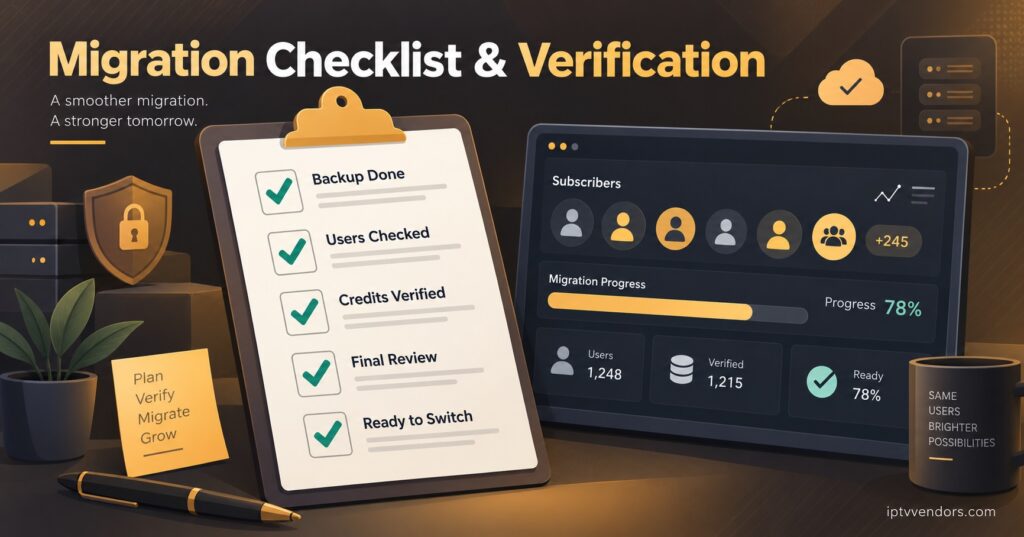
Reseller Migration Checklist
- Export full customer list with usernames, expiry dates, and device details
- Confirm current credit balance and discuss refund or drawdown options with the old provider
- Get the new provider’s bulk import process confirmed in writing
- Test the new panel with real subscriber devices before any live migration
- Migrate sub-reseller accounts and permissions separately from direct customers
- Notify subscribers and sub-resellers several days ahead of cutover
- Migrate in batches rather than all at once
- Keep the old panel active for at least two weeks after cutover
- Reconcile credit balances and monitor support tickets closely in week one