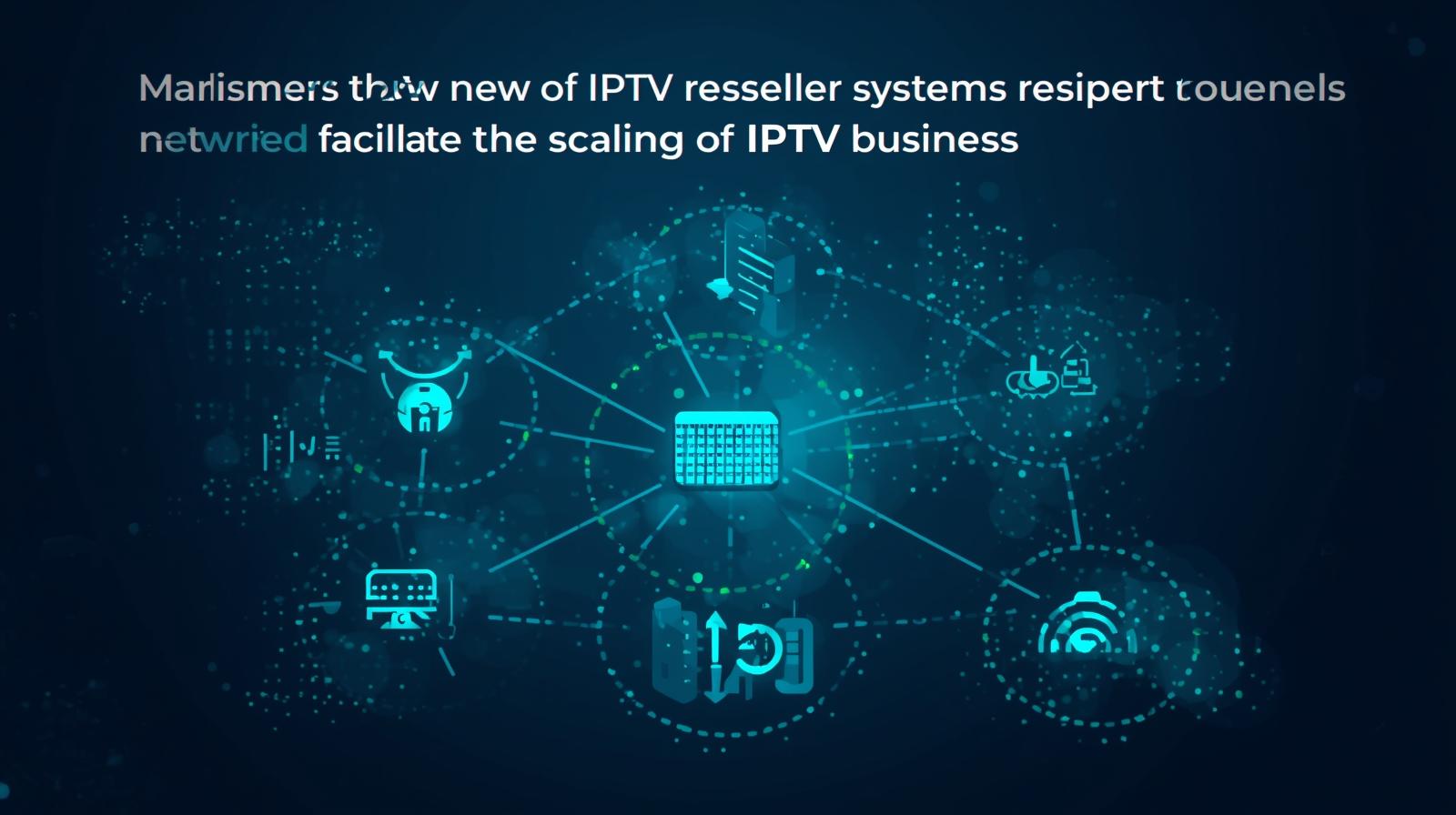

An IPTV reseller Panel system is not a single piece of software, it is a layered set of tools that connects your customer-facing operations to the streaming infrastructure running behind them. Most new operators understand the surface level well enough to get started, but they miss the operational logic underneath, and that gap costs them customers within the first three months.
What an IPTV Reseller System Means for Day-to-Day Operations
The system covers three things: user authentication, credit management, and account lifecycle tracking. These three functions work together inside your panel from the moment a customer is created to the moment their subscription expires or renews. Understanding how they interact is what separates operators who run their business confidently from those who are always reacting to problems.
Your panel is the interface for all of this. When you first log in, you see your credit balance, your active user count, and a list of accounts sorted by expiration date. That view tells you the health of your business at a glance.
How the Reseller Panel Actually Works in Practice
When a customer opens their streaming app, the app sends an authentication request to the management database. The system checks whether that user account is active, whether the subscription period is current, and whether the device making the request matches the one registered to the account. All of this happens in under a second.
On your side of the panel, you see none of this processing, only the result. An active account shows as online. An expired account shows as inactive. A suspended account blocks access immediately. The system handles the technical layer; your job is to keep the account data accurate and the credit balance funded.
What catches new operators by surprise is how quickly account states change during busy periods. I have seen a reseller with eighty customers wake up to twelve expired accounts on a Monday morning because renewals clustered over the weekend and the credit balance was not topped up in time. The system processed exactly what it was told to process. The failure was in planning, not software.
User Management and Device Control Inside the Panel
User management is the most frequently used section of any reseller panel. Creating an account takes under a minute, you enter a username, set a password, choose the subscription length, and confirm. The system deducts the credits and the account goes live immediately.
Device ID locking is the feature that new resellers consistently underuse. When you link a specific device identifier to a user account, the system restricts that account to that device only. This prevents customers from sharing login credentials with others, which directly protects your revenue. Every shared login is a subscription you are not selling.
If a customer contacts you saying their account is not working, the panel’s log section shows you exactly when they last authenticated successfully and which device they used. Most customer complaints resolve within two minutes once you know what the logs show. That is a genuinely useful support tool, not a marketing feature.
Credit Management and Renewal Tracking
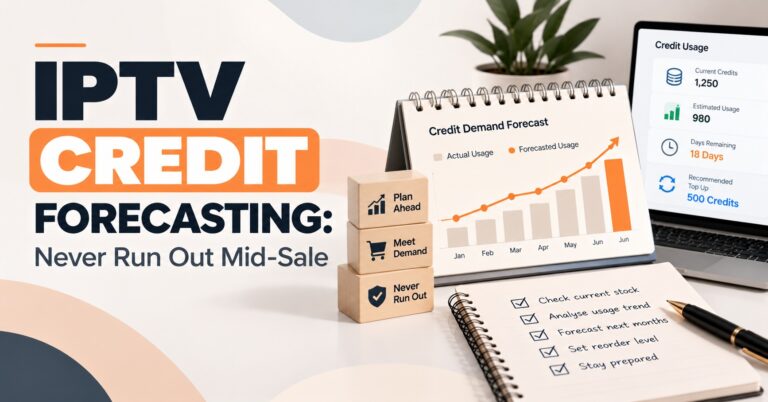
The credit system top-up guide explains the purchase tiers available on your plan, but the operational discipline around credits is something you develop through experience. The core rule is straightforward: never let your balance fall below your projected weekly renewal volume.
Your panel’s statistics section shows credit consumption over time. After your first four weeks, you will have enough data to identify your renewal peak days and your average weekly draw. Use that data to set a minimum balance threshold, and top up before you hit it, not after.
The comparison table below shows how credit consumption differs by package type and what that means for how you manage your balance.
Credit and Renewal Management Comparison Table
| Package length | Credits used | Renewal frequency | Planning requirement |
|---|---|---|---|
| 1 month | 1 | Monthly | Weekly balance checks |
| 3 months | 3 | Quarterly | Monthly buffer review |
| 6 months | 6 | Twice yearly | Larger single purchase needed |
| 12 months | 12 | Annual | High upfront, low ongoing |
Longer packages reduce your administrative workload but require larger single credit deductions. Balance your package mix against your cash flow, not just your preference for less renewal admin.
Common Mistakes to Avoid When Running the Panel
The first mistake is ignoring the expiration date column on the dashboard. This list shows you every account due to expire in the coming days. Resellers who check it daily never have unplanned service interruptions. Resellers who ignore it spend their evenings handling angry messages from customers who lost access unexpectedly.
The second mistake is weak panel security. Your reseller dashboard controls your credit balance, your customer list, and your entire business operation. A compromised login is not a minor inconvenience, it can clear your credit balance instantly. Use a unique password, enable two-factor authentication if your panel supports it, and never share access credentials with anyone, regardless of the reason they give.
The third mistake is trying to explain the technical system to customers. They do not need to understand how authentication works. They need to know their username, their password, and which app to use. Keep your onboarding instructions short. Handle the complexity on your side of the panel.
What to Look for When Choosing an IPTV Reseller System
Start with the dashboard layout. A well-designed panel shows your credit balance, active users, and upcoming renewals on a single screen without requiring navigation. If a demo or trial login forces you to click through multiple menus to find basic information, that friction will compound when you are managing hundreds of accounts.
Next, check whether the system supports sub-reseller creation. If you plan to build a network beneath you, this is a non-negotiable feature. Review the reseller panel plans comparison to see which tiers include sub-panel functionality and what the credit allocation controls look like at that level.
Then verify that the system provides detailed user logs, not just account status. Logs that show authentication timestamps and device identifiers are the tool that makes customer support fast and accurate. A panel without them leaves you guessing when something goes wrong. Also confirm how the device setup guide documentation covers the specific devices your customers use, smart TVs, Android boxes, and mobile devices are the minimum you need covered.
Finally, test support response time before you commit. Contact the provider with a pre-sales question and time the reply. The speed you see before you pay is usually faster than what you get after. A provider who takes twelve hours to respond to a prospect will not suddenly become responsive when you have a live customer issue.
Author Note: Written from direct experience running IPTV panel operations across UK and European markets.
Frequently Asked Questions
How long does it take to set up a new customer account in the panel?
Account creation takes between thirty seconds and two minutes depending on whether you are also linking a device ID. You enter the username, set the password, select the subscription length, and confirm. The system deducts the credits and activates the account immediately. There is no waiting period or manual approval step on the infrastructure side.
What should I do if a customer says their account stopped working mid-subscription?
Open the panel and check the account status first. If it shows as active, check the logs to see when the last successful authentication occurred and which device was used. Often the issue is a device change or an app that needs reinstalling rather than an account problem. If the account shows as expired and it should not be, check your credit transaction history for the activation date and the subscription length applied, a data entry error at creation is usually the cause.
Can I run the business part-time while keeping another job?
Yes, and many operators start this way. The panel handles authentication and account management automatically, so you are not required to be available around the clock for the system to function. Your active involvement is needed for account creation, renewals, credit top-ups, and customer support. With a well-organised renewal schedule and a credit buffer, most part-time operators can manage the panel in under an hour per day.
How do I know when to buy more credits?
Set a minimum balance threshold based on your weekly renewal volume and top up before you reach it. Your panel’s credit history shows your average weekly consumption after the first month of operation. A practical rule is to maintain a balance equal to at least two weeks of projected renewals at all times. This gives you enough runway to top up without urgency even if a purchase is delayed.
What is the difference between suspending and deleting a user account?
Suspending an account blocks the user’s access immediately but keeps all their data and settings in the panel. You can reinstate access at any time without creating a new account. Deleting an account removes it entirely from the system. Suspension is the right tool for non-payment or temporary issues. Deletion is appropriate when a customer has definitively ended their subscription and you want to keep your panel clean. Most operators suspend first and delete only after a defined period of inactivity.
IPTV Reseller customer support on WhatsApp
The most productive next step is to open your panel’s statistics section right now and look at your credit consumption over the past thirty days. If you do not have that data yet, set a reminder to review it at the end of your first full month, it will tell you more about how to run your business than any guide can.